RightCapital's Data Import feature expedites client onboarding and data entry by scanning your plan documents and automatically exporting the details to a financial plan. A number of sources are available for import, allowing advisors to leverage existing records to build full financial plans.
How to Use Data Importing

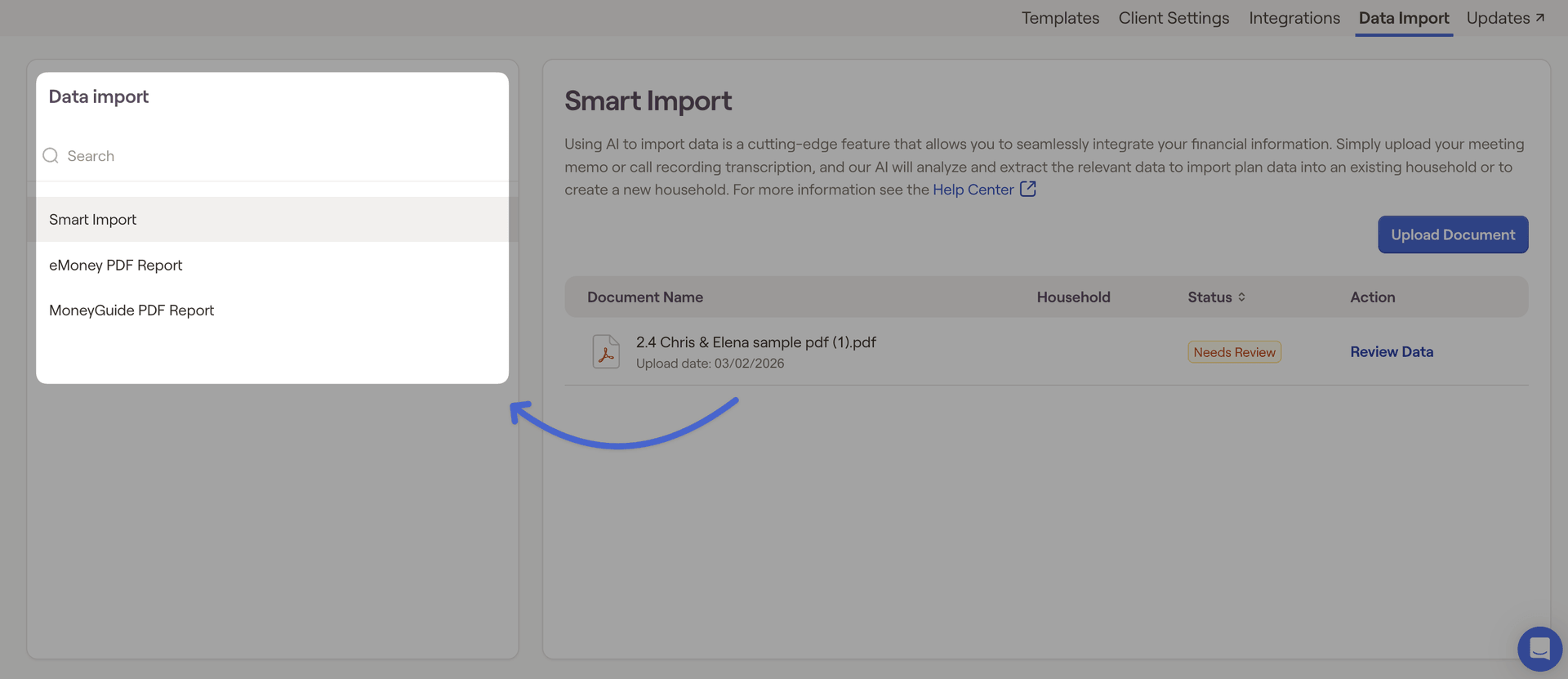
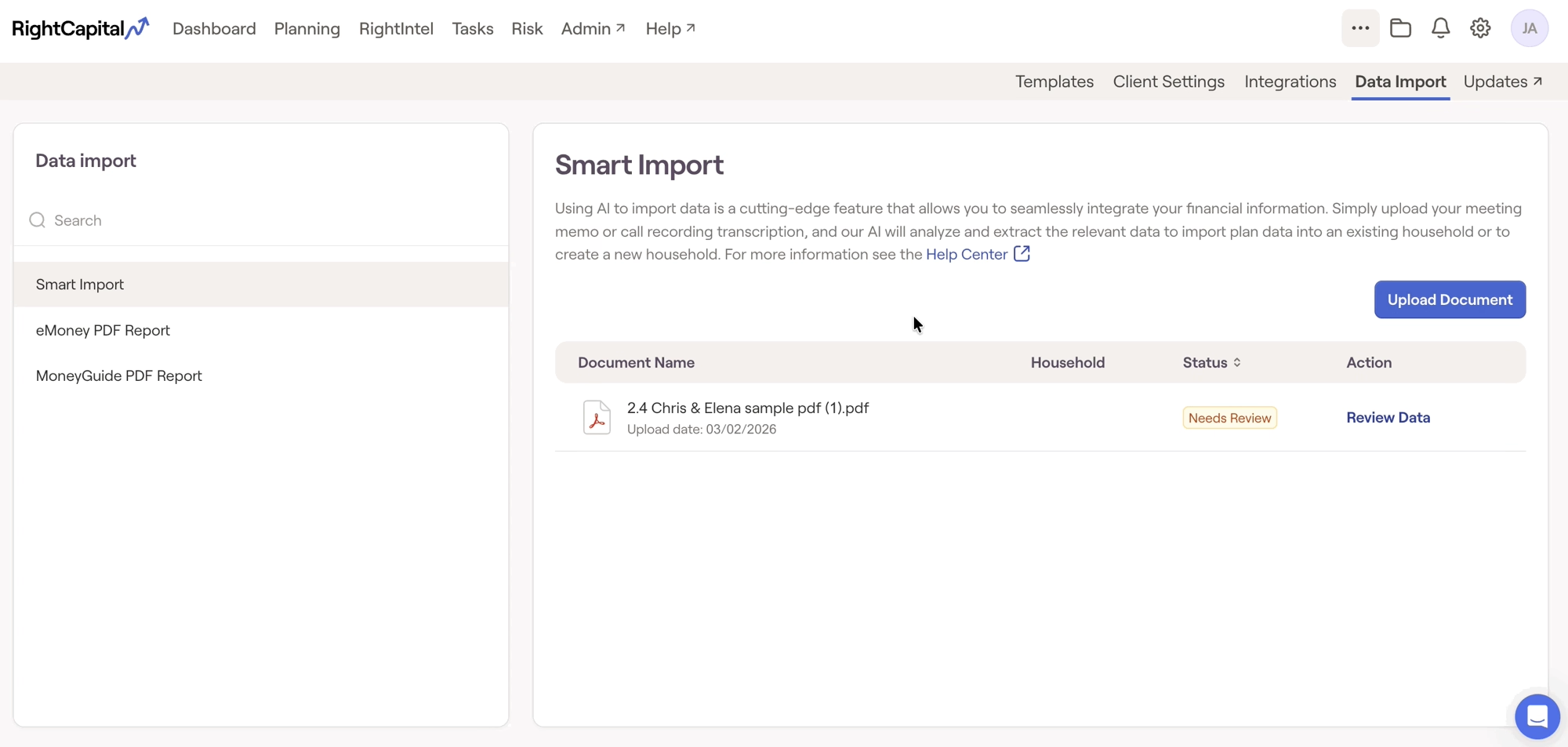
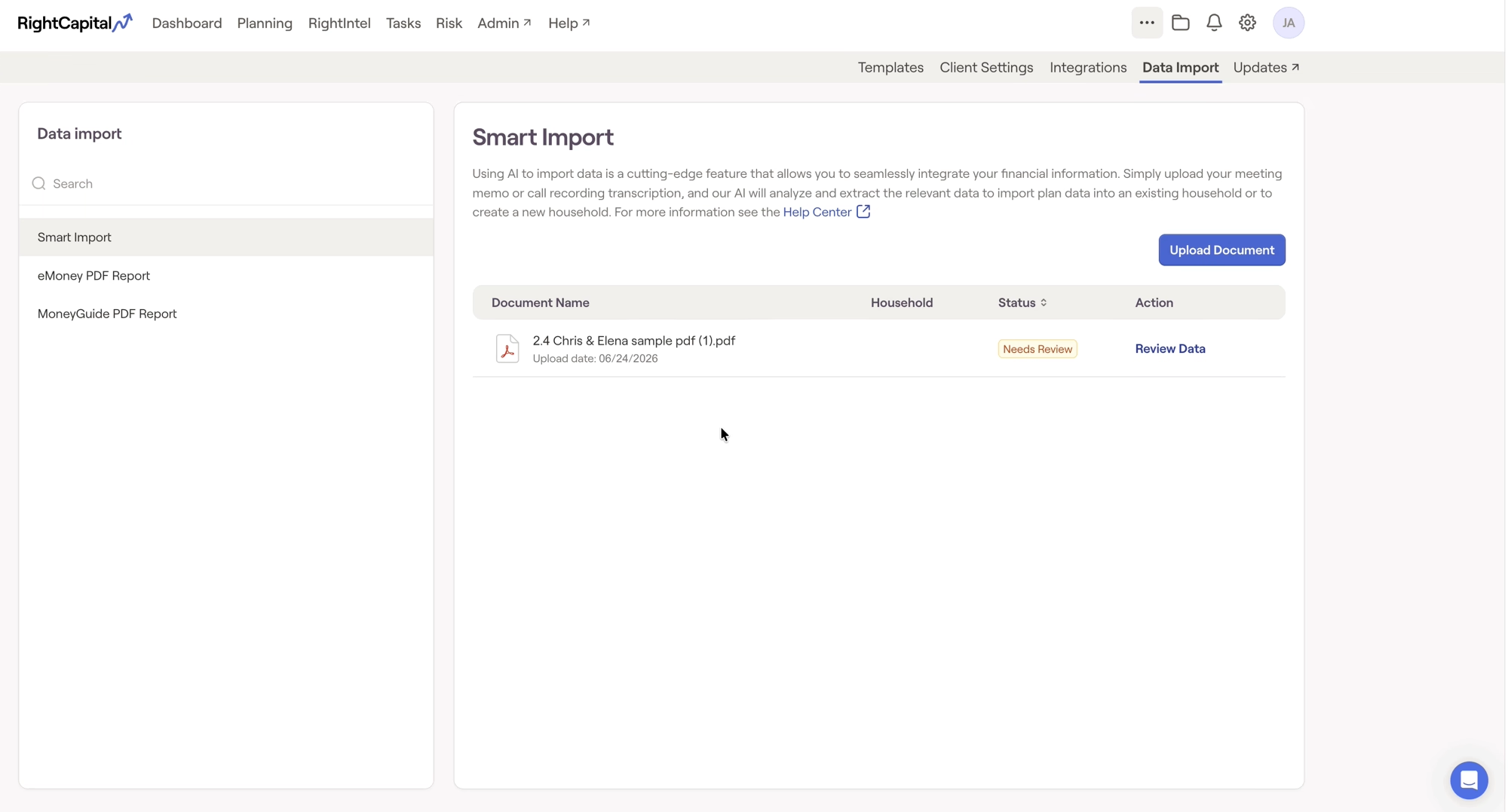
Each import option also has a corresponding help center article. These articles can be found at the end of the description, and will include additional details on how that integration can be used once it is set up.
Import Options
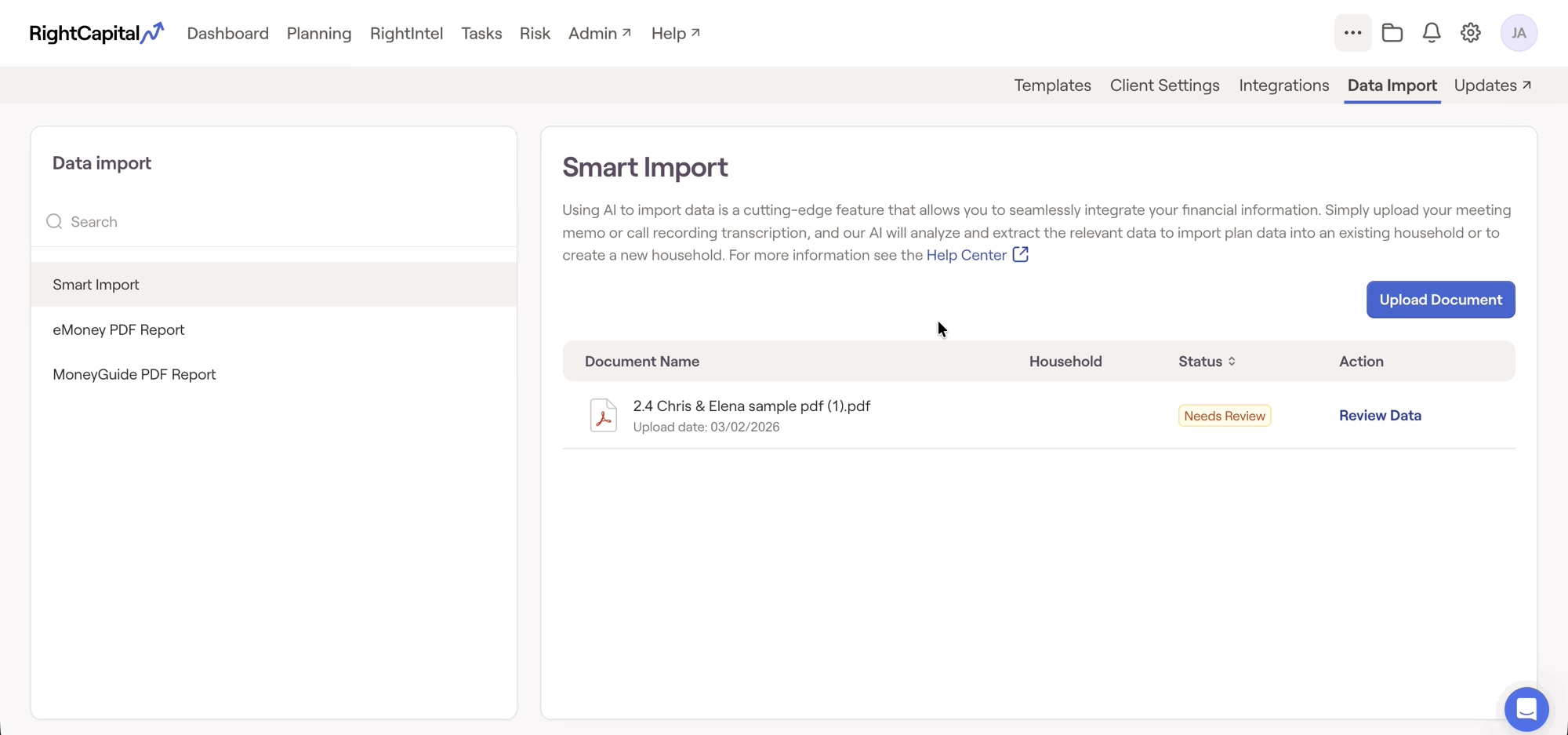
These are currently the Data Import options available in RightCapital:
Smart Import: Upload meeting notes and investment holdings to have them reviewed by an AI to import directly to a financial plan.
eMoney PDF Report: Upload an eMoney PDF report to the software to be analyzed and pull plan details into a new Financial Plan.
MoneyGuide PDF Report: Upload an eMoney PDF report to the software to be analyzed and pull plan details into a new Financial Plan.


