Overview
Expedite data entry and simplify client onboarding by uploading an eMoney PDF report directly into a new or existing RightCapital plan. This way, you can streamline the data entry and focus on creating value for your clients!
Getting Started
Uploading a Report
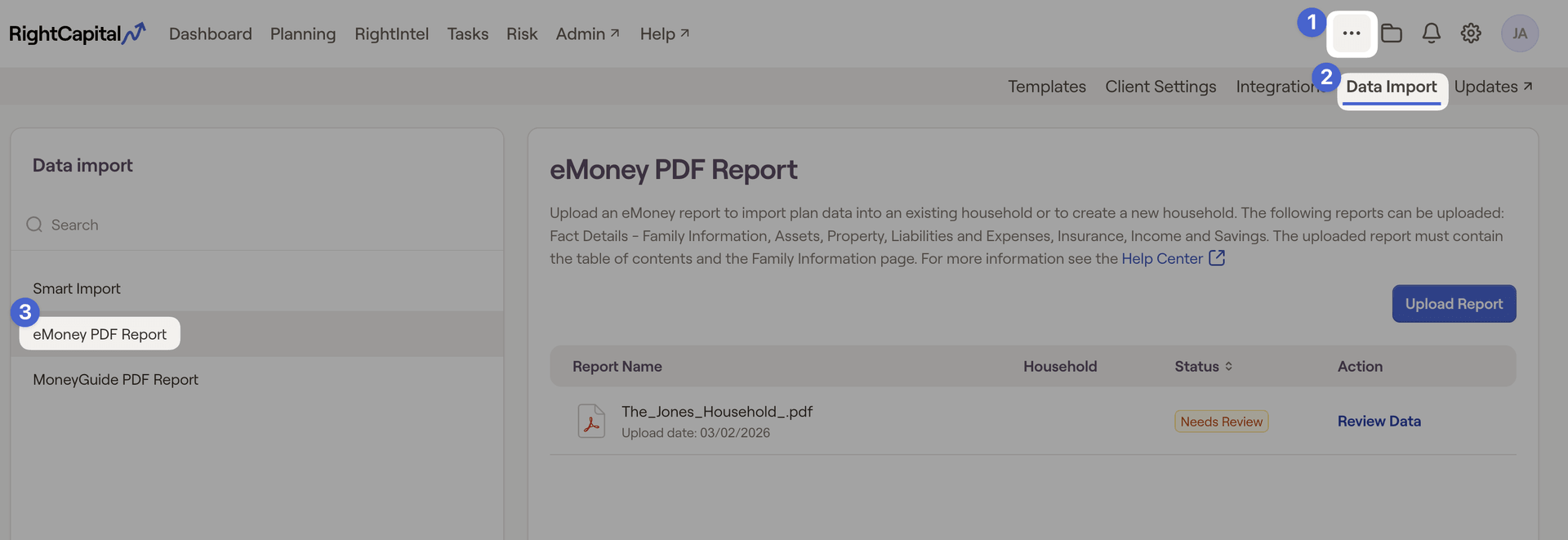
To upload a report, head to the Advisor Portal > "..." More Menu > Data Import > eMoney PDF Report:
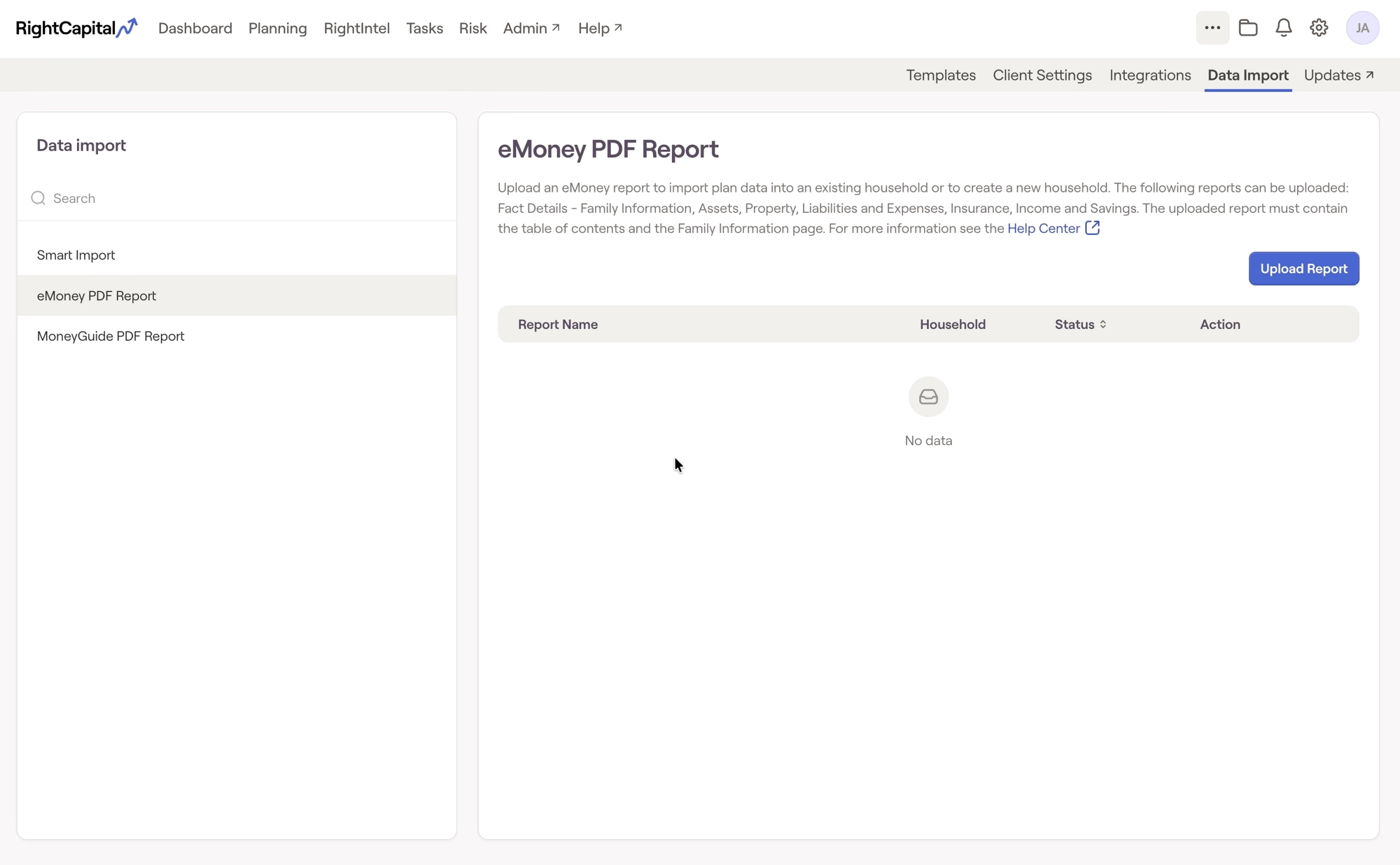
From here, you can select the blue "Upload Report" option in the top right of the screen. Once the file is uploaded, you will have the choice to either import it as a new household or into an existing household.
- New Household: Uploading to a new household will create a new plan that includes the personal information of the client (email, phone number etc).
- Existing Household: Uploading to an existing household will simply add the items to the plan. It will not overwrite any personal info or items already within the plan.
This will then initiate a scan of the file and begin parsing out plan details into the RightCapital plan format.
File Requirements
Each report must include the Table of Contents and Family Information Detail sections. If either of these sections are missing, the report will display as 'unrecognized'.
The eMoney report should have info from at least one of the following sections:
Income, Transfers, and Savings Details
Liabilities and Expenses Details
Property Details
Insurance Details
Assets Details
Assumptions Details.
Please be mindful of these additional requirements below when uploading reports:
- PDF Format Only. Other file types are not supported.
- Populated Reports Required. Only completed reports are accepted. Blank or unrelated files will be rejected.
- Only one report can be uploaded at a time. Please upload just one report at a time. If your report has multiple pages, make sure to combine them into a single PDF before uploading.
- Use High Quality Files. For best results, upload a digital PDF. If scanning, ensure the file is clear and legible (300 DPI or higher recommended).
Review Data
'Needs Review'
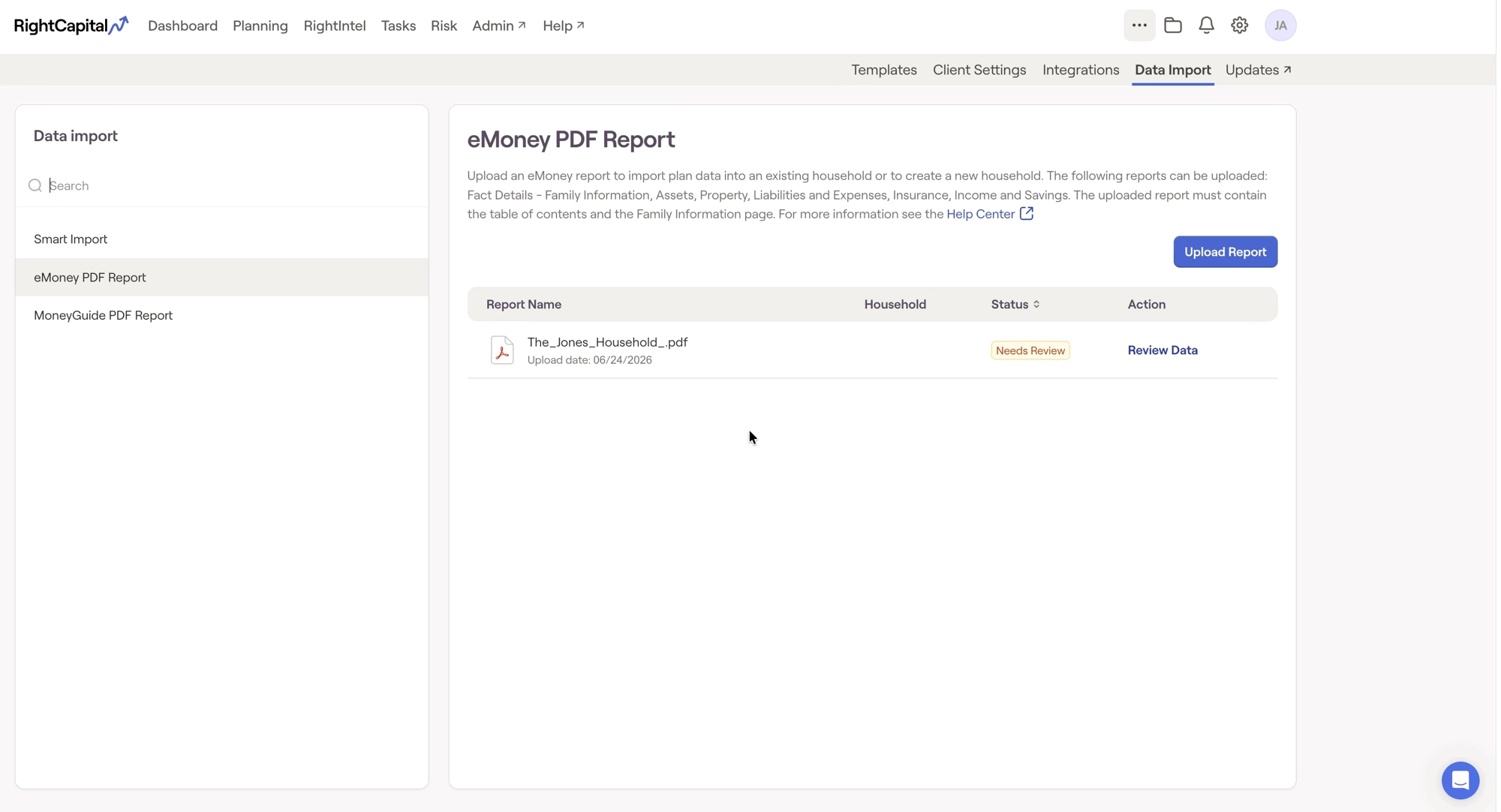
Once the upload is complete, the file will be labeled "Needs review". You can then review the data by clicking the "Review Data" option. Here, you can see how each card will look in the plan based on the info collected:
The data will be organized into the following categories:
Family
Financial Goals
Incomes
Savings
Expenses
Properties
Insurances
Other Assets
You can select exactly which items should transfer to the full plan, so anything you would rather leave out can simply be left unchecked. Once you've made your selection, you can click "import" in the bottom right corner of the screen. This will export the data into the new or existing client plan.
Launch Household
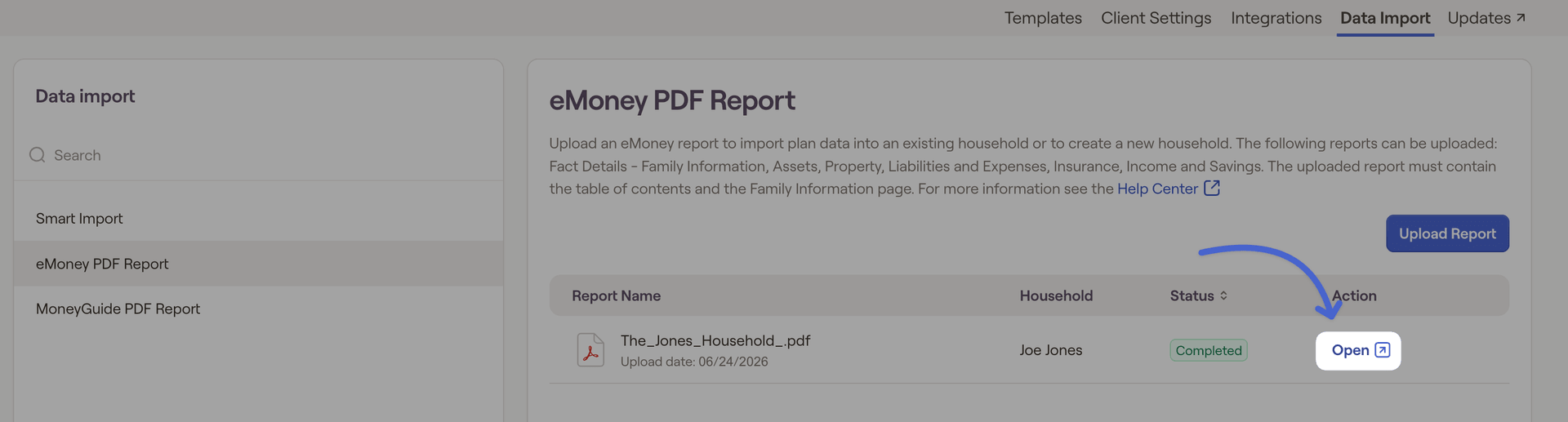
Once you've selected import, you can open the household and see the data that was transferred. You can also open the plan from the data import screen by selecting the 'Open' option here: