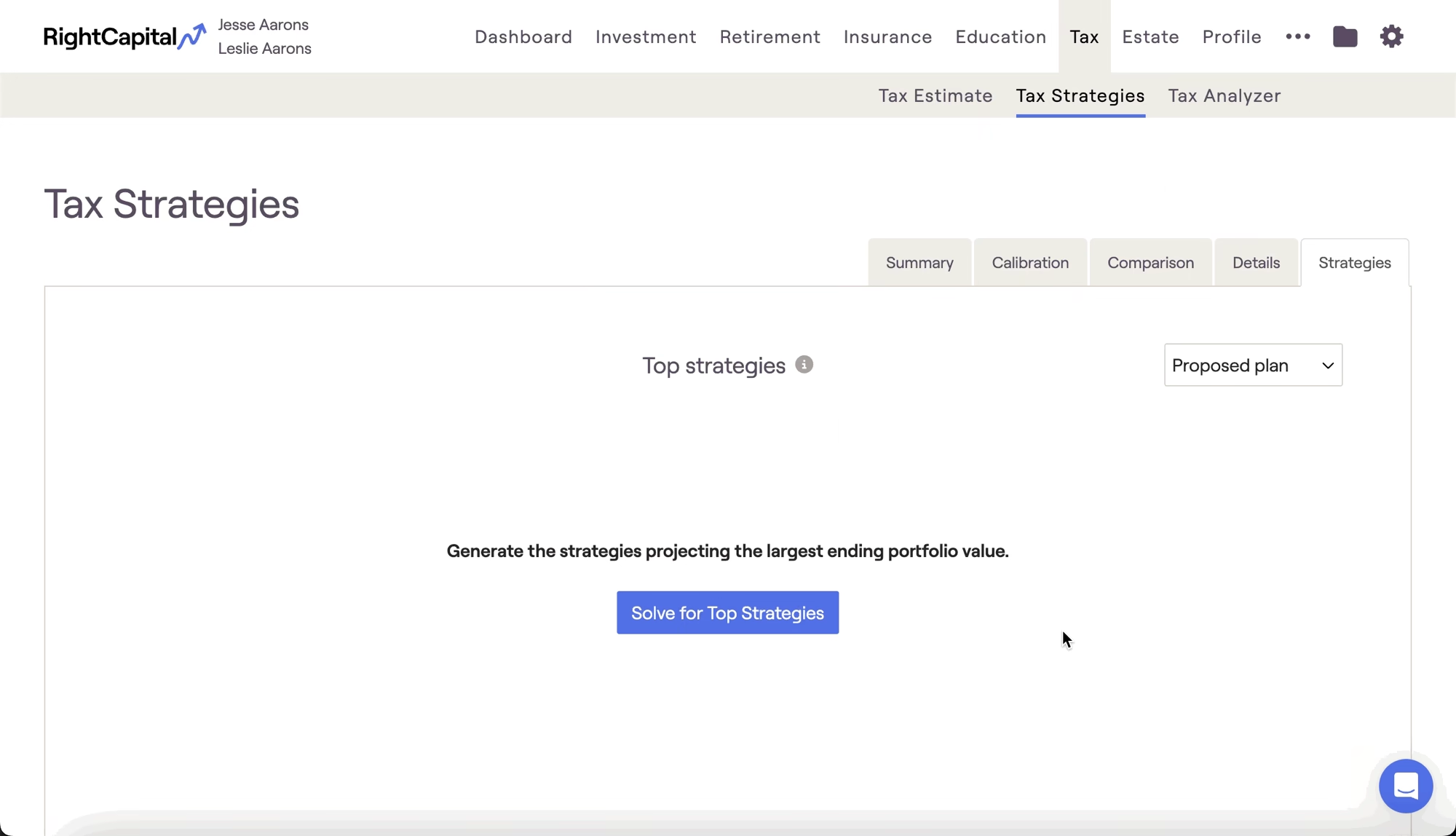
The Strategies tab is one of five sub-tabs available within the Tax Strategies module. This can be found within the Tax > Tax Strategies tab of each client plan:

It can sometimes be difficult to know where to begin when implementing tax strategies, especially for prospects and newer clients. In these instances, the Strategies tab can be leveraged to automatically calculate the top five tax strategy combinations to help maximize a client's ending portfolio value:
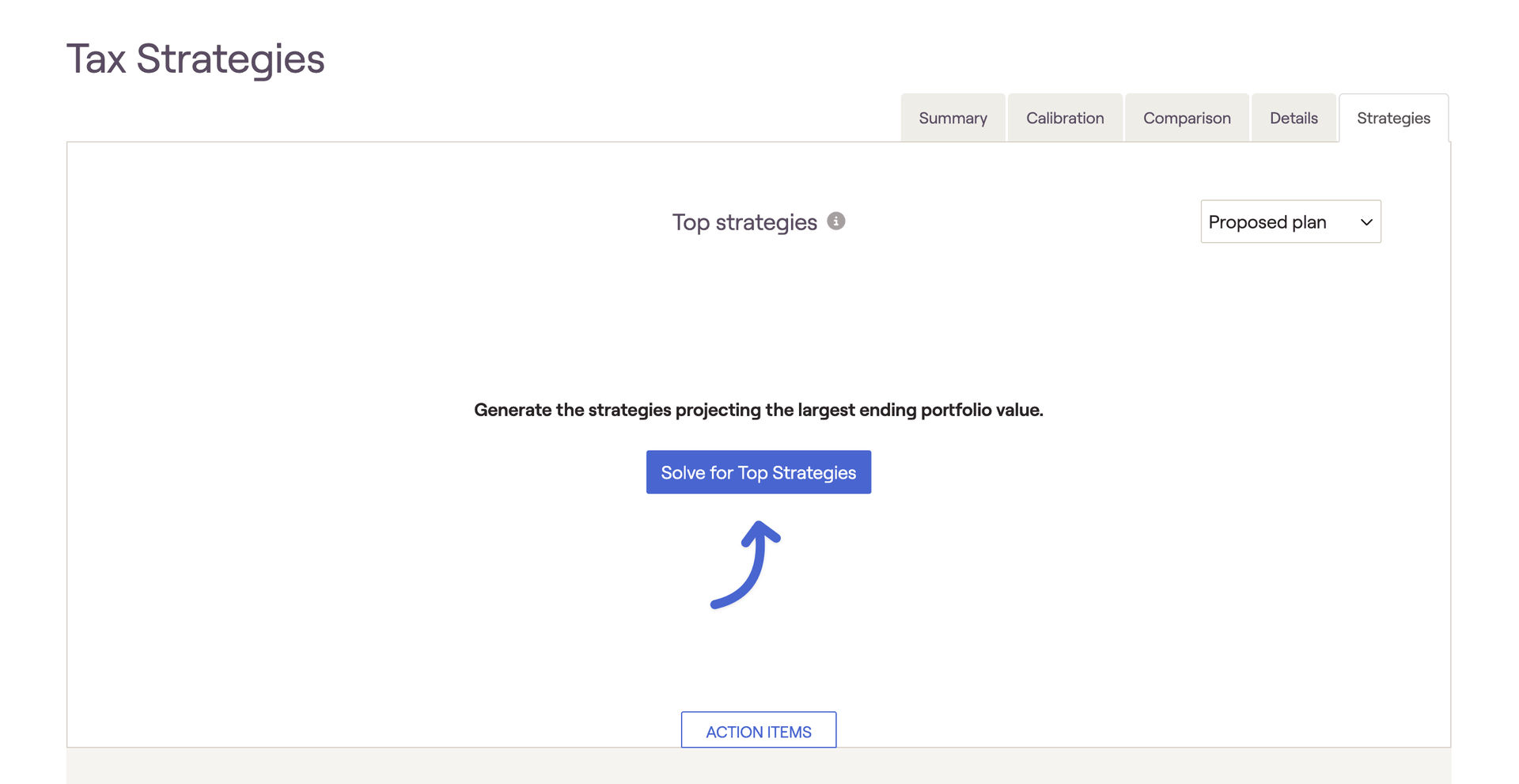
Solve for Top Strategies
Click the 'Solve for Top Strategies' button in the middle of the page to begin a comprehensive calculation, mixing and matching all possible tax strategy options to produce the five results with the highest tax adjusted ending wealth. After a few moments, these options will populate within a color-coded table on your screen, highlighting the ending asset values and corresponding selections for each tax strategy:
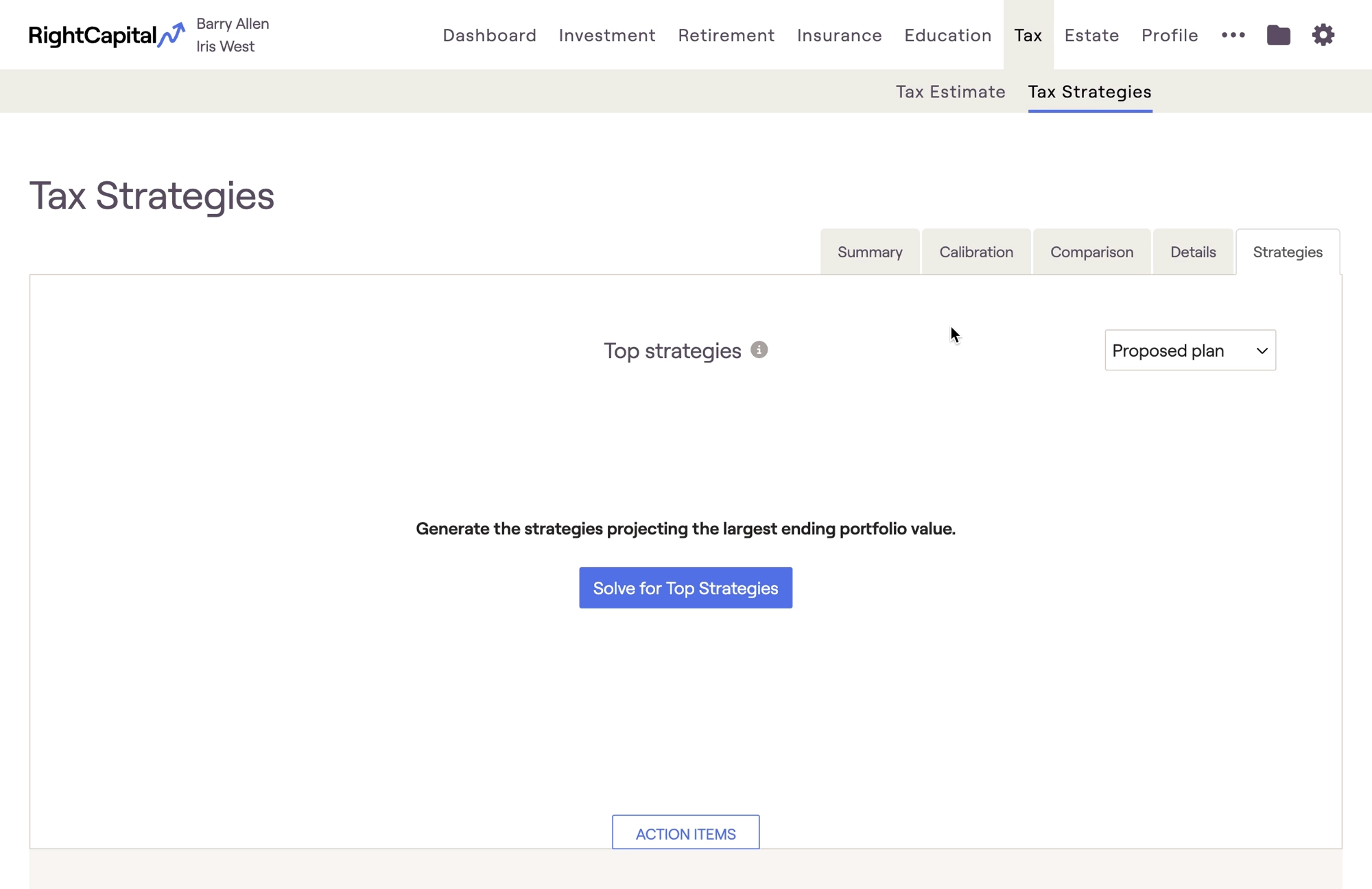
Plans with Single, Head of Household, or Married Filing Jointly selected at the tax filing status will calculate the top 5 strategies in 10-20 seconds! Please be aware that Married Separately and Non-Married Filing Single may take a minute or longer due to the increase in variables and tax strategy combinations.
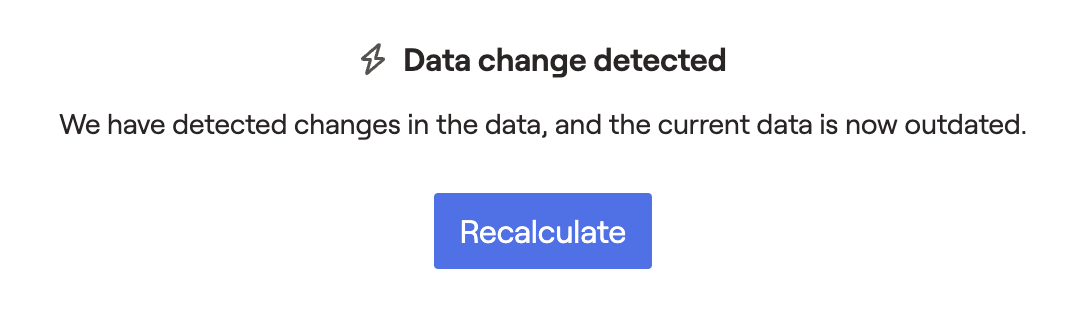
After the calculation has been run, the top five strategies will be saved in this area. If you make updates to the data entry within the plan, the calculation will need to be re-run to account for your changes. A new message will appear asking you to recalculate the results:
The 'Solve for Top Strategies' calculation will consider the start and end dates you've selected for Roth conversions, as well as your chosen estimated terminal tax rate. Making changes to either of these parameters in the Action Items will necessitate a recalculation.
Isolate Specific Tax Strategies
In situations where you may want to isolate only one or two tax strategies, rather than all three, you can click the Edit button in the lower right of the Action Items and fine-tune your strategy selection. Any items that are unchecked will be removed from the Action Items, and will be excluded from the Top Strategies calculation.
For example, maybe you want to run a dedicated Roth conversion analysis, without considering asset location or withdrawal sequence: