RightCapital offers you multiple ways of projecting cash assets and other taxable investment assets within a client's Retirement Analysis and Cash Flow projections. Which method you choose will depend on how much control you wish to have over cash balances, how they are accumulated, and how they are spent.
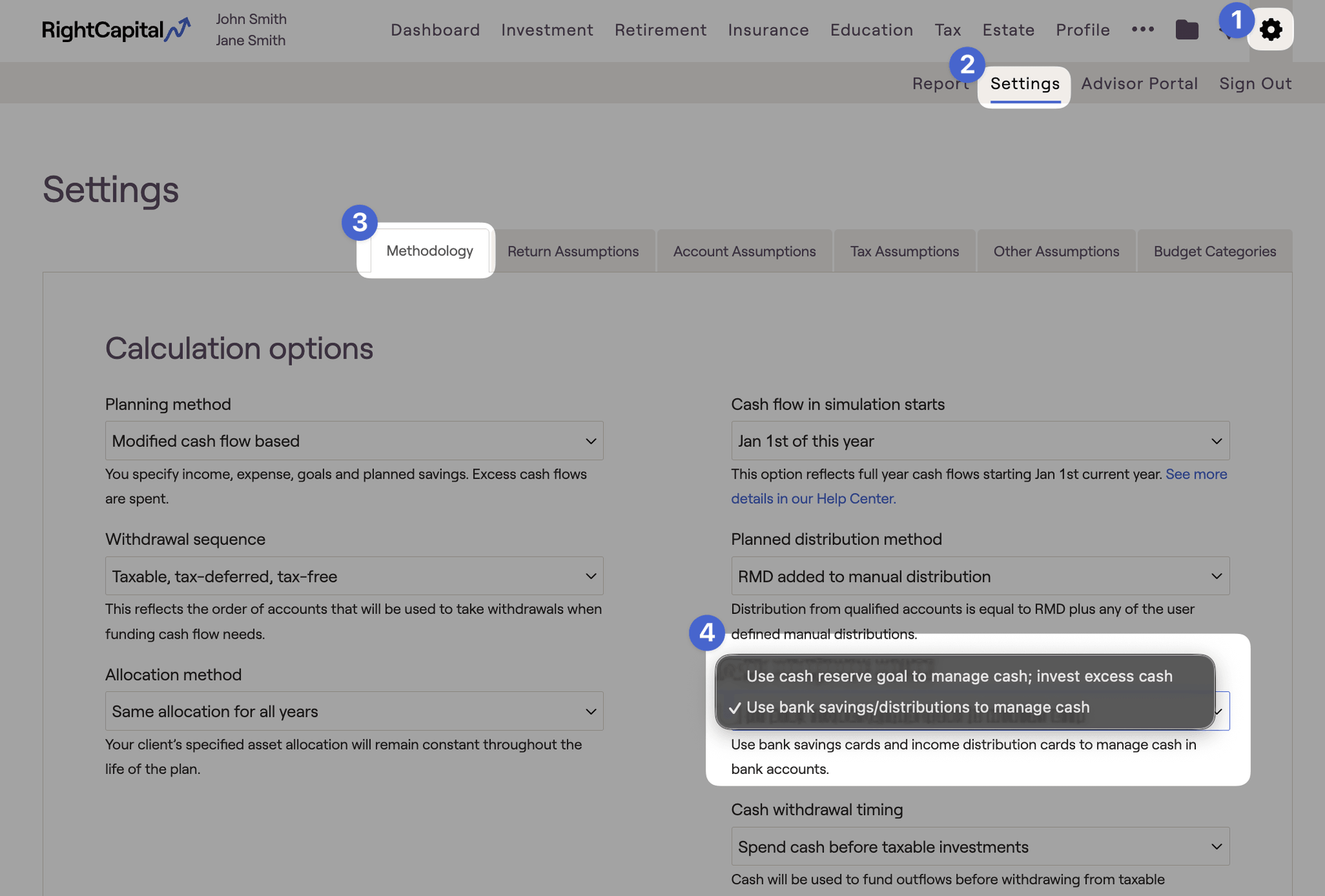
Use bank savings/distributions to manage cash
This is the default cash management method in RightCapital. Using this option will cause bank accounts within the plan to be used as the Cash Reserve portion of a client's taxable bucket.
This setting is a suitable option if a client's bank accounts are expected to remain consistent over time, or if you wish to illustrate the draw-down of cash to fund a near-term expense.
Any amount entered as a Bank account in the Profile > Net Worth will be treated as cash.
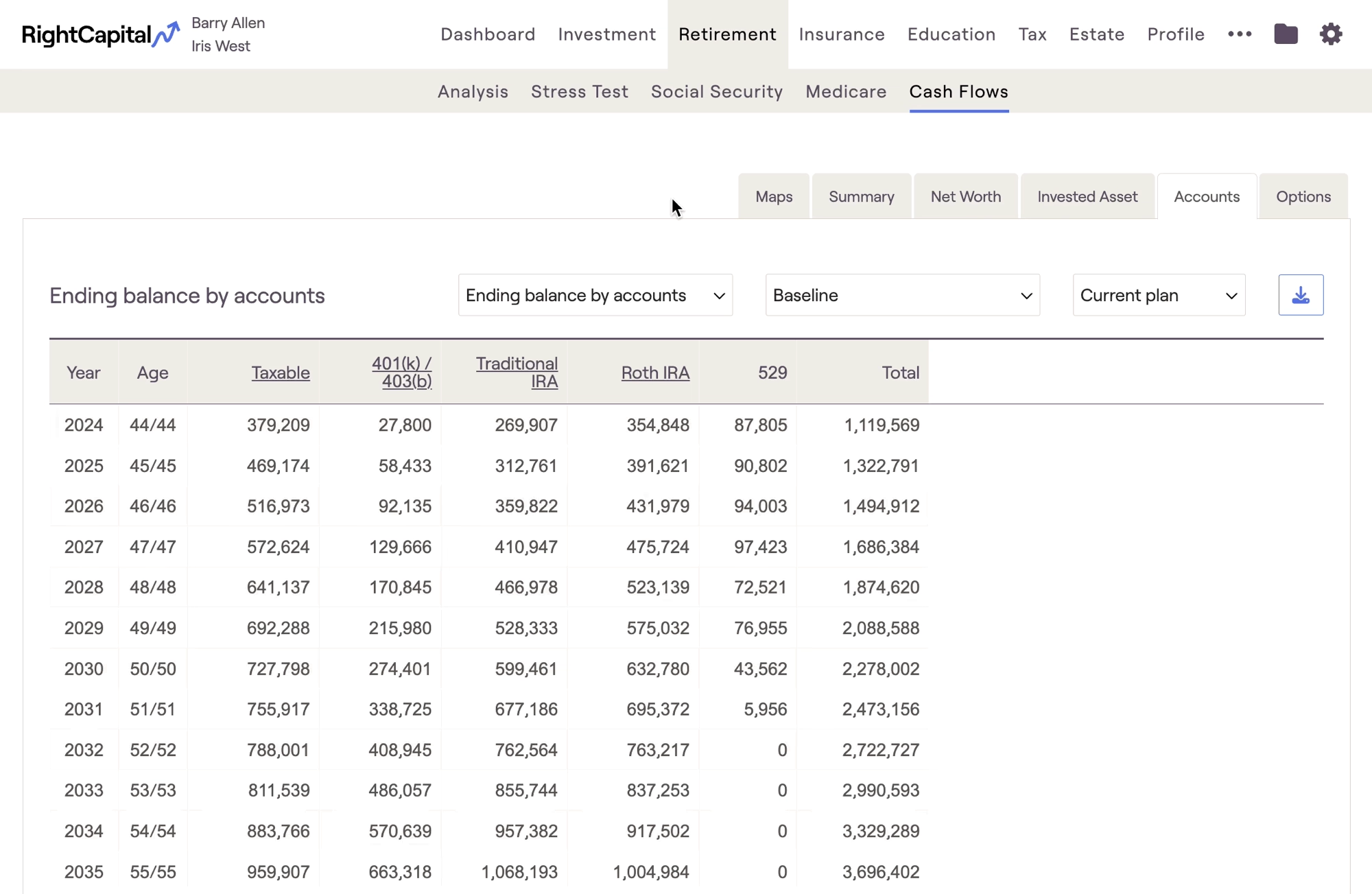
You can only increase the cash amount over time by adding Bank savings cards. This requires a 'Modified cash flow based' planning method.
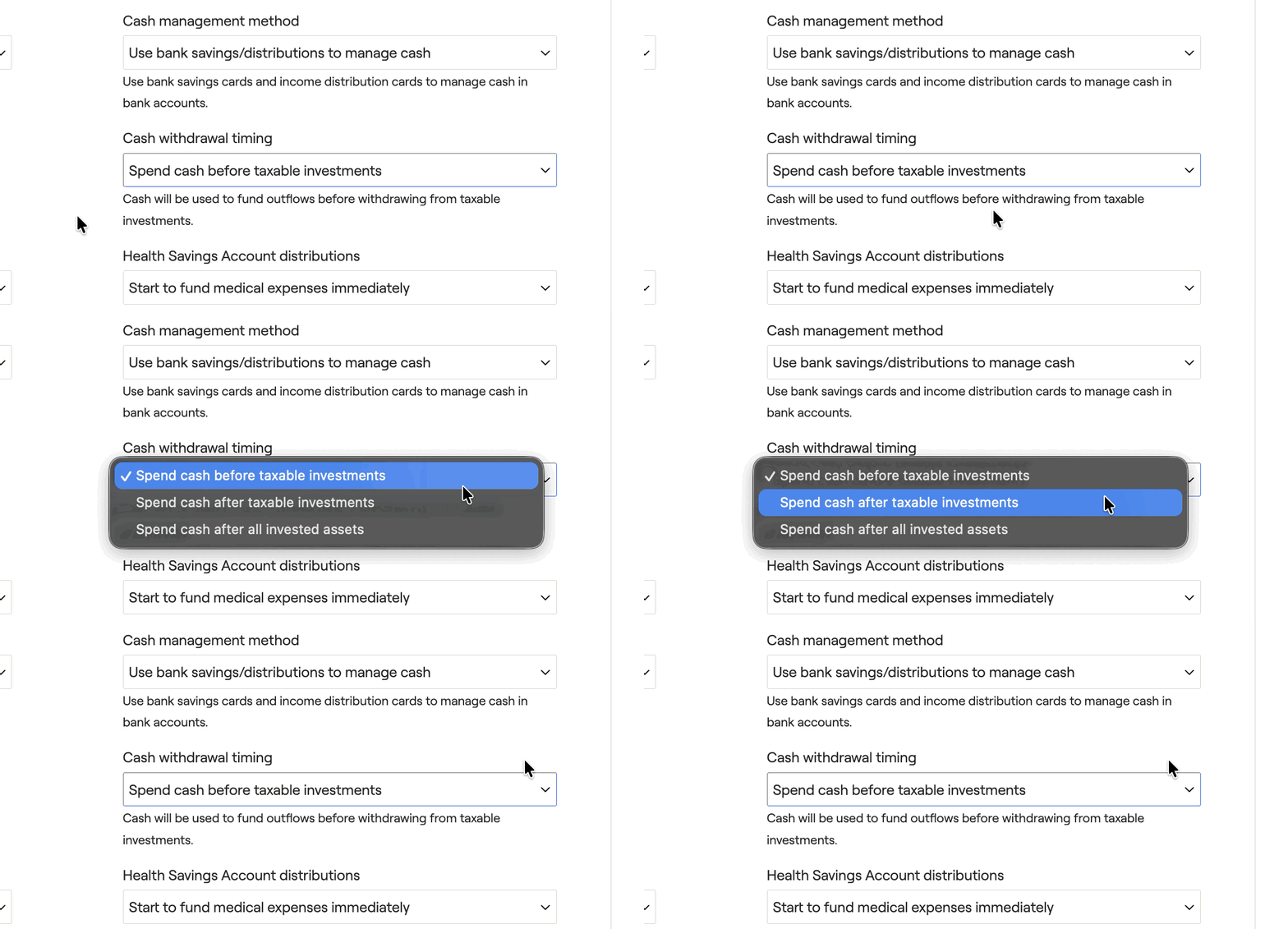
The 3 options available here are
- Spend cash before taxable investments: The default option. This will ensure cash is spent before any taxable investments within the plan. This is the option to use if cash should be used to fund expenses before other assets.
- Spend cash after taxable investments: This option will ensure cash is spent only after taxable investments have been exhausted. This option is typically preferred for clients who have most of their cash invested in a taxable investment account like a brokerage.
- Spend cash after all invested assets: This option will ensure that cash is only spent when every other source has been exhausted. This option is typically best for clients with very small cash balances.
If a client has a large cash balance in a bank account that they plan to use in the near future (for example, as the down payment for a home), option #1 would be a good setting to use as it will automatically spend down the cash first when that expense occurs within the projections.
Use cash reserve goal to manage cash; invest excess cash
This option will enable a Cash Reserve Goal card within the Profile > Goals section, which you can use to precisely specify the dollar amount kept in the client's cash reserve over time:
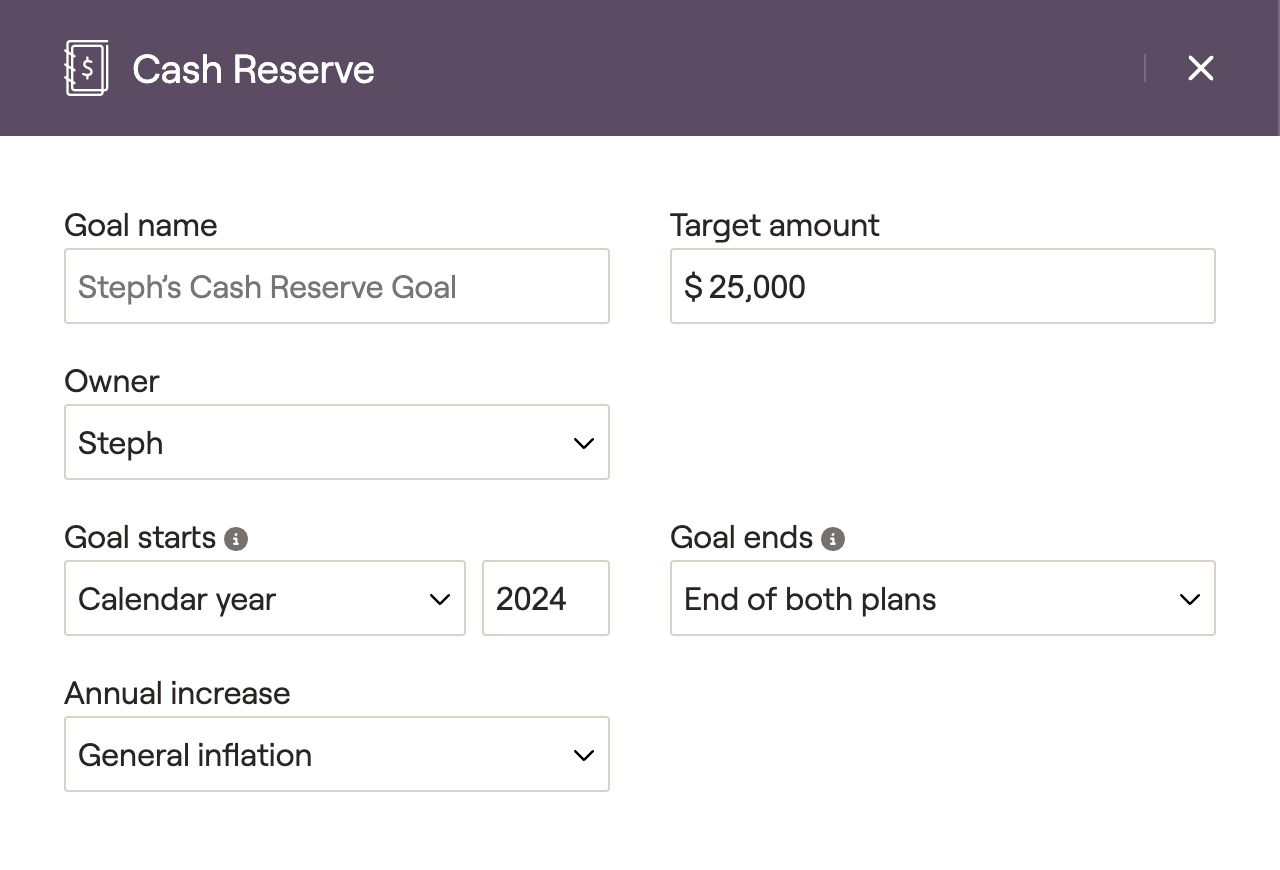
This setting is a suitable option if you wish to show clients the benefit of investing some or all of their existing cash balance, if you wish to illustrate the accumulation of cash over time, or if you wish to show different levels of cash at different points in time. When using this setting:
Only amounts specified in cash reserve goal cards will be held in the cash reserve. If the target amount entered is less than the client's current cash balance, the surplus will be moved to their taxable investments.
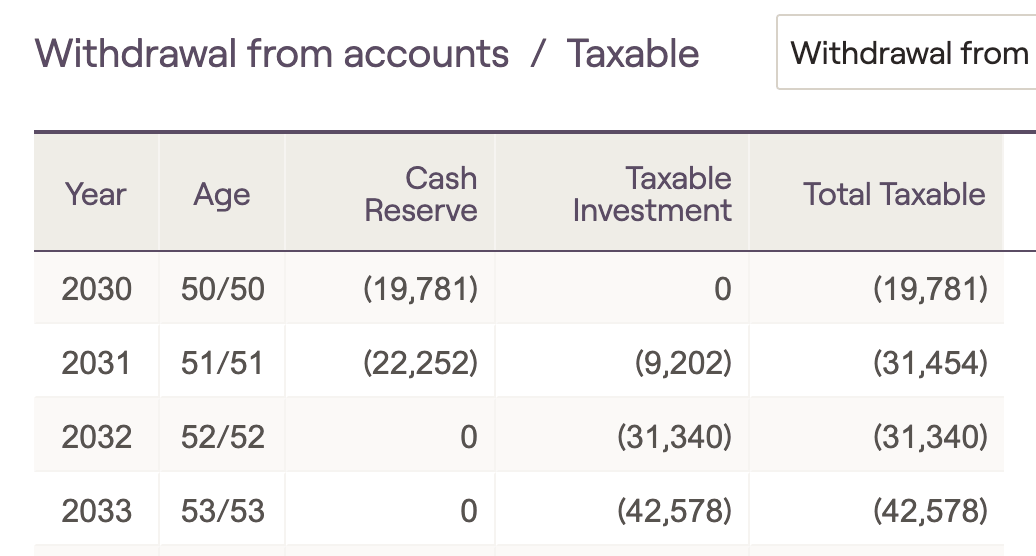
- When liquidating assets to fund negative cash flows, taxable investment assets will be spent before the cash reserve.
In the absence of a cash reserve goal, the projections will automatically invest all bank assets. Be mindful not to forget to add a cash reserve goal when using this option.
For more detailed information on the Cash Reserve Goal card and its impact on the client plan, please feel free to reference the article linked below:
Pro Tips & Additional Info
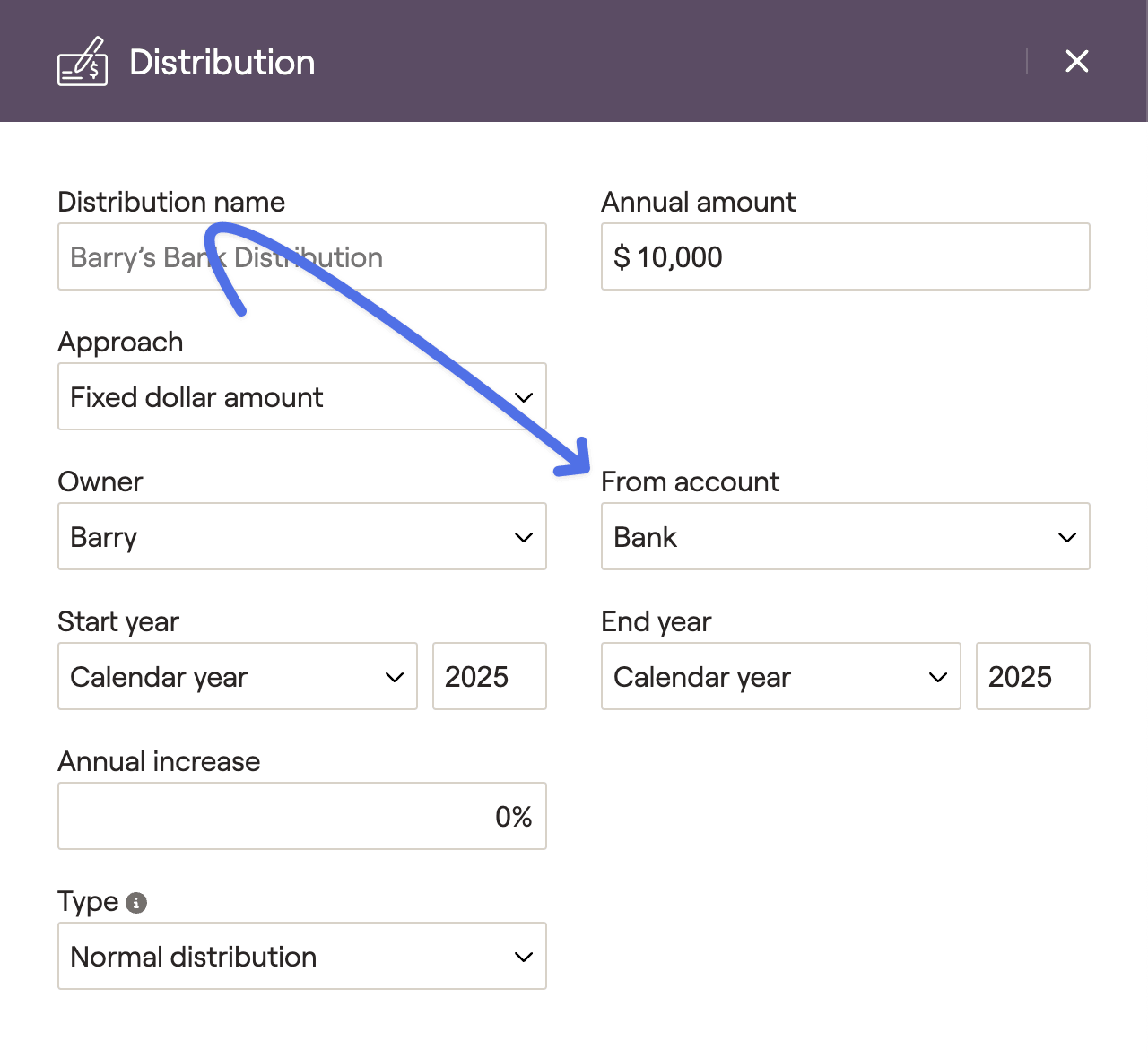
When utilizing the 'bank savings/distributions' option, you will have the ability to manually distribute assets from a client's bank accounts to use as income within the plan. This can be done using an Income Distribution card, which is entered in the Profile > Income tab. Within this card, you will see a 'Bank' option at the bottom of the 'From account' dropdown:
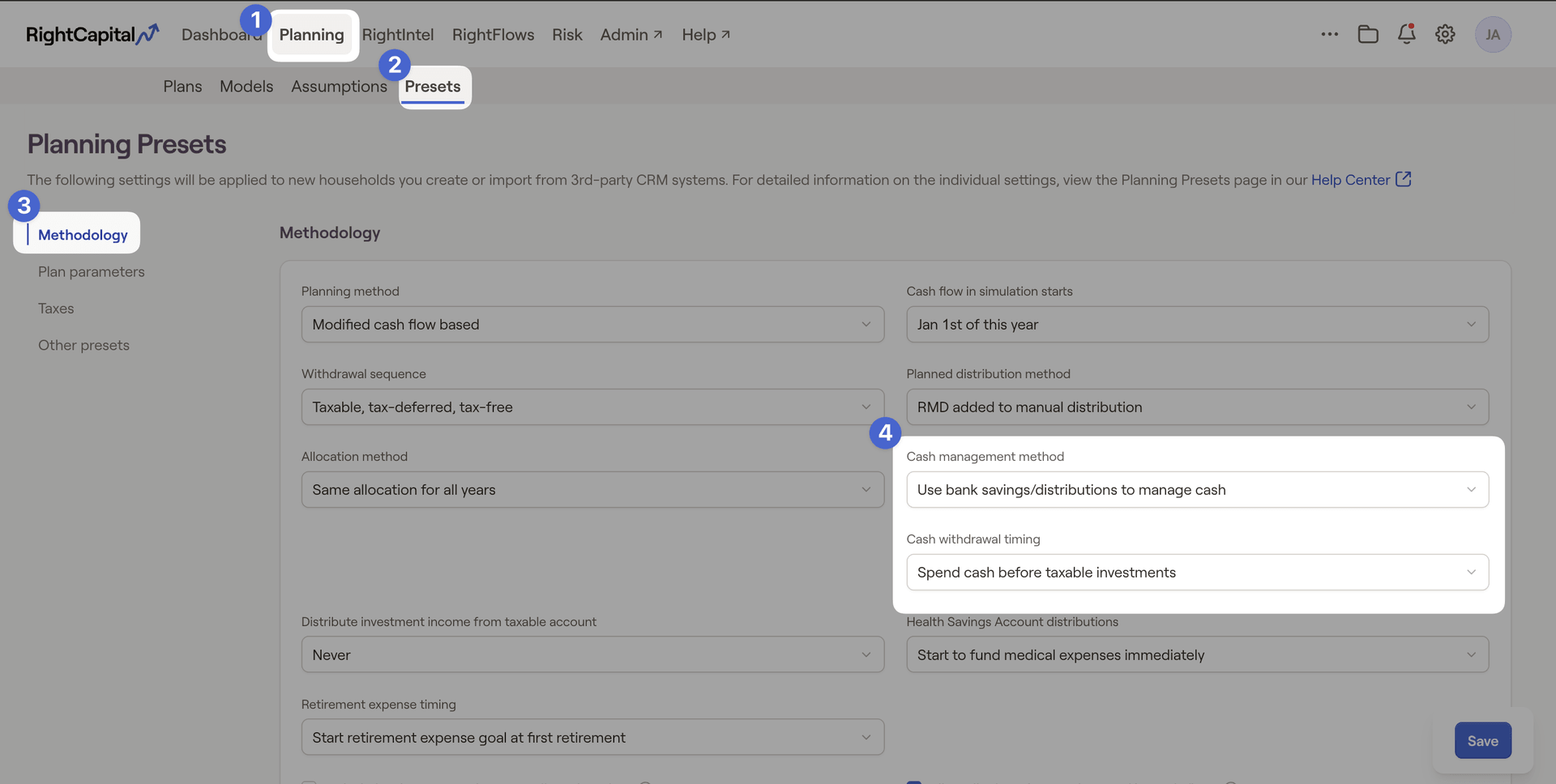
To learn more about Client Presets, please feel free to reference the resource linked below:


