
The Tax Analyzer is available on both the Premium and Platinum subscription tiers. If you are interested in upgrading your account, please reach out to sales@rightcapital.com.
Using this page, you can quickly identify a client's eligibility for each item, and compare eligibility between the original and alternative scenarios:
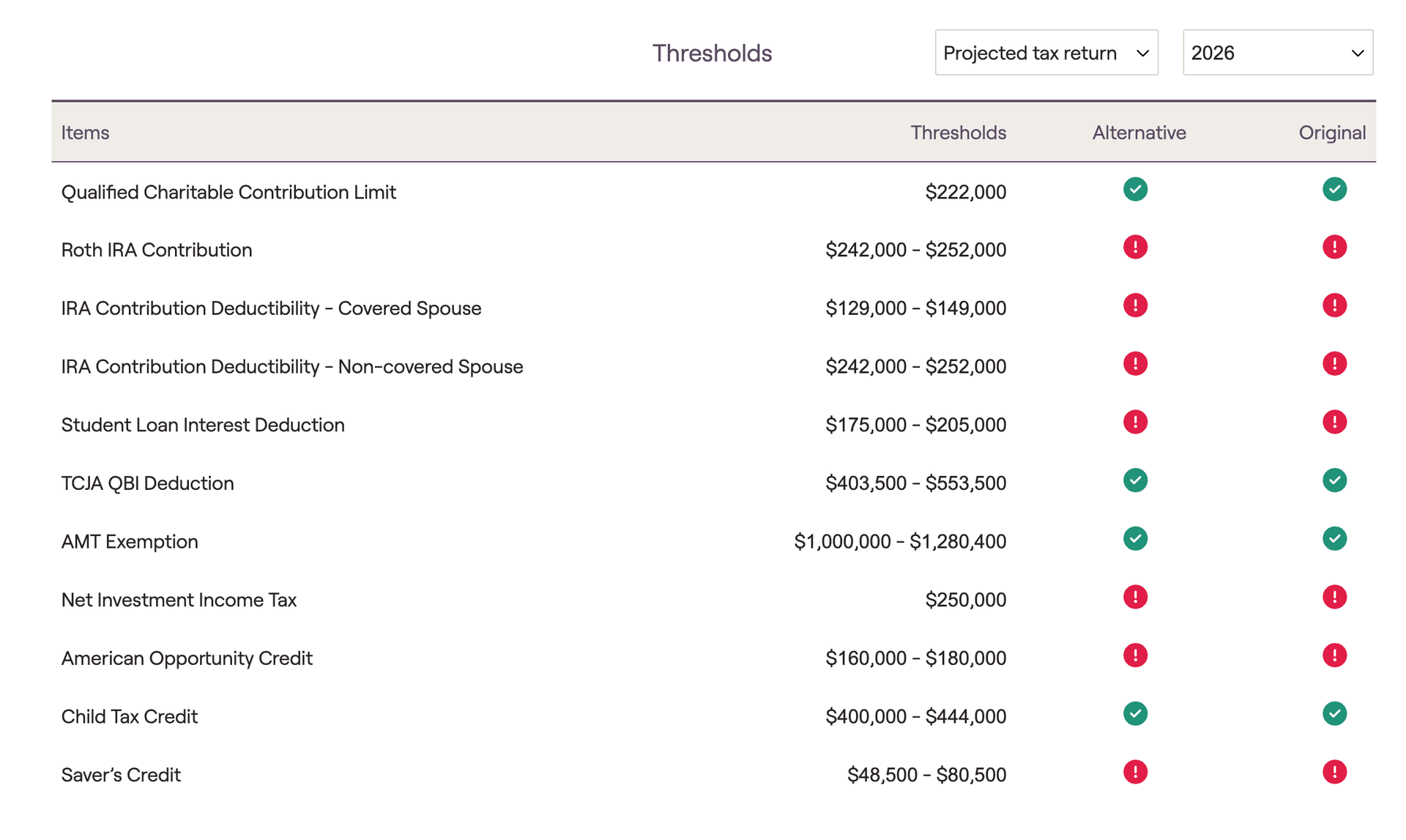
The original scenario can either be an uploaded tax return (for a historical comparison), or a projected tax return (for a future-looking comparison). You can choose between the two using the first dropdown menu in the upper right.
Eligibility can be visualized using the color-coded dots in the "Original" and "Alternative" columns on the right side of the page:
- A green dot indicates that a client is below the listed threshold in that scenario, and would be eligible for that item.
- A yellow dot indicates that a client is within a phase-out range in that scenario, and would be partially eligible for that item.
- A red dot indicates that a client is above the listed threshold in that scenario, and would not be eligible for that item.
You can hover your mouse over the color-coded dots to view specific values for each scenario. The numbers displayed may be taxable income or one of several MAGI values, depending on the formula used to calculate eligibility for specific items. Comparing a client's original scenario to an alternative scenario can be a valuable way to show clients how certain hypotheticals may impact their eligibility for certain contributions, deductions and tax credits.
Using the Action Items, you can easily demonstrate to clients how taking a higher-paying job might impact their ability to contribute to a Roth IRA:
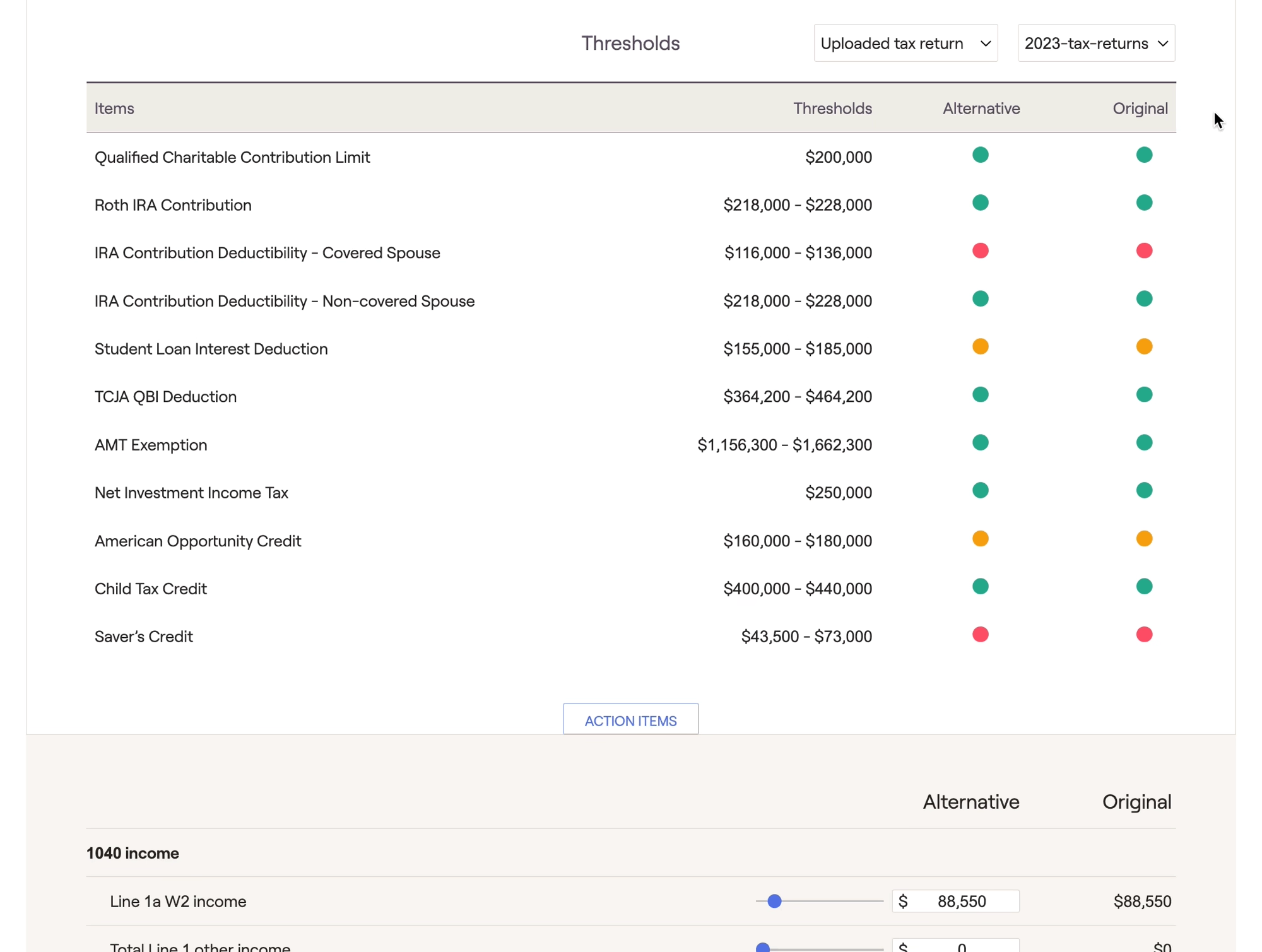
If future years are selected, thresholds will be displayed in future dollars (using your tax inflation rate).
Please visit the link below for additional information on what differentiates the original and alternative scenarios, how to upload tax returns, and more:


