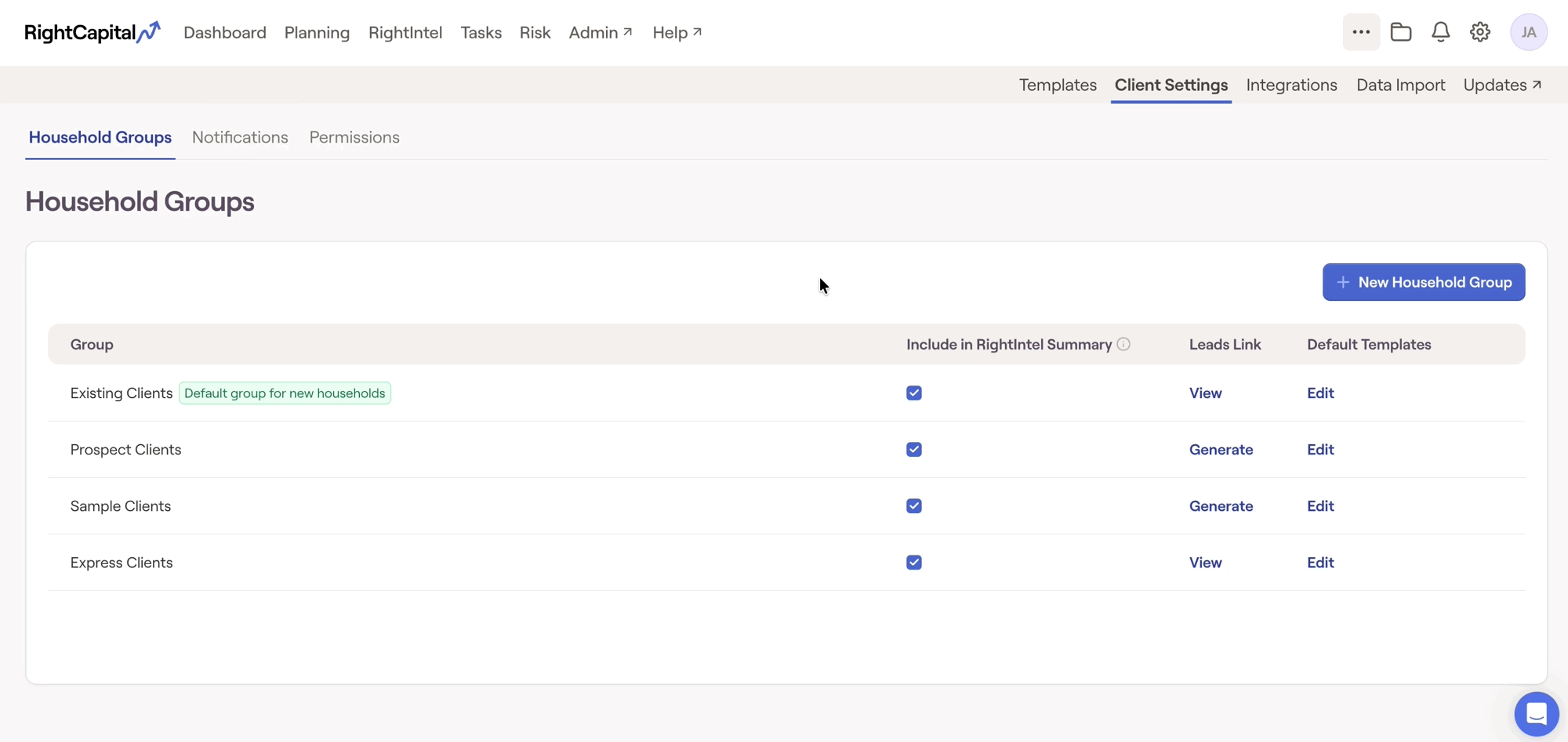
Templates allow you to save a particular Express plan layout for quick and easy use in the future. Utilizing Express templates is a great way to create efficiency and consistency in your financial plans.
Creating a RightExpress Template
To add a RightExpress Template, navigate to the Advisor Portal > Templates > Express tab. Your Templates tab may be located in the Advisor Portal > °°° More Menu, depending on your specific account setup.

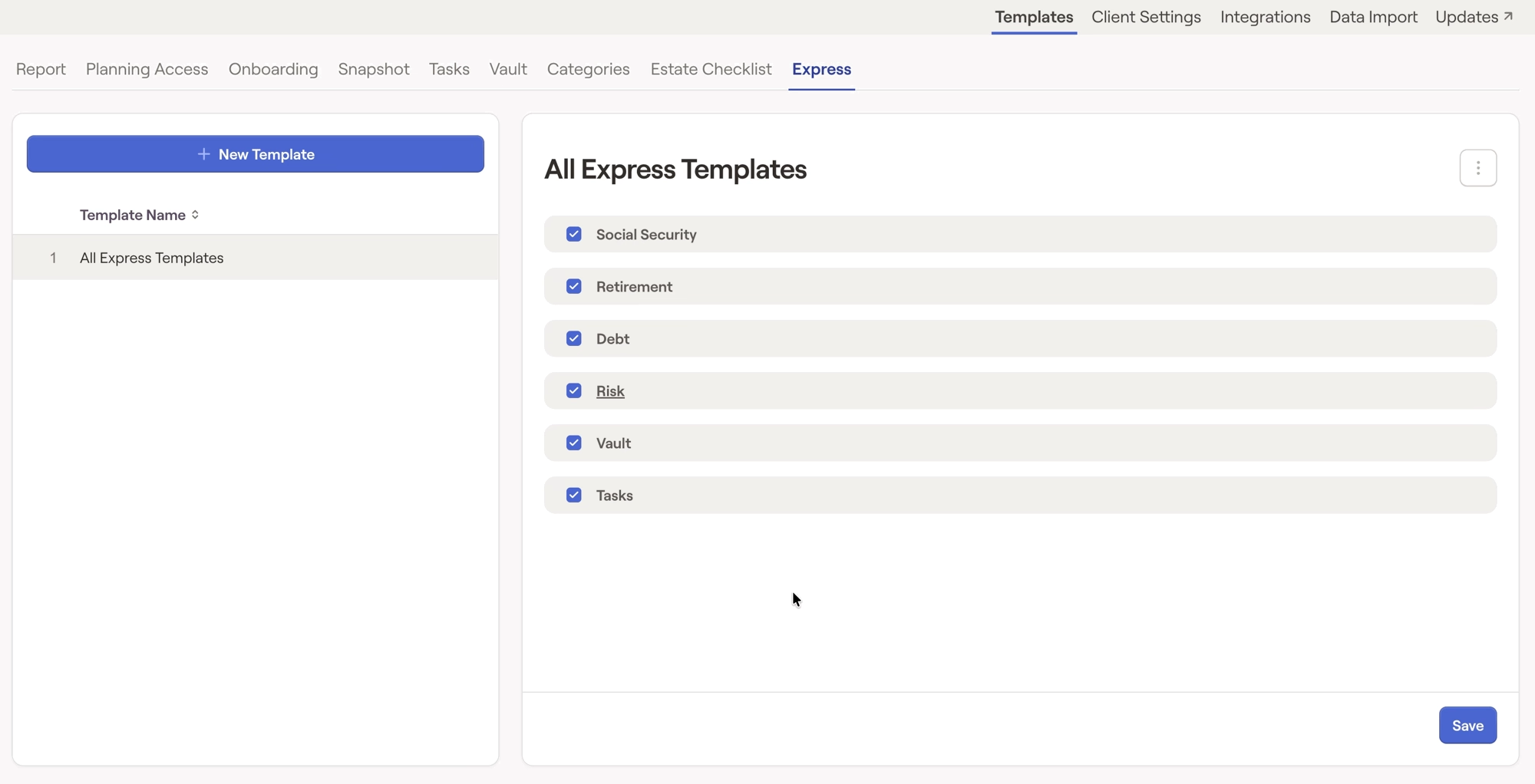
Modify a RightExpress Template
After being saved, RightExpress templates can be modified within the Advisor Portal > Templates > Express tab. In this area, you will find a dropdown menu in the upper left to select specific templates and make any necessary modifications:
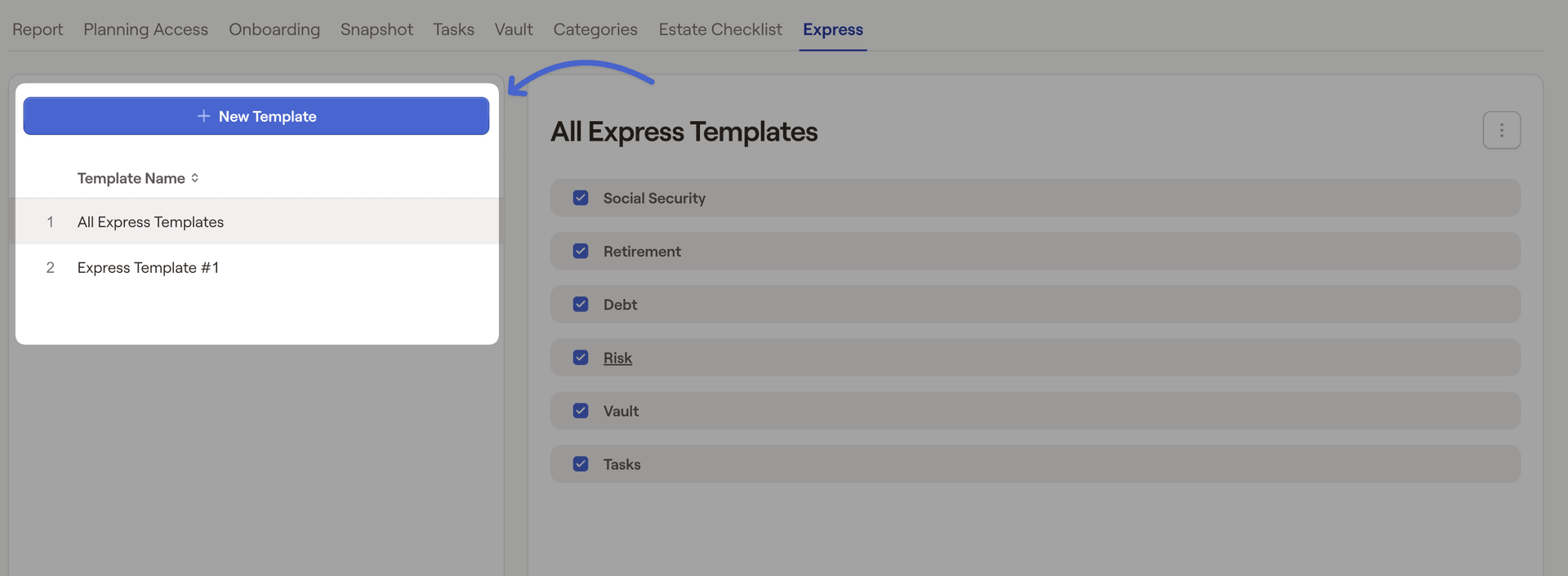
Templates can be renamed, copied, and deleted by clicking the '...' icon to the right of the template name. Be sure to click Save after making any changes.
Apply a RightExpress Template
To apply a RightExpress template, head to the Advisor Portal > Client Settings > Household Groups > Edit.