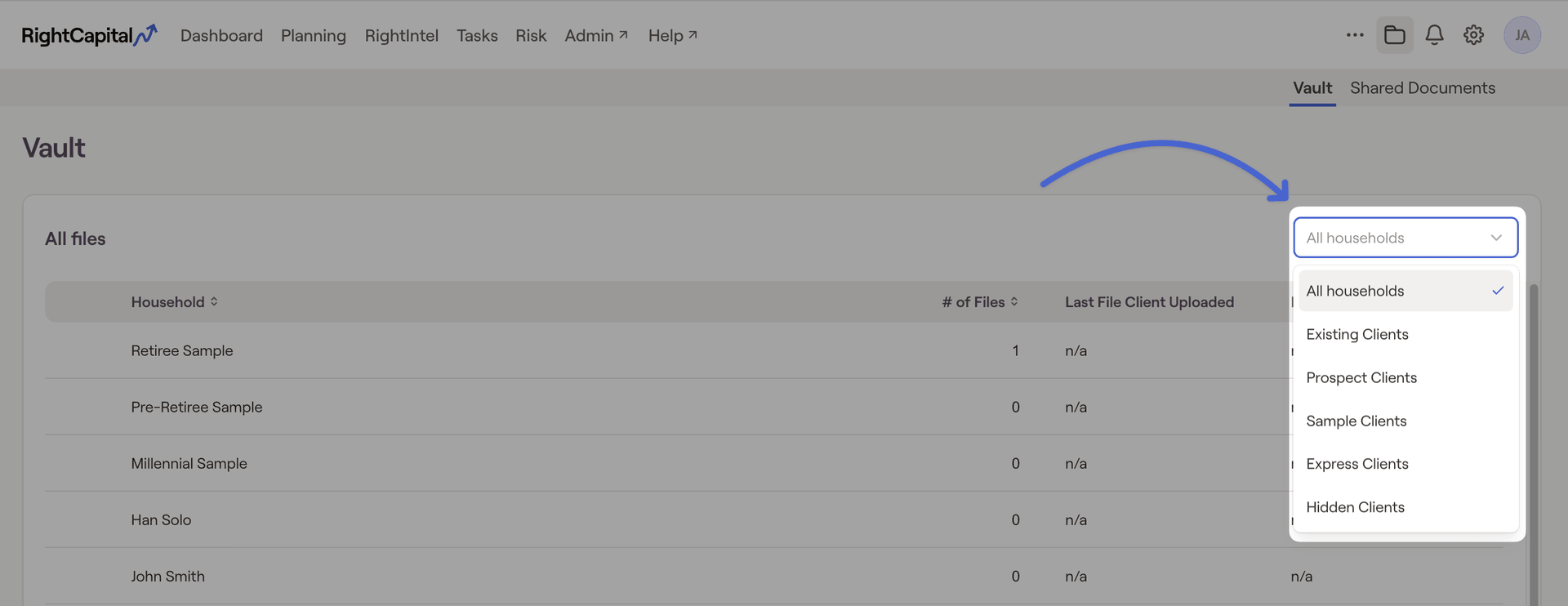
Household groups can be utilized in a number of places within RightCapital to streamline your day-to-day planning processes. Groups can be created and customized in the Client Settings > Household Groups tab of your Advisor Portal.
Household List
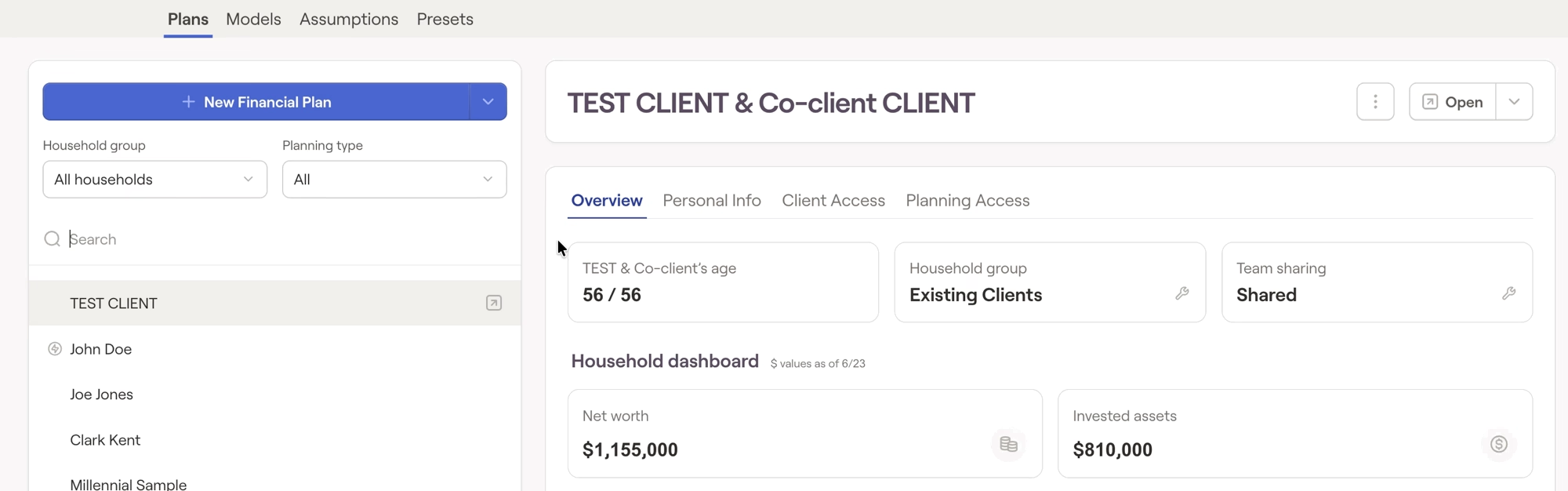
Within the Advisor Portal > Planning > Plans tab, you can use the filter above the household list on the left side of the page to isolate households within a specific group:
Tasks & Templates
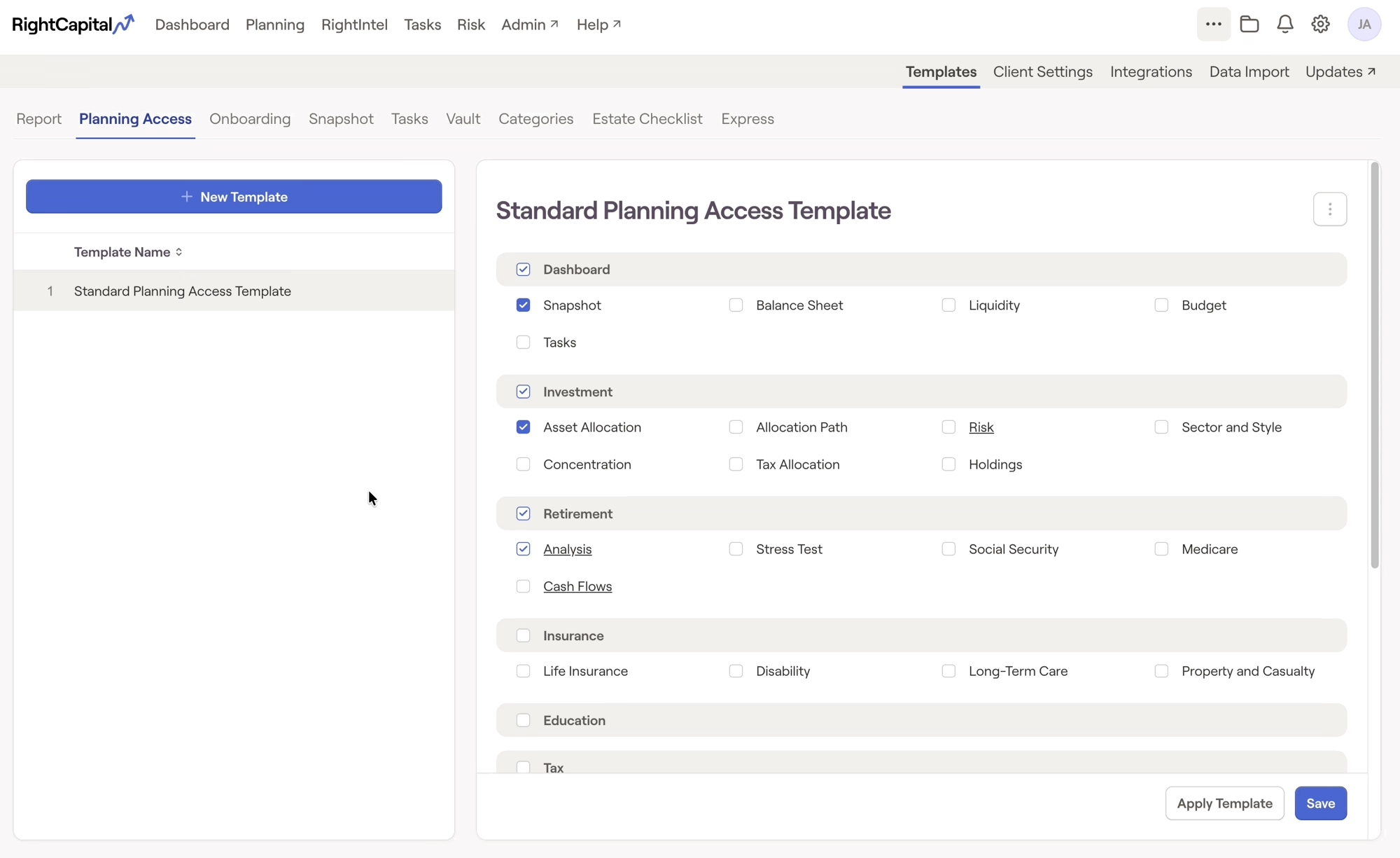
When creating Tasks and applying Templates in your Advisor Portal, you will be able to select one or more household groups in addition to individual households. This makes quick and easy work of assigning specific tasks or applying specific templates to entire groups of households at once:
Additional Areas
RightIntel
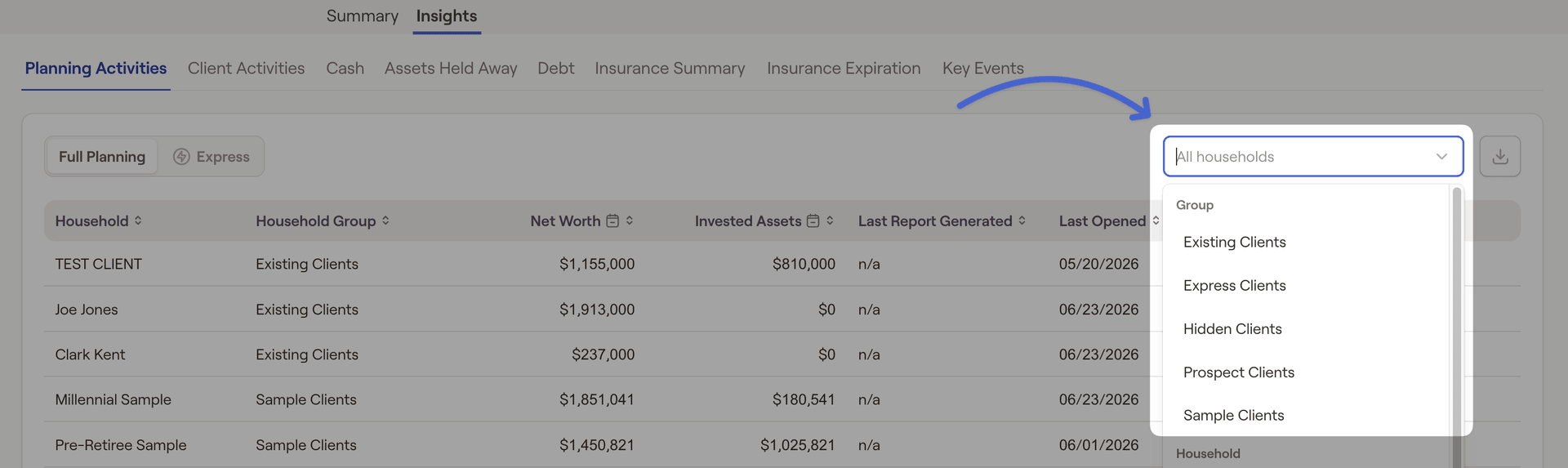
Filter by household group within the Insight tab of RightIntel:
Risk
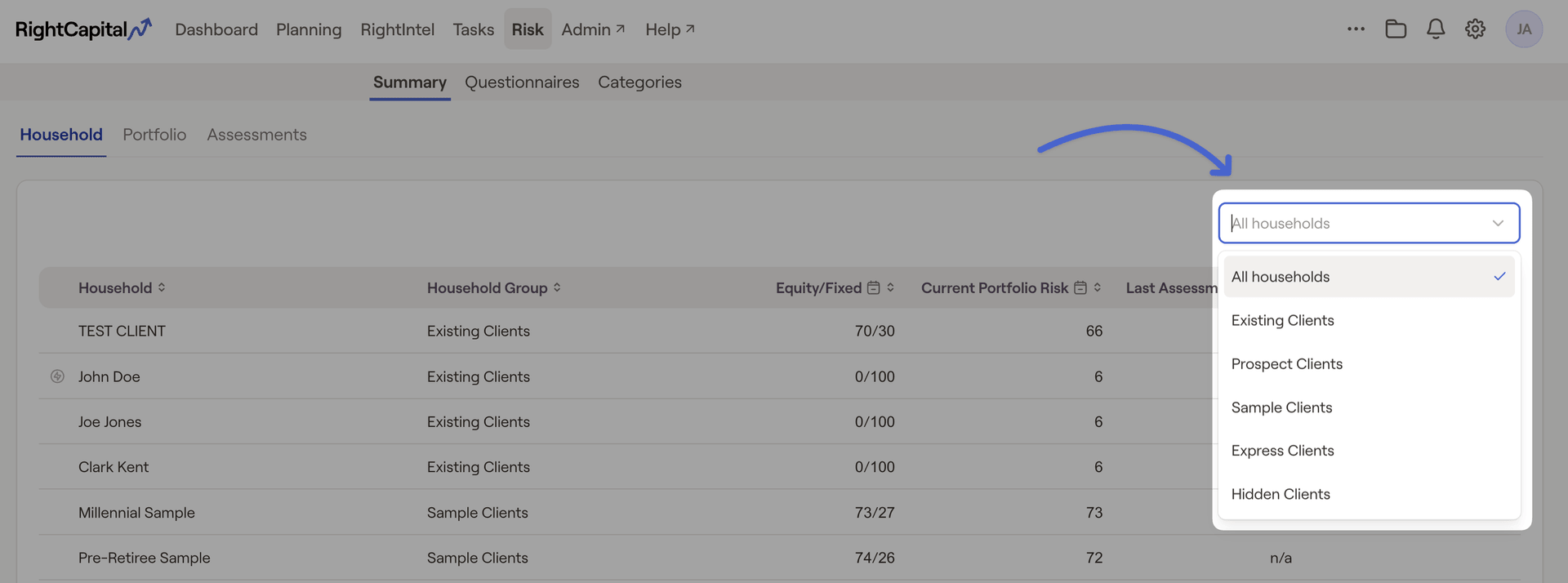
Filter by household group within the Summary > Household tab of Risk:
Vault
Filter by household group within the Advisor Portal Vault: