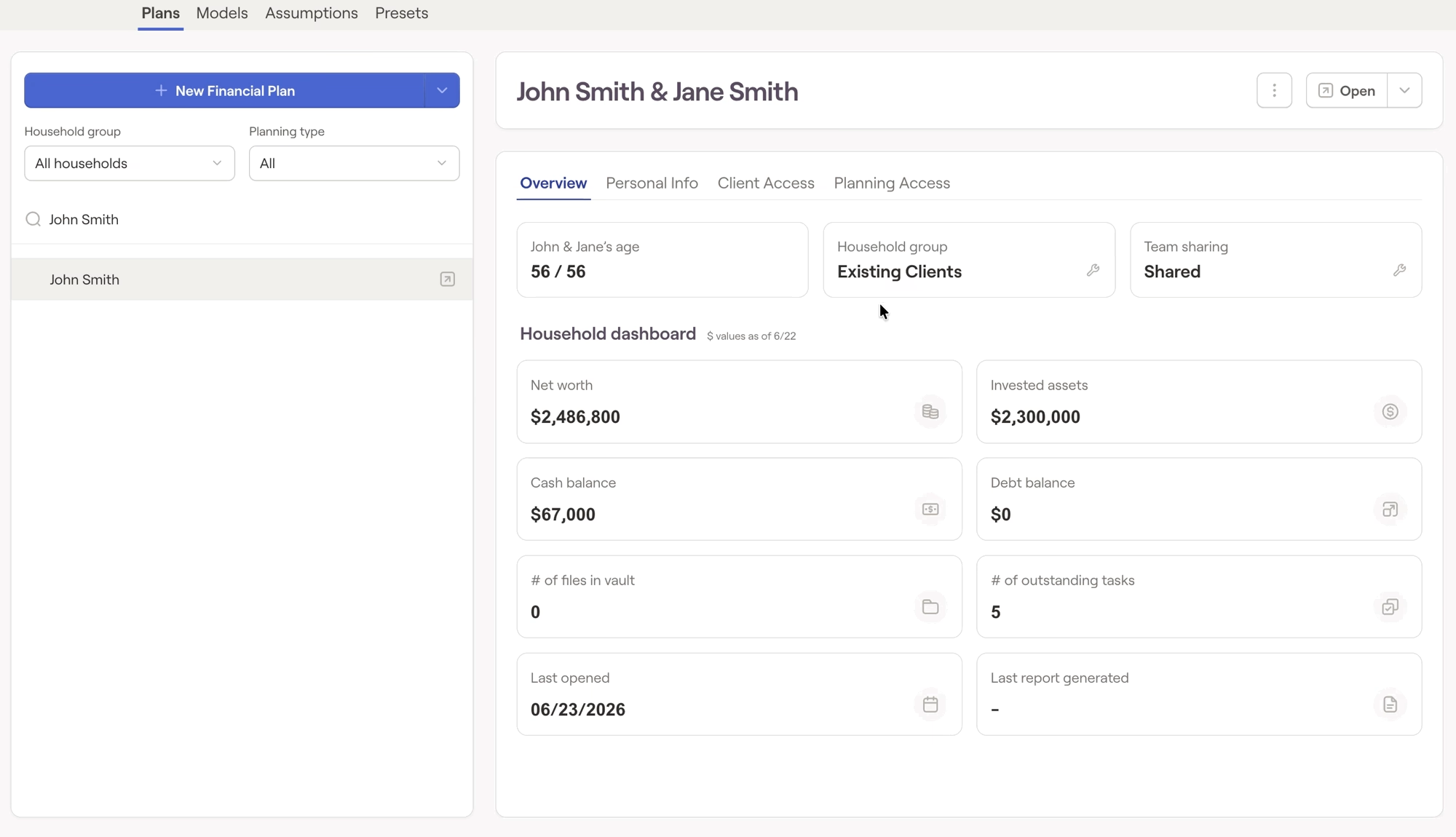
You can change an individual household's Group by navigating to the Advisor Portal > Planning > Plans tab, selecting the household from the list, and selecting "household group" under the Overview tab:

RightCapital is committed to enabling your success. Each week, we cover essential planning modules and product updates.

