Overview
In addition to scanning your financial plans, Iris can create and edit data across the profile, retirement action items, budget module and more!
Iris works in two modes:
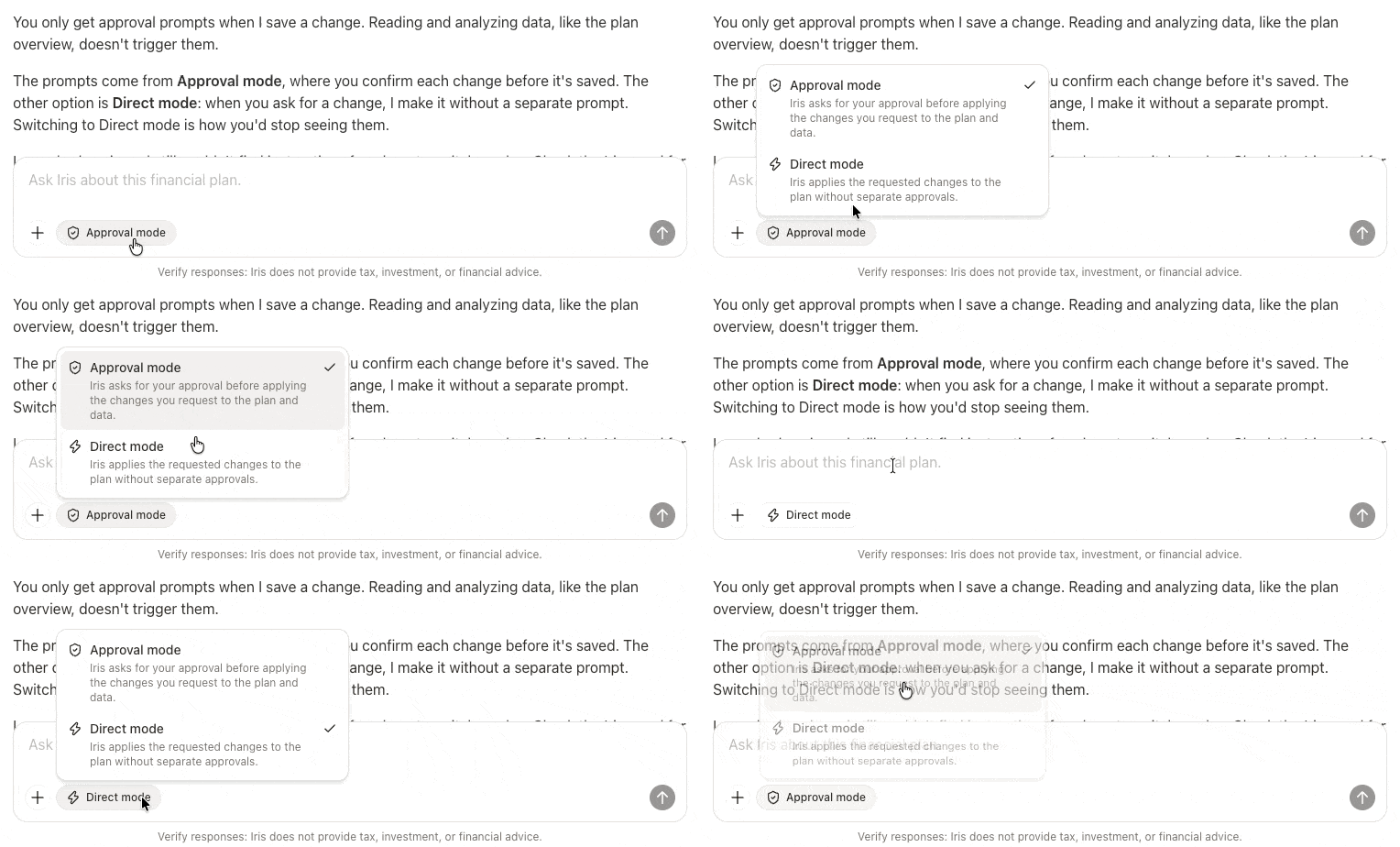
- Approval mode: Iris asks for your approval before applying the changes you request to the plan and data.
- Direct mode: Iris applies the requested changes to the plan without separate approvals.
You can ask Iris to make a single change or a list of changes at once. Some examples include:
Iris can create a correctly configured RSU plan for a client by just telling it the details. Iris will then collect any additional information it needs and create the record for you.
Drop in some meeting notes, Iris can summarize any potential changes to make to sync the household profile or new planning scenarios that were discussed without the manual effort!
Iris can create new plans with custom configured action items, or module specific strategies that you can later add to a plan. Iris can also add notes to any data card or internal only advisor notes.
Iris can edit transactions in the Budget module if you have linked accounts and visibility into account level details. This can help to re-categorize or true up budget insights in a much more streamlined way.


