Overview
Double check is available within the Iris agent window. Simply select double check out of the 4 present options:
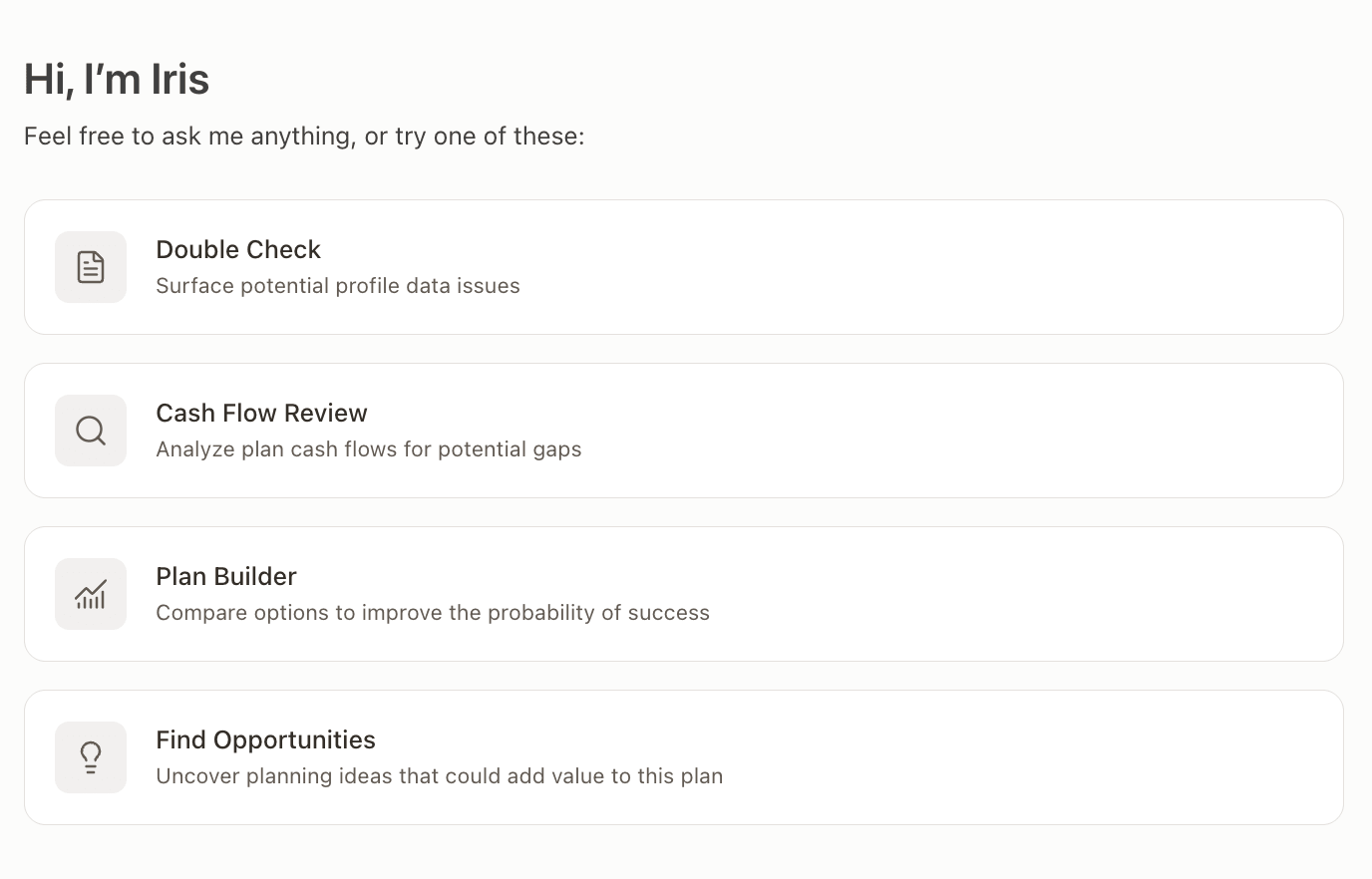
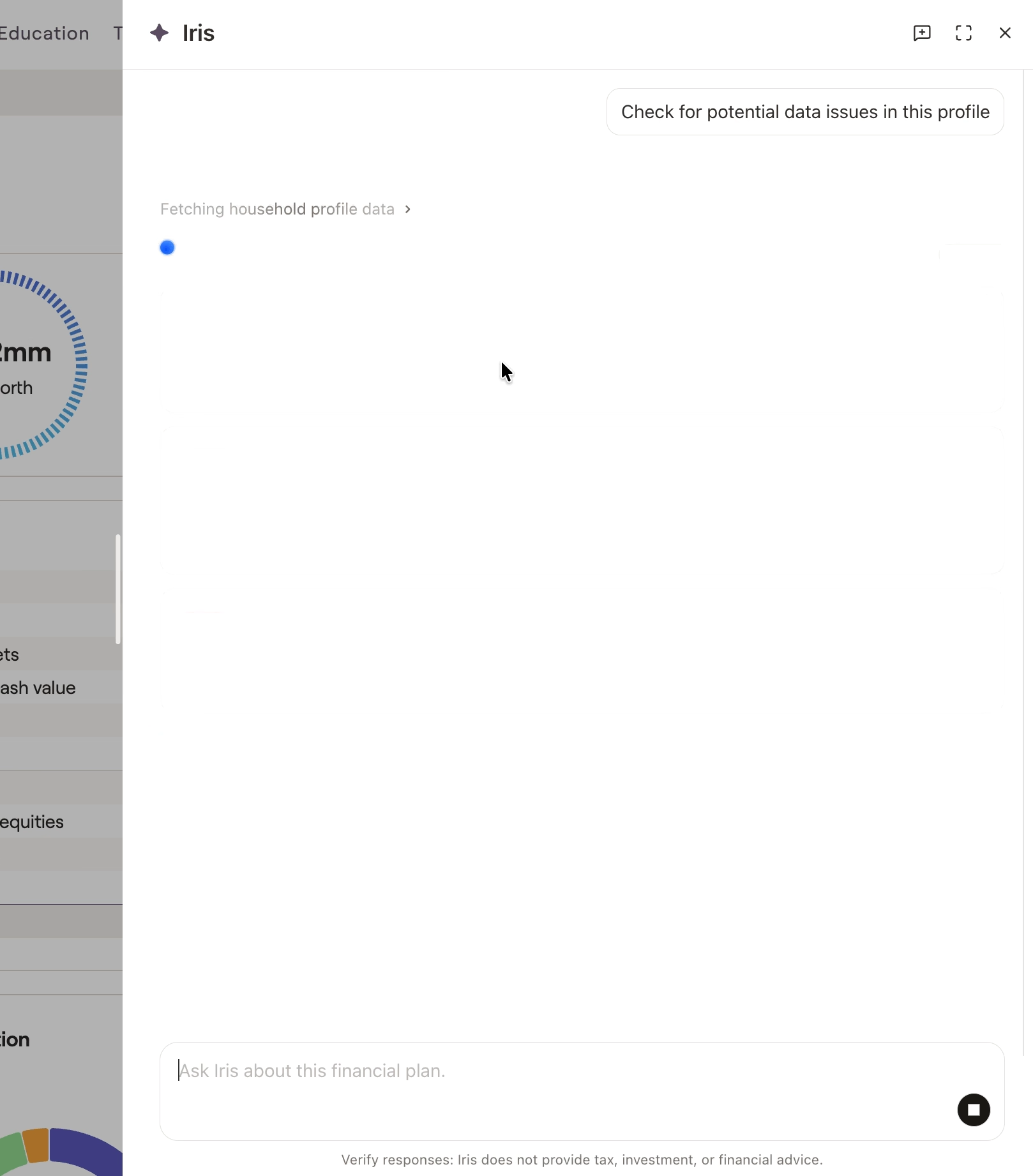
Double check will instantly audit the client profile for data-entry issues and anomalies. Current criteria that Iris can identify are:
Data Entry: Missing or incomplete data entry items that have been potentially overlooked or are causing various issues in the plan's output. Examples can include missing cost basis in investment accounts, unadjusted asset allocations, inconsistent asset sale dates etc.
Planning Concerns: Highlights potential gaps in the planning process. This can include reminders to enter life insurance, having assets over-concentrated in specific holdings or types of taxable accounts, etc.
On certain results, you are able to automatically open the relevant card or account by selecting this option:



