Overview
The planning opportunities tool will scan the financial plan and look for windows of opportunity for potential plan improvements.
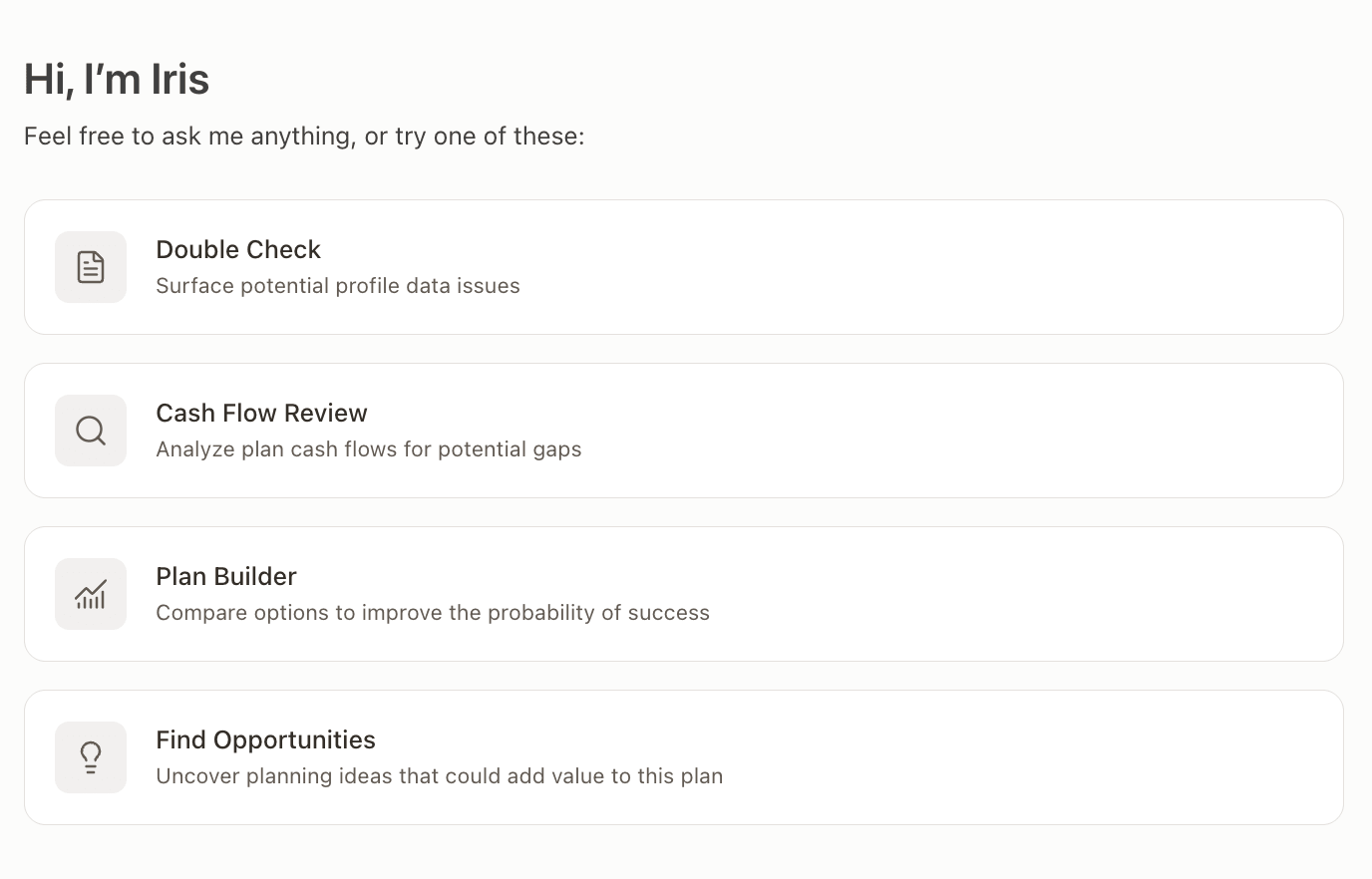
To use this tool, select the "Find Opportunities" preset on the Iris window, and then select which plan and areas to analyze. The focus areas which Iris can analyze are:
Tax
Investments
Retirement
Insurance
Debt
Stock Plans
Business
Estate
Once you have selected the correct focus areas, select 'Start'.

Once the analysis is complete, you will be provided with several ideas to improve the plan:
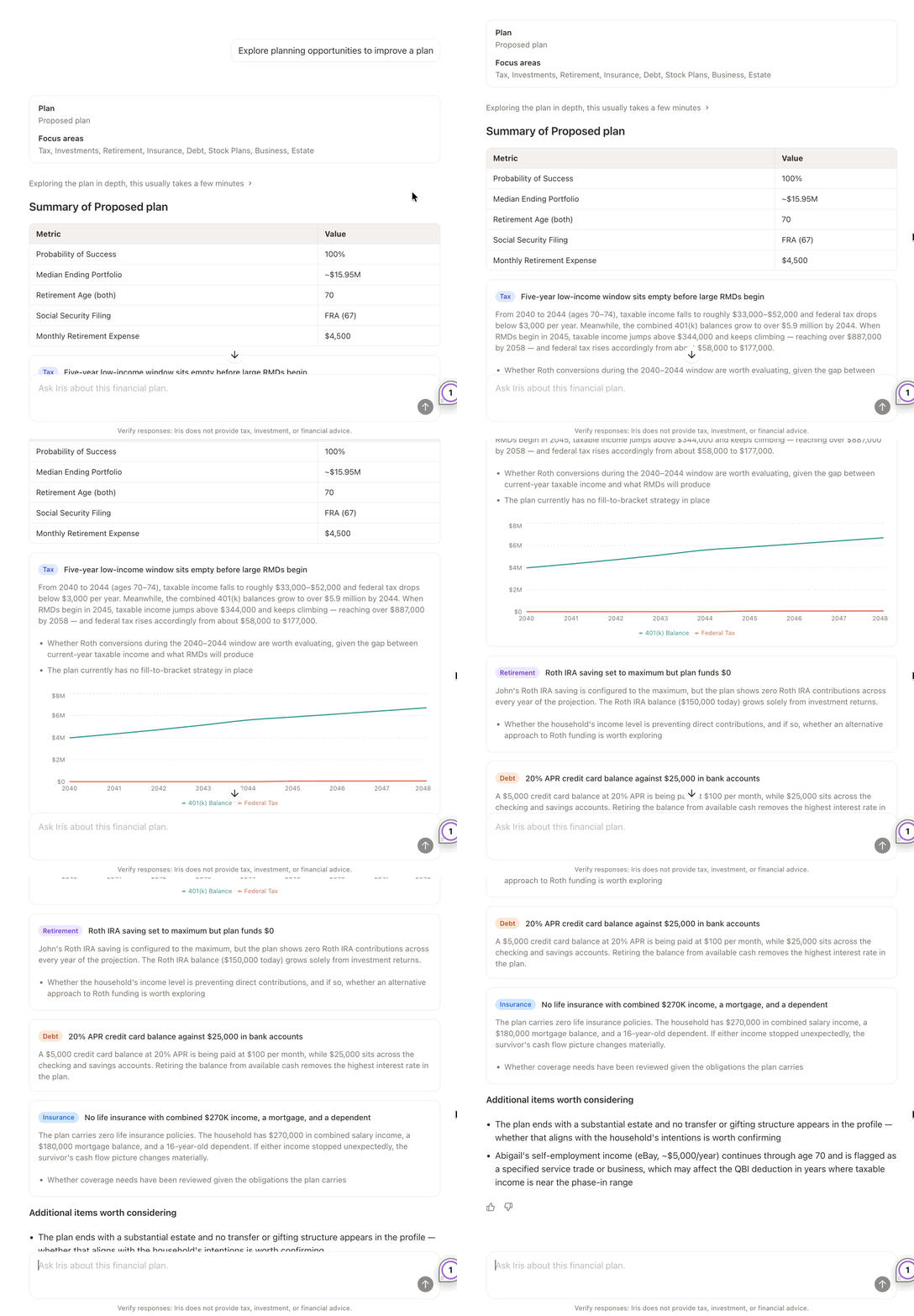
Other considerations will be listed at the bottom, but will generally have a lesser impact on the overall plan. While Iris highlights several main options and some additional considerations, feel free to follow up with Iris and ask additional questions about the results!


