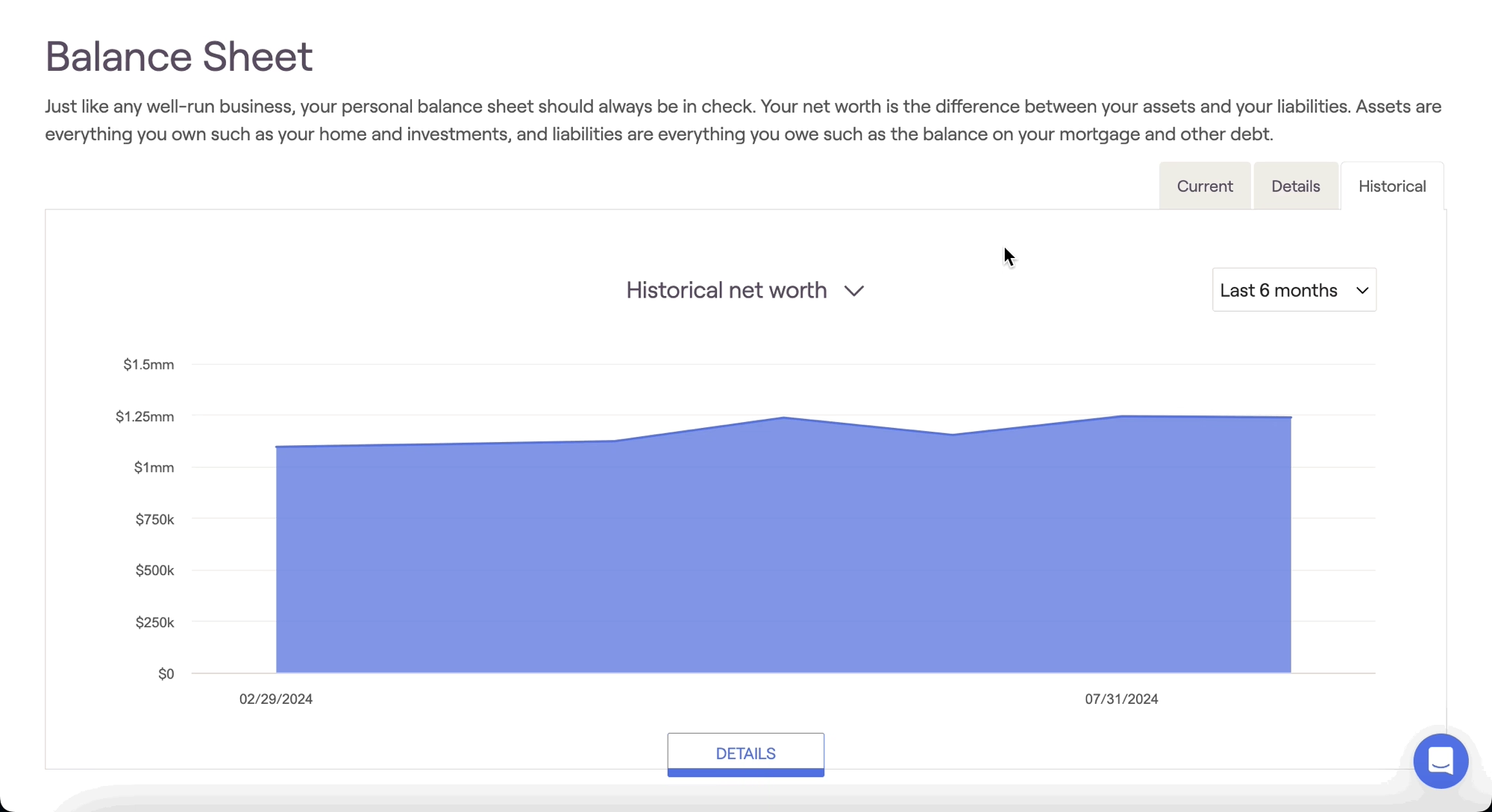
The Historical tab of the Balance Sheet tracks and displays a household's historical net worth information. This area can be accessed within the Dashboard > Balance Sheet tab of each client plan:
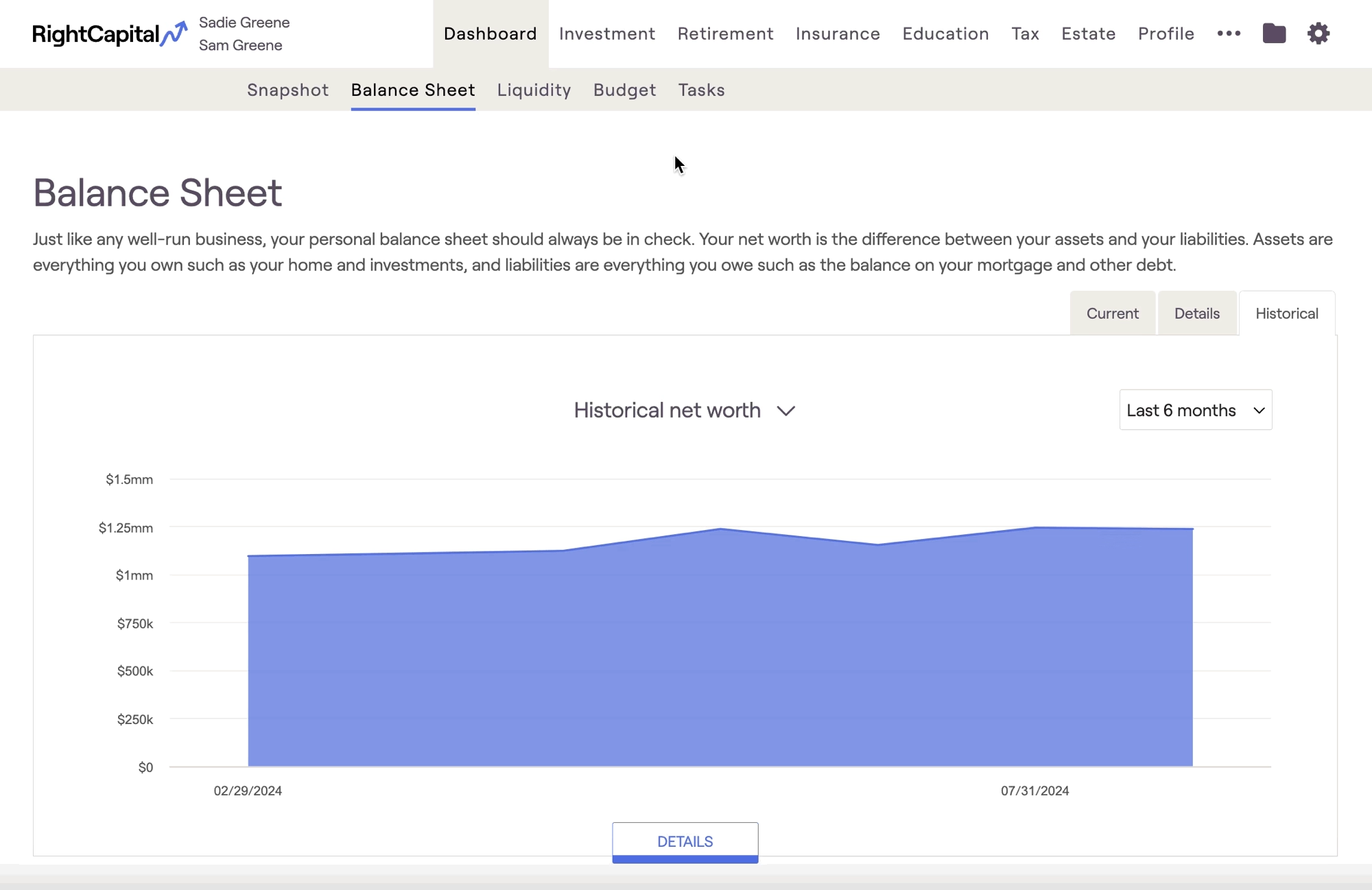
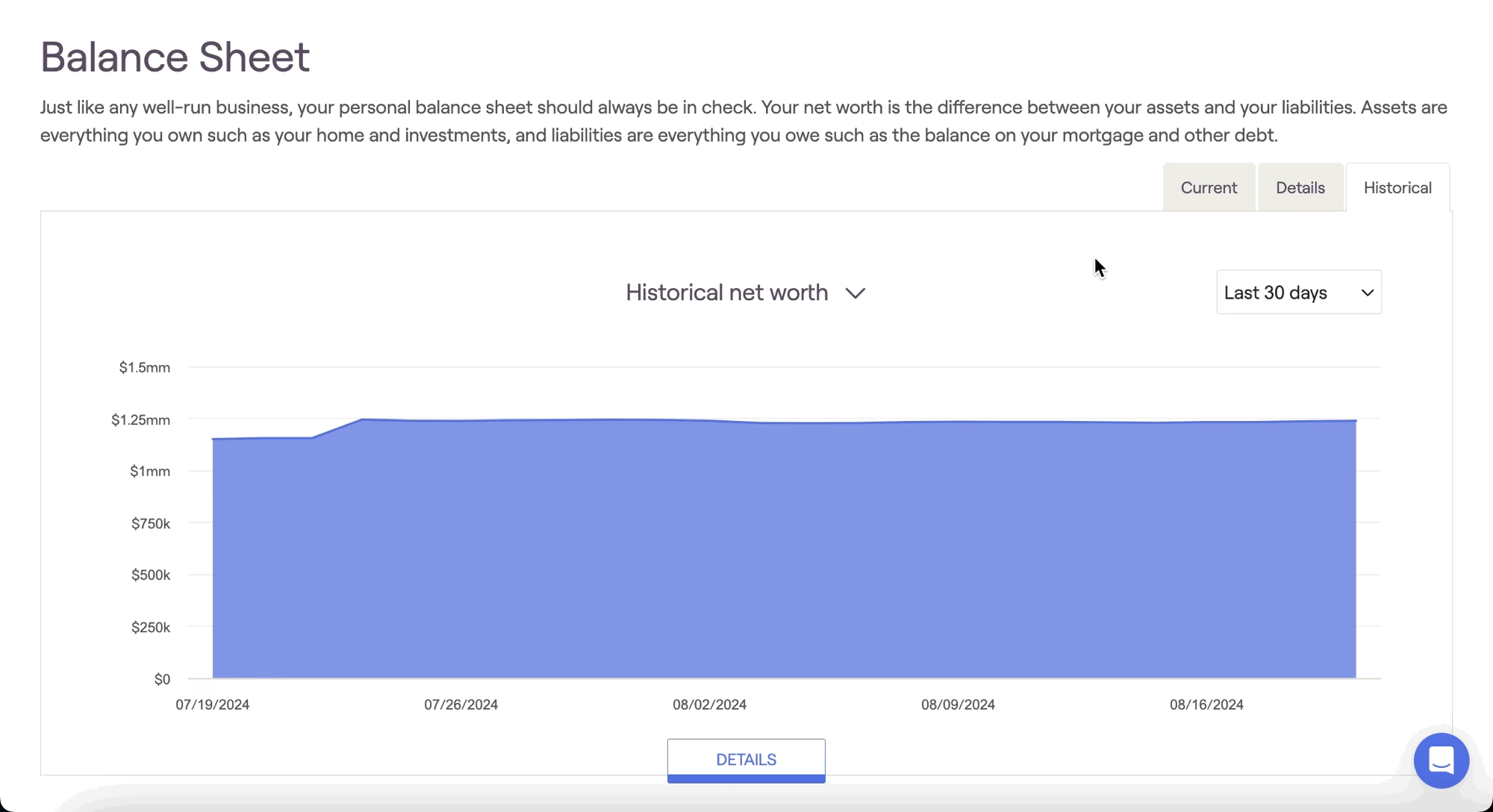
Use the filter in the upper right to dial in a time frame. 'Last 30 days' will show daily values from the prior 30 days. Hover your mouse over the chart to view dollar values at various points in time. The 'Last 6 months', 'Last 12 months', and 'All time' options will show month-end values over the respective time periods, as well as the current value to the far right of the chart:
Please note that the 'All time' option reflects values dating back as far as January 31, 2018.
Default Chart Timing
The chart timing defaults to the last 12 months; you can adjust the default for new clients within the Client Settings > Client Presets tab of your advisor portal.
You can click on the chart's name to reveal a dropdown menu with several other options. These charts highlight historical assets, liabilities, and investments in particular: