For clients with Roth Solo 401(k)s, you can enter ongoing contributions and employer matches within the Savings section of the Profile (or the Savings step of the initial data entry process). A new Solo 401(k) savings card can be added by clicking Add Saving in the upper right, hovering your mouse over 401(k)/403(b)/457(b), and choosing the Roth Solo 401(k) option:
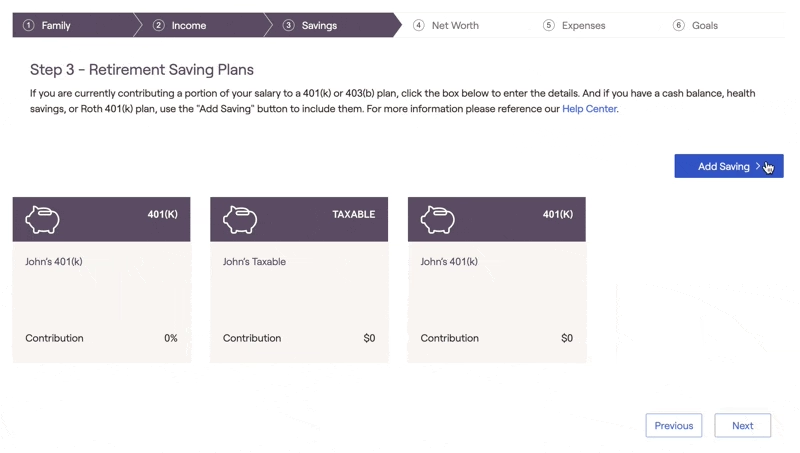
Solo 401(k) Savings Data Entry
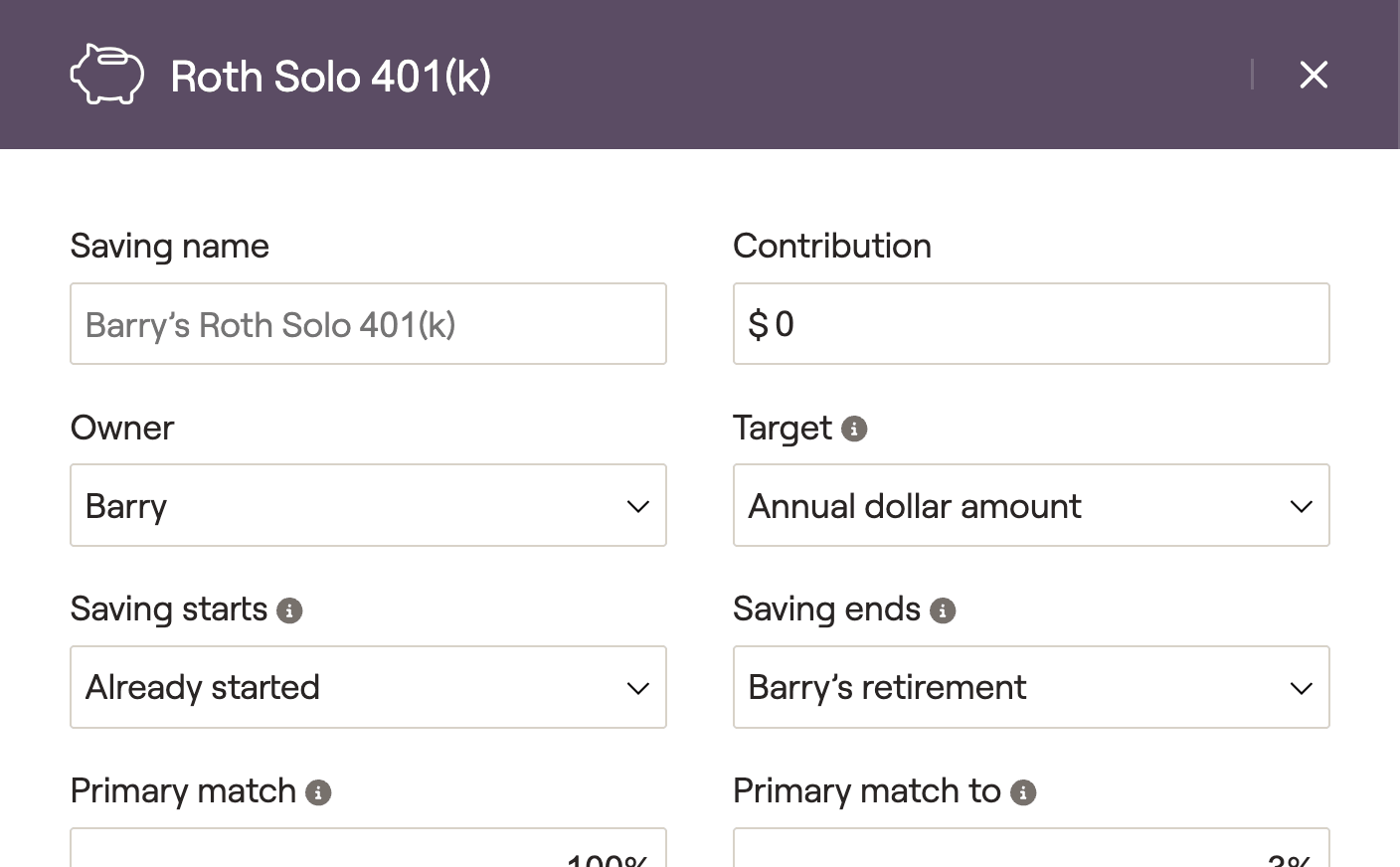
Click on this card to open a data entry drawer on the right side of your screen, allowing you to input the contribution information:
1
The Saving name will default to [Client's] Roth Solo 401(k), but you can enter a custom name if you'd like. In joint plans, you will also want to choose either the client or the co-client as the Owner.
2
Enter the client's annual Contribution to their Roth Solo 401(k). Depending on the option you choose in the Target field, this can be an annual dollar amount, a % of the client's income, or the maximum contribution amount.
3
Specify the duration of the contributions using the Saving starts and Saving ends fields. By default, these will be set to 'Already started' and '[Client's] retirement' respectively.
4
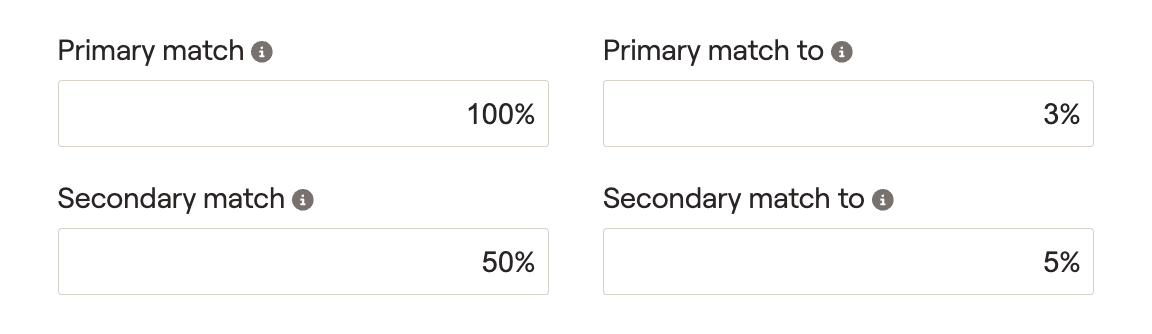
Enter the details of the employer match, starting with the Primary match (full or partial) and the Primary match to (% of client's contribution). If necessary, you can also specify the Secondary match and Secondary match to percentages.
A common example might look like a full match of 100% up to 3% of the client's contribution, and a partial match of 50% up to 5% of the client's contribution:
5
For non-elective employer matches, you can skip the primary and secondary matches and instead enter a Flat percent match or a Flat dollar match. These will occur regardless of employee contributions.
6
If some or all of the employer match is designated as a Roth contribution (as per Secure Act 2.0), indicate this percentage in the % of match to Roth field.
What does "Self-employed" do?
Checking the Self-employed box will cause this card to calculate employee/employer contributions based on the client's Self-employment income, rather than Salary income.
Additional Information
Contribution Limits and Taxation
For salaried clients, the employee contribution will be limited to a maximum of $23,500 for 2025, plus $7,500 catch-up at 50, $11,250 from 60-63. With the 'Self-employed' box checked, the maximum employee contribution will be $23,500 for 2025, plus 18.47% of the client's self-employment income (plus $7,500 catch-up at 50, $11,250 from 60-63). These limits are shared between Solo 401(k) and Roth Solo 401(k) contributions.
Cash Flows Location
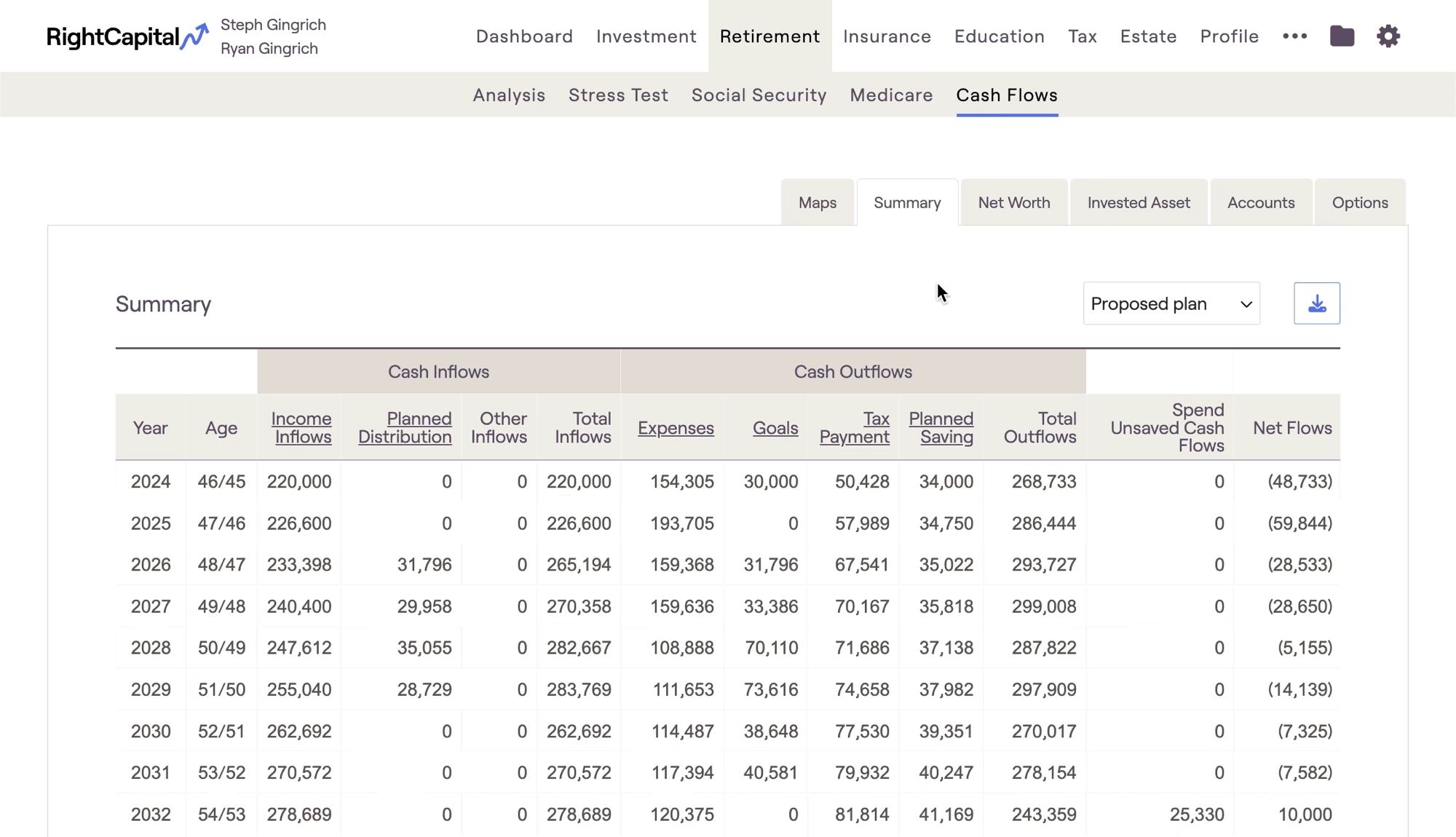
Client contributions can be tracked in two locations within the Retirement > Cash Flows:
- The Summary tab > Planned Savings column
- The Invested Asset tab > Planned Savings column
Employer matches can be found in the Invested Asset tab > Employer Match & Other column: