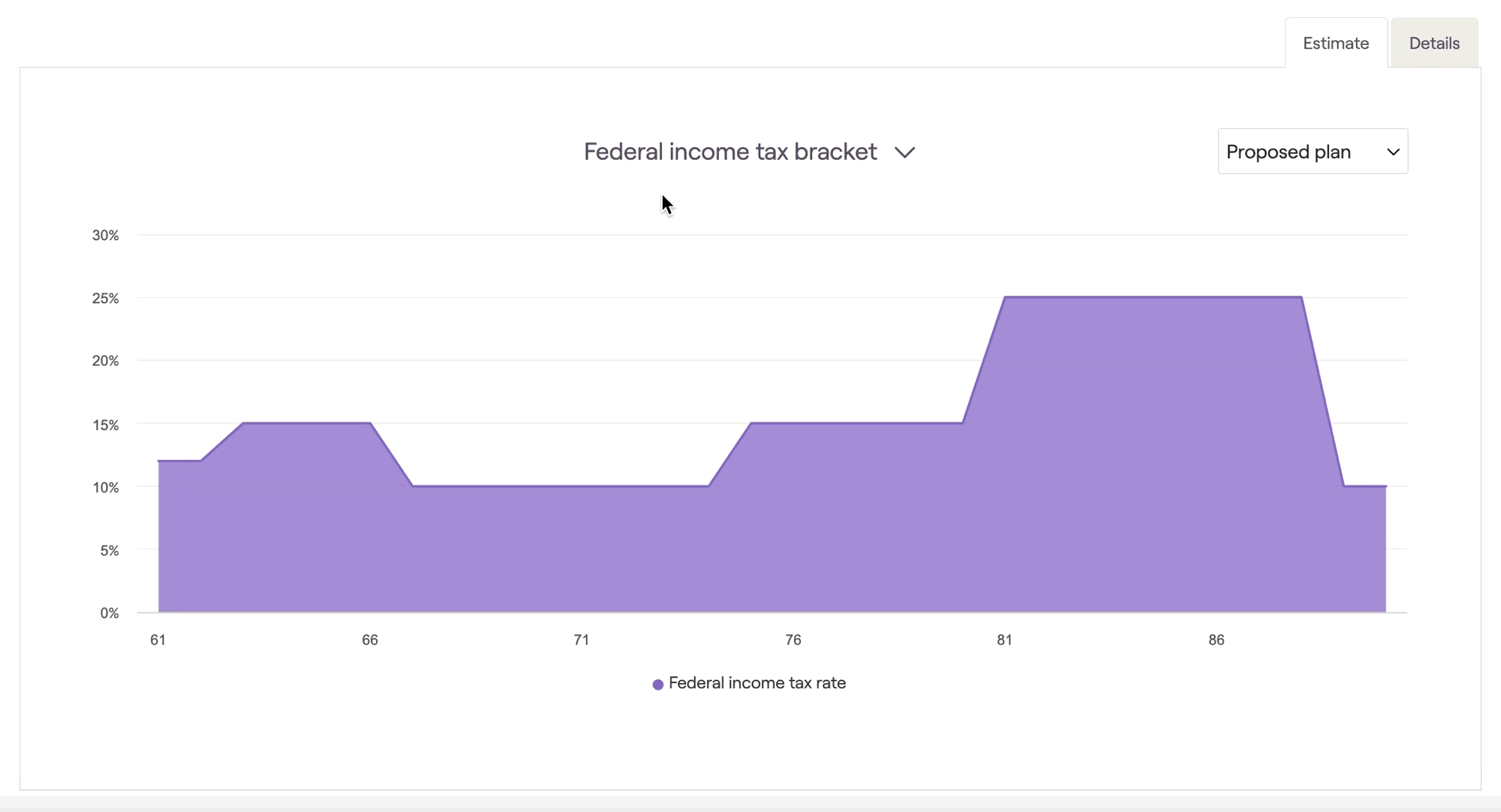
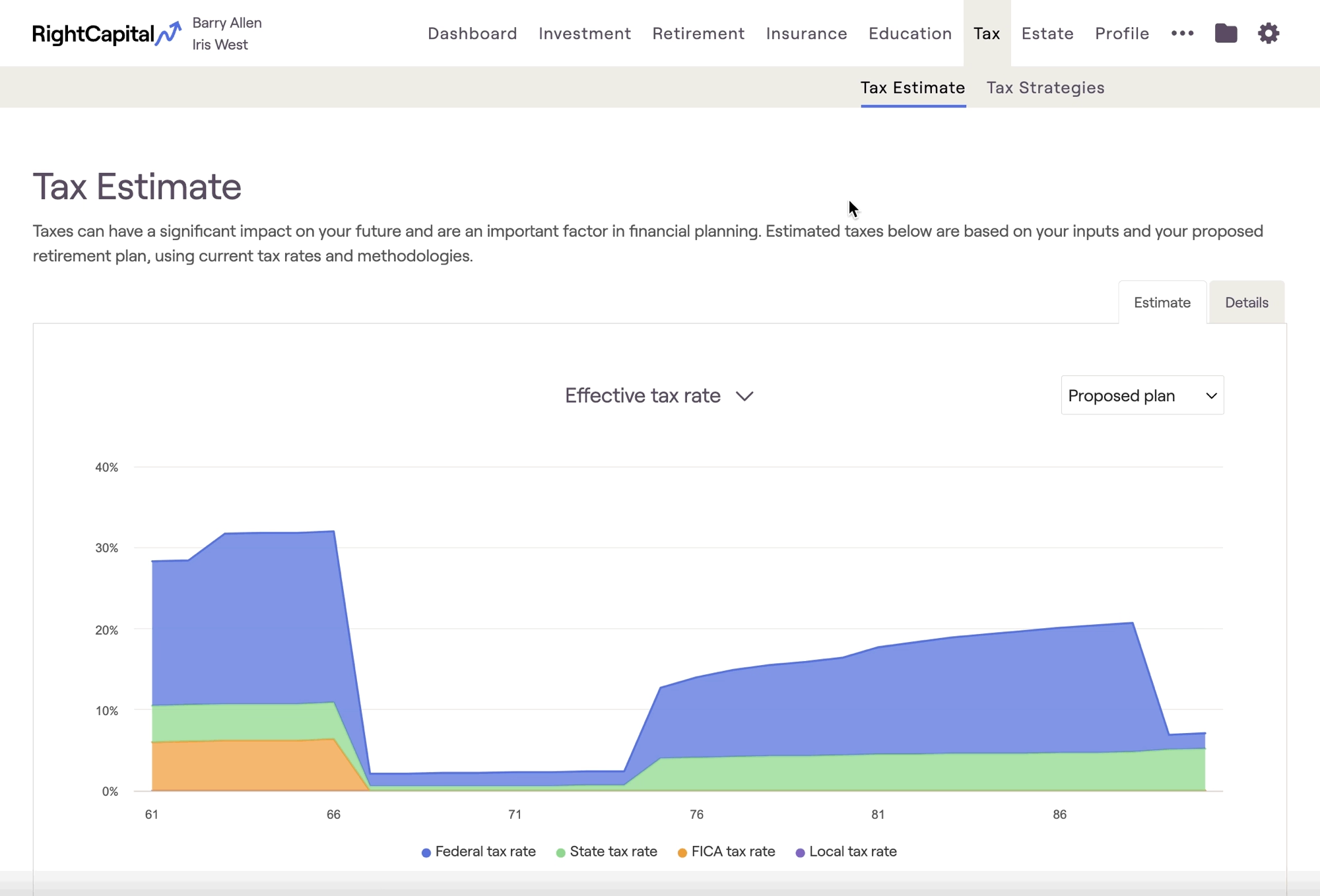
Being able to view a client's marginal tax rate on demand can be crucial for effective tax planning conversations. The quickest way to view the marginal tax rate is to navigate to the Tax Estimate module, located within the Tax > Tax Estimate tab of each plan. Once here, click the toggle above the chart and choose Federal Income Tax Bracket:
Federal income tax bracket
The Federal income tax bracket graph will highlight the ordinary income bracket for the client’s highest dollar of taxable income for each and every year of the future-looking projections. You can hover your mouse over the chart to view year-to-year values: