Overview
RightCapital allows you to account for an outstanding 401(k) loan directly within the platform. Unlike the typical loan workflow, these are built directly into the 401(k) investment. This helps provide a more accurate picture of the client's current financial situation by capturing both the retirement account value and any associated loan obligations.
Entering an Existing 401(k) Loan
1
Navigate to Profile > Net Worth > Investments, then select or create a 401(k) account.
2
Within the account card, check the "Loan outstanding" option.
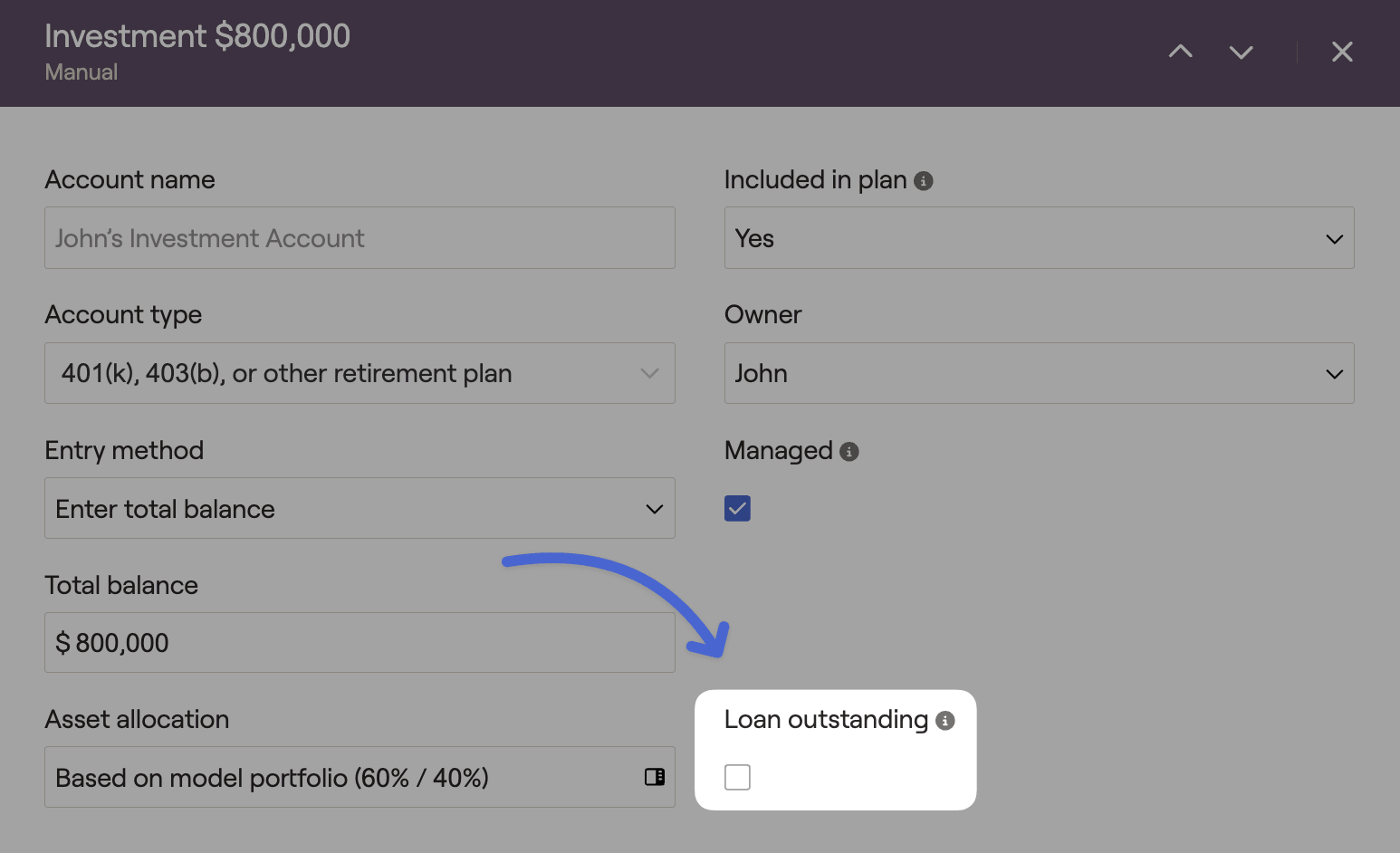
3
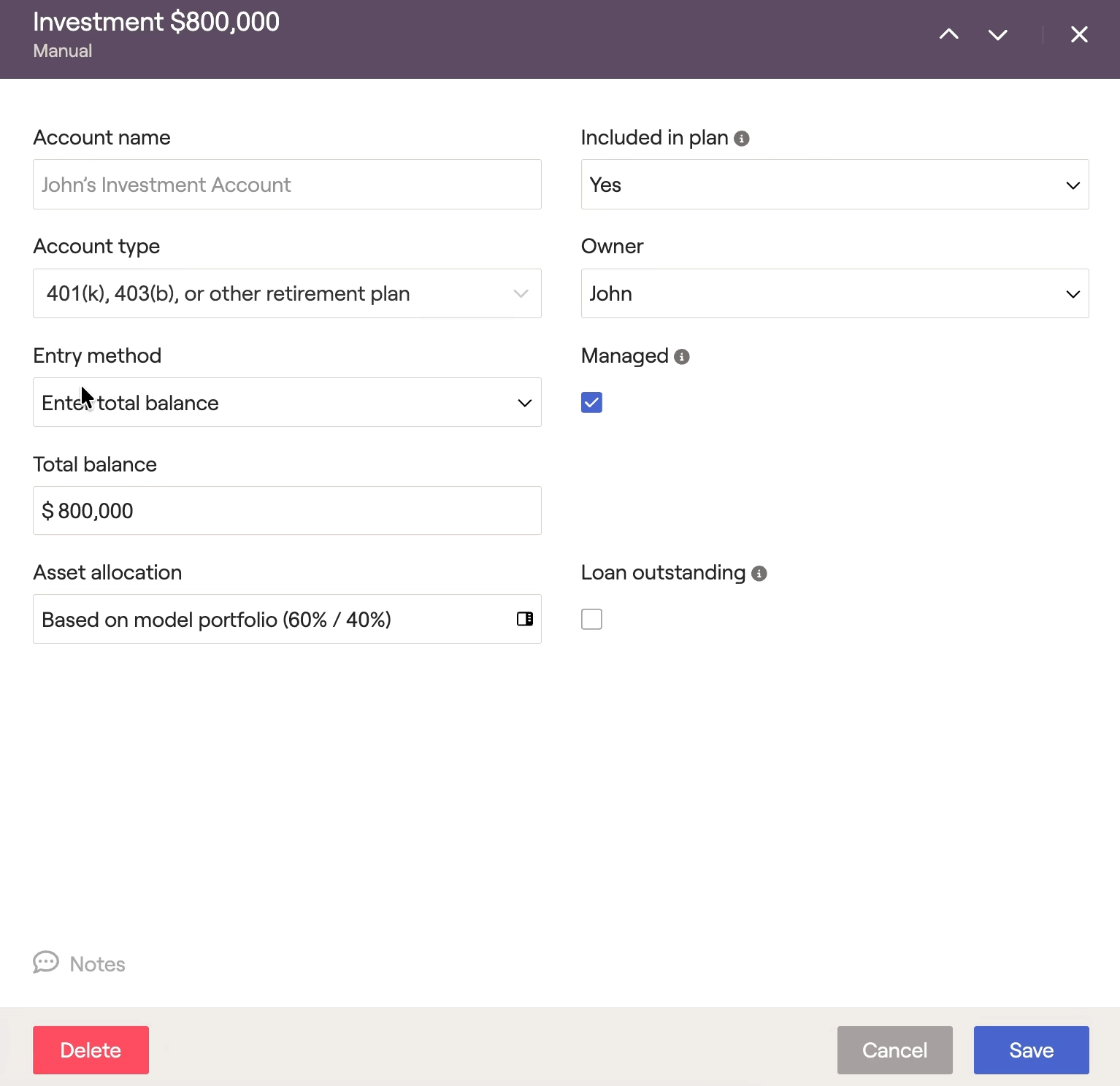
In the options that appear, fill out the loan details.
4
Select 'Save'. The loan will now be reflected within the plan.
Entering a Future 401(k) Loan
1
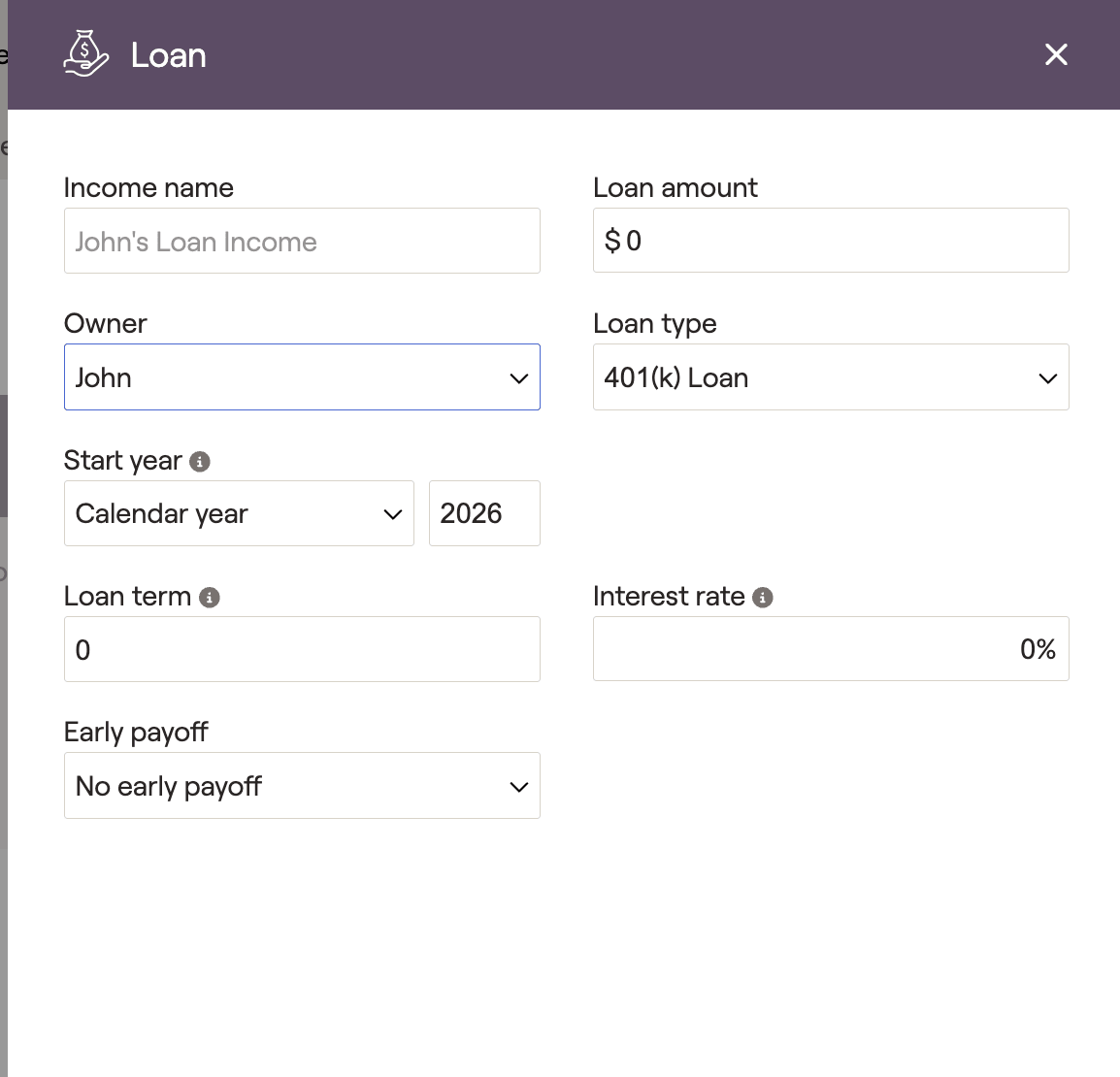
Navigate to the Profile > Income > Add Income > New Loan.
2
Select 401(k) loan (or Roth 401(k) loan) as the loan type to enter the loan amount and repayment terms.
Loan Payments in Cash Flows
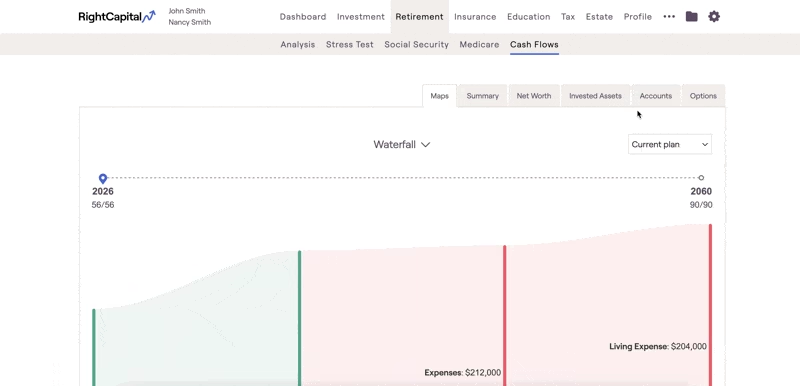
401(k) loan payments are reflected in Retirment > Cash Flows > Summary > Expenses > 401(k) Loan Payoff.
Loan Balance Details
If a client has a 401(k) loan balance, the columns Client's 401(k) Loan and Client's 401(k) With Receivable are available by drilling into Retirement > Cash Flows > Accounts > Ending Balance by Accounts > 401(k).
401(k) Loan Payments on the Dashboard Liquidity Module
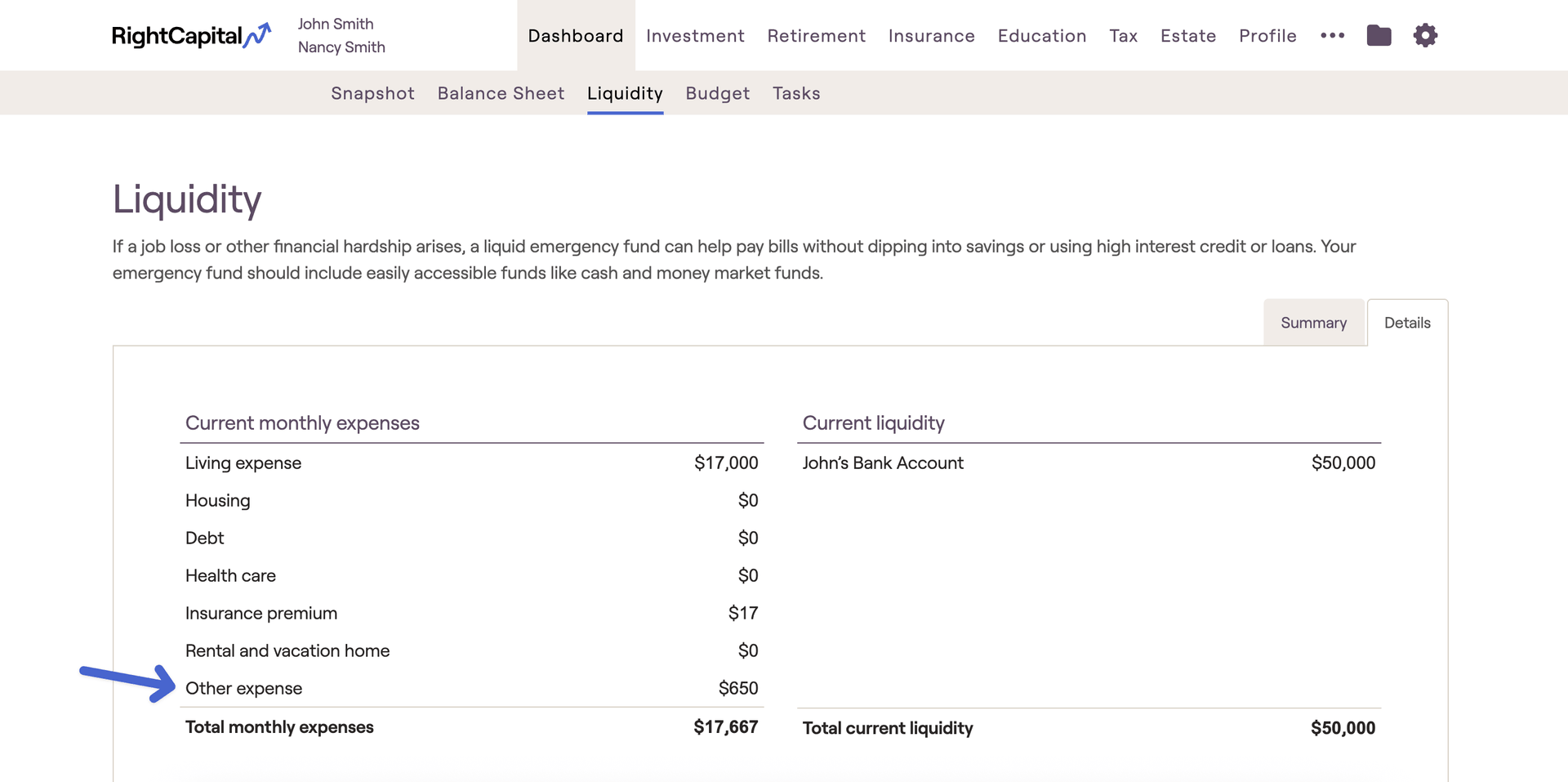
On the Dashboard > Liquidity page, 401(k) loan payments are included in the Other Expense category.
New 401(k) Loans
For more details on modeling a new 401(k) loan, please check this article:


