Summary Tab Overview
The Summary tab is available in the Business Module in a client's plan under More Menu "..." > Business.

In the Summary tab, you can get a quick update on the client's business ventures. This page is separated into the Business value and First-year cash flows:
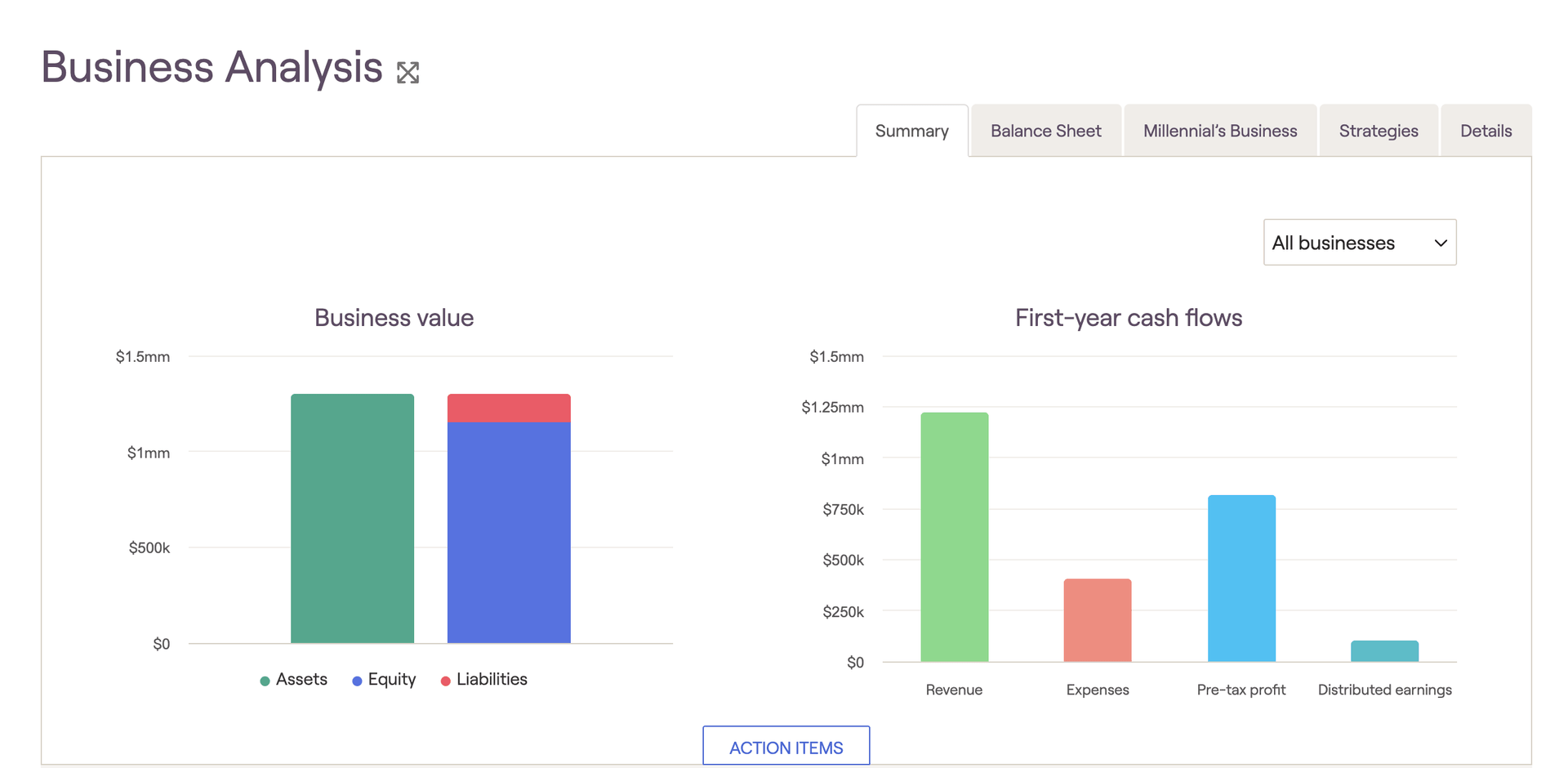
- Business Value: This graph will visualize the overall value of the business on the green bar, while also displaying what amount of that is equity and liabilities on the right-hand blue/red bar.
- First-Year Cash Flows: This graph will break out the first simulation year's cash flows into 4 sections. Total revenue, expenses, pre-tax profit, and then distributed earnings.
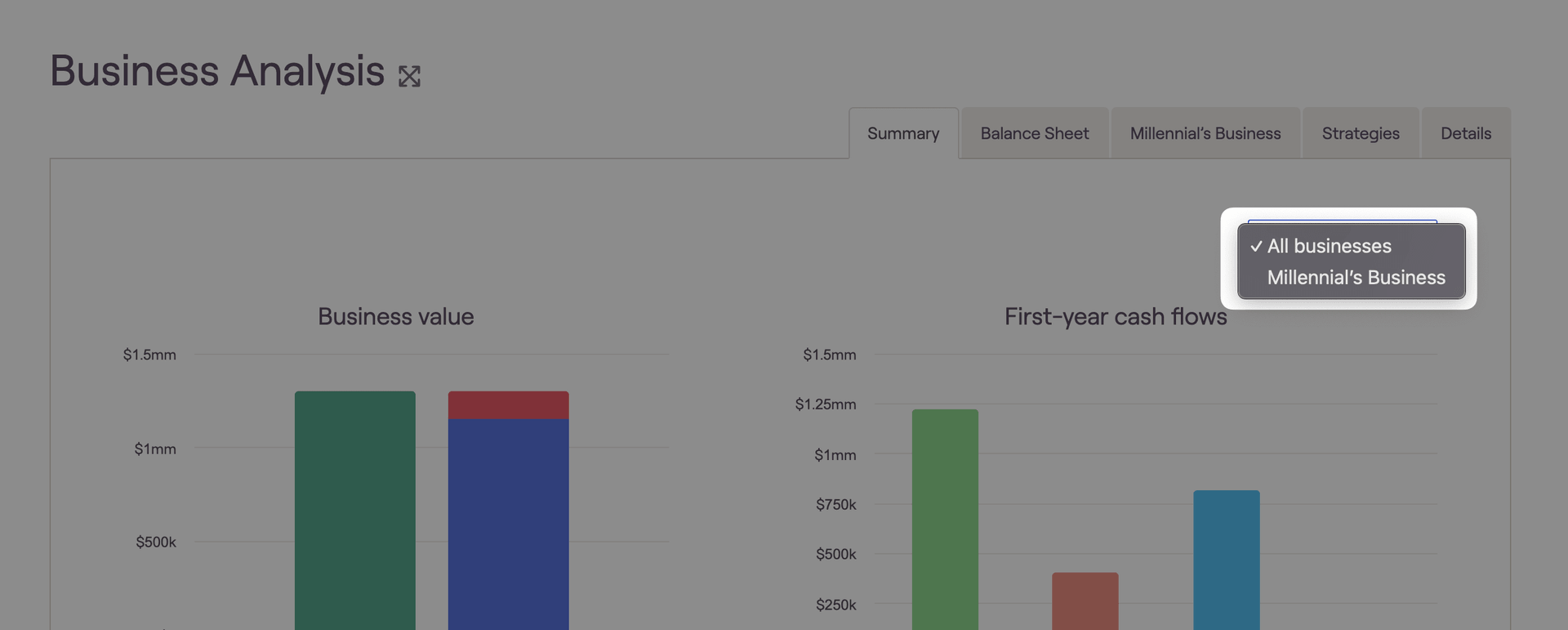
You can switch between specific businesses by adjusting the dropdown menu here: