The Details tab is available in the Business Module in a client's plan under More Menu "..." > Business.

The Details tab provides a full schedule of the businesses within the plan, with details on yearly revenue, expenses, value, debt, etc.
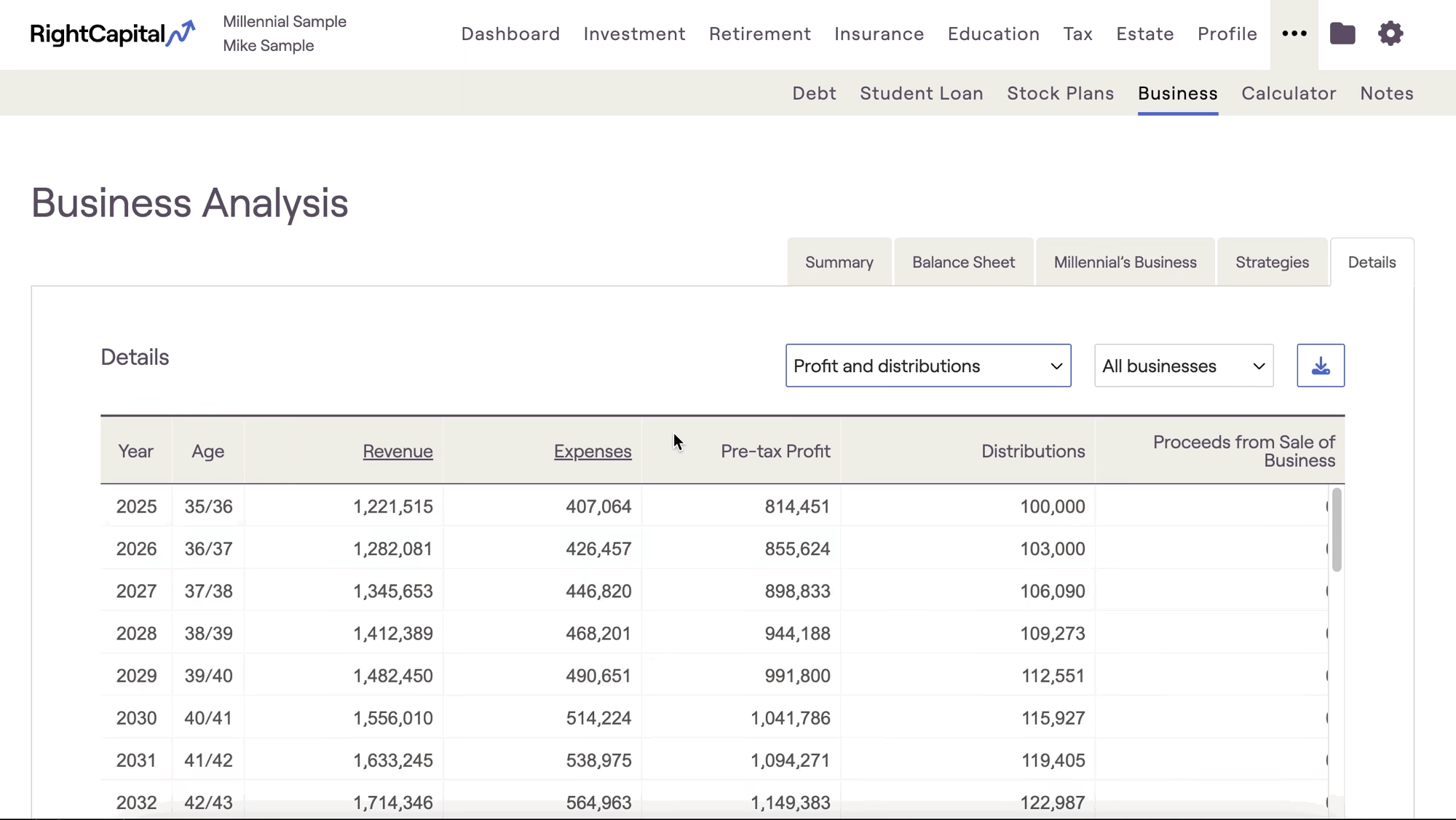
This tab has two sections. Profit and Distributions and Business Value Summary. You can switch between the two sections through this dropdown menu:
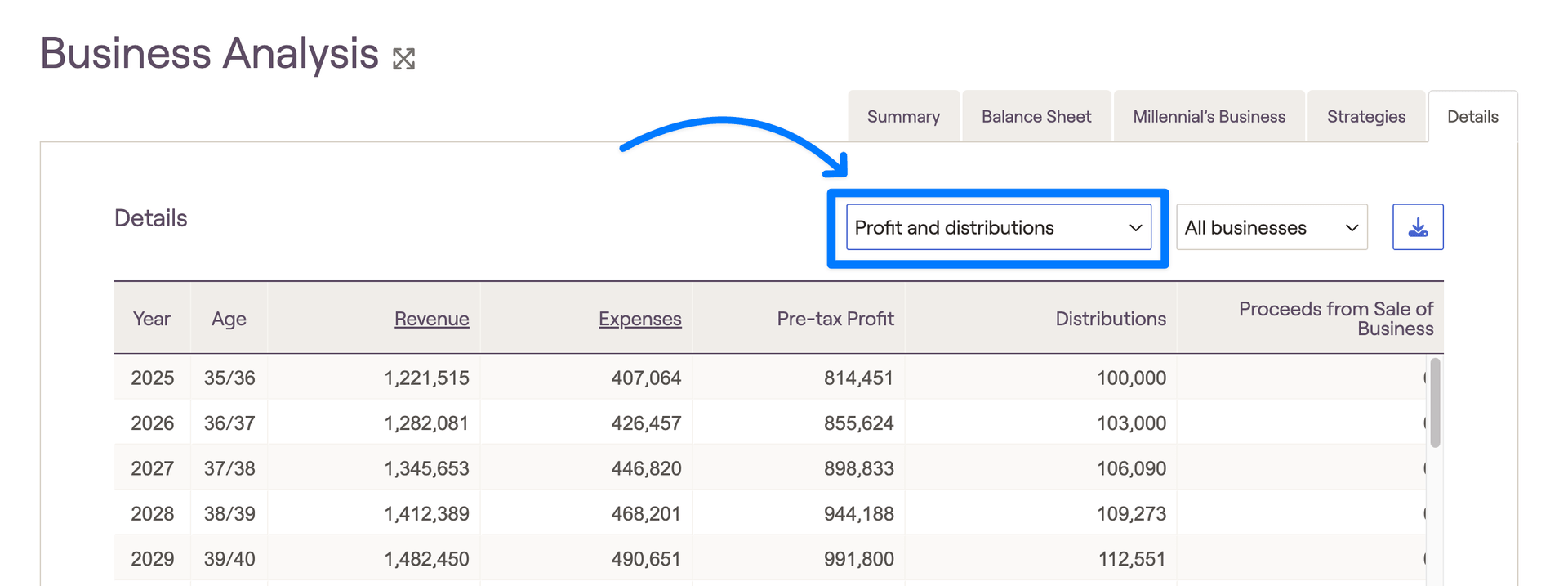
- Profit and Distributions: This option will display revenue, expenses, profit and distributions for the client's businesses.
- Business Value Summary: This displays the overall core business value, investments, and debt.
Advanced Value Accumulation Results
If a business is set to the "Advanced" Value Accumulation, the retained revenue amounts will appear in the details tab under the Profits and Distributions tab.


