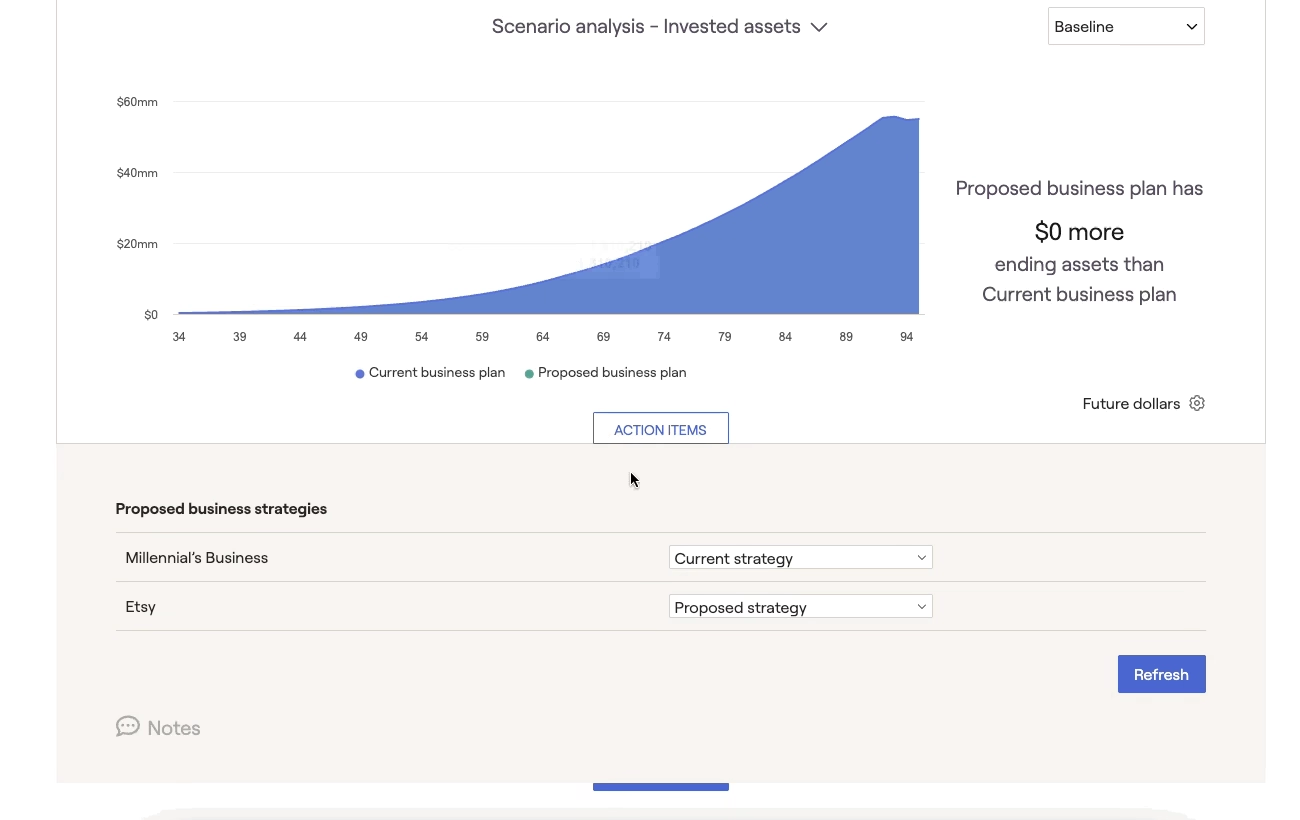
Strategies Overview
The Strategies tab is available in the Business Module in a client's plan under More Menu "..." > Business.

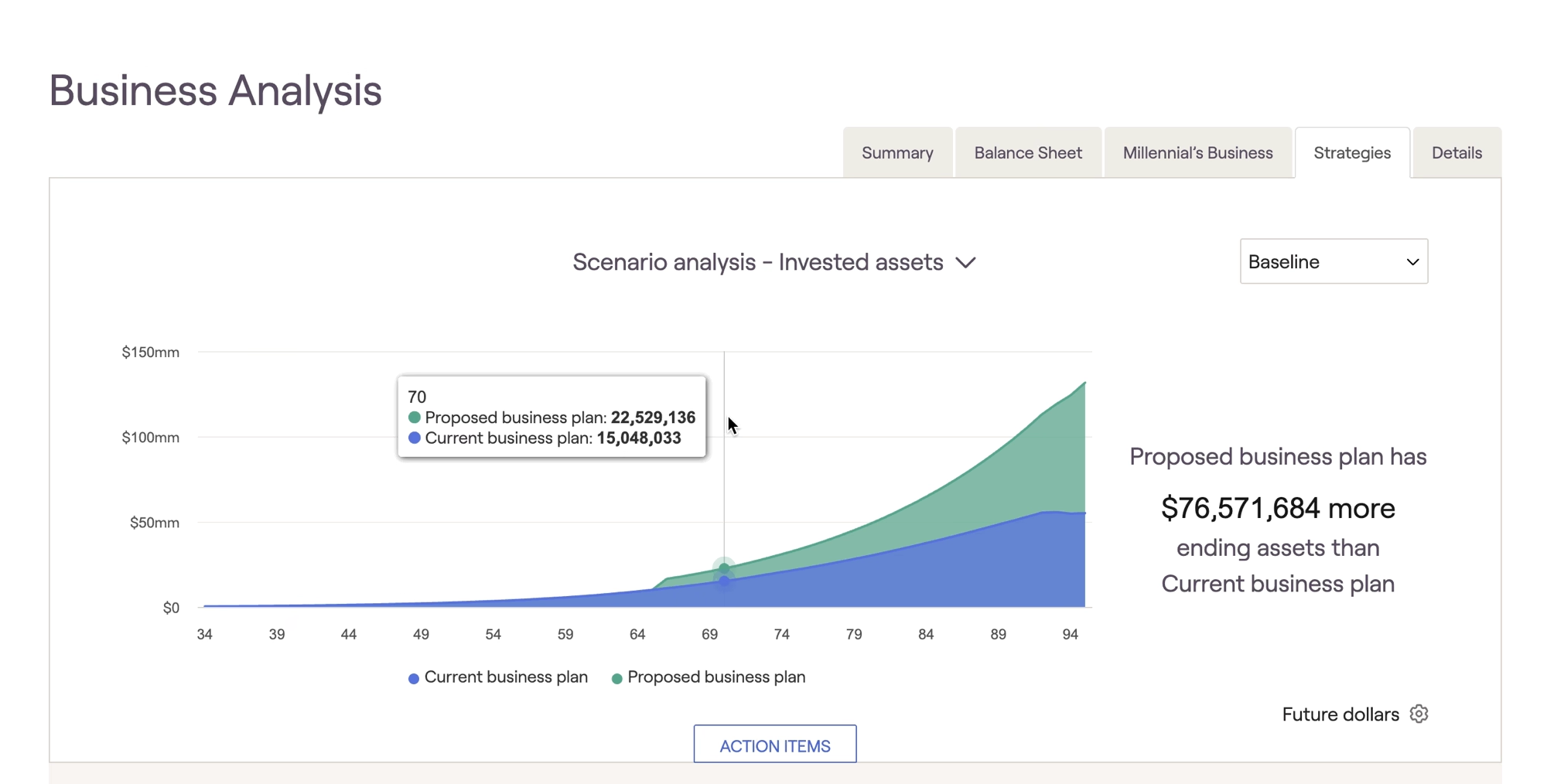
The strategies tab displays the impact of the business proposals on the overall financial plan. Specifically, it will show the impact on the client's invested assets and taxes throughout the entire plan, not just the sale date for the business.
You can switch between graphs by selecting the "scenario analysis" item at the top of the page:
You can switch between graphs by selecting the "scenario analysis" item at the top of the page:
In the action items below, you can switch between proposals on all businesses within the plan: