The Other presets area of the Advisor Portal > Planning > Presets tab provides three additional settings that can be adjusted at a global level for new households.
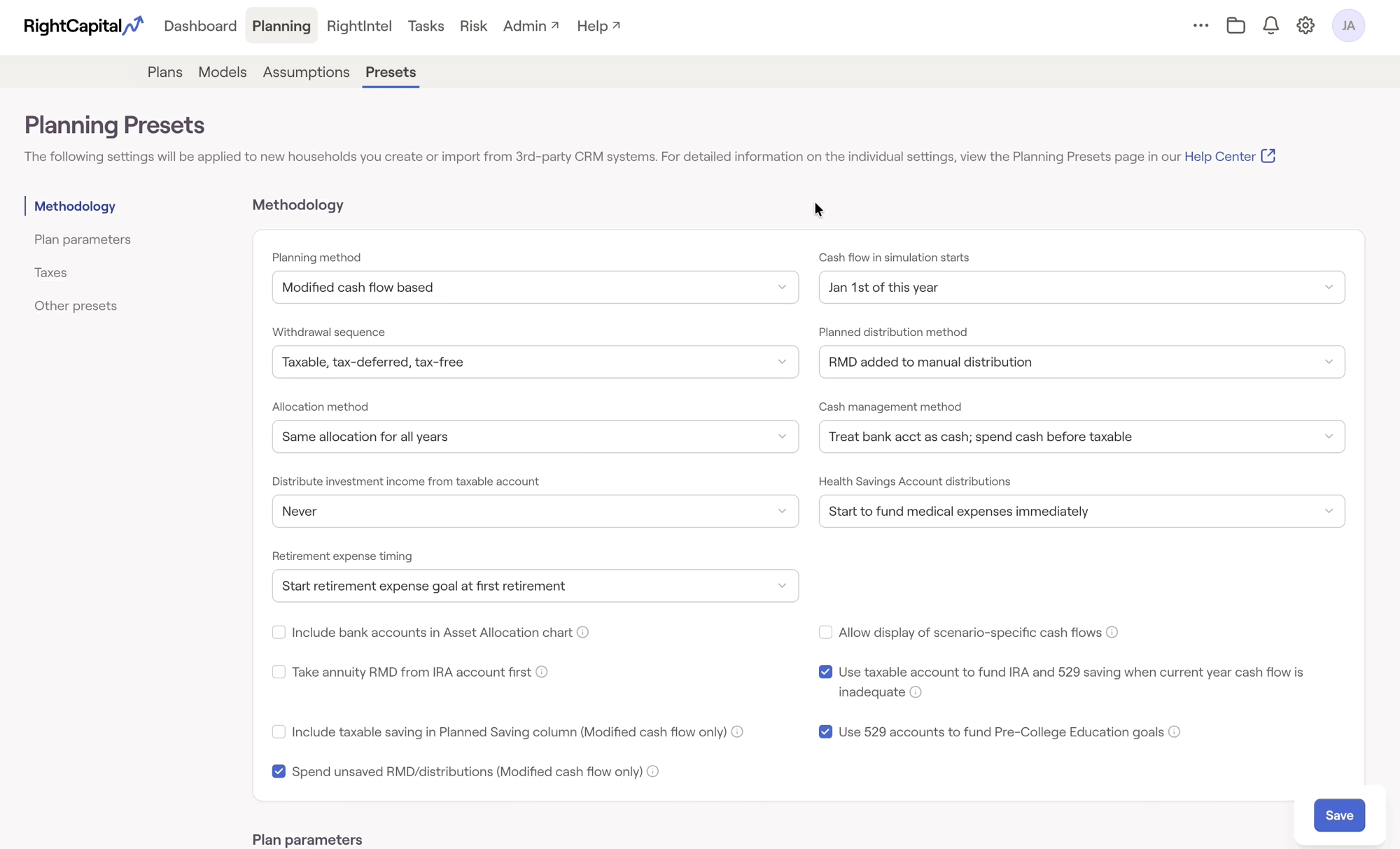
Any changes made within this area will be applied to new households created in RightCapital going forward. Existing households will not be impacted.
Client action item permission
This setting determines whether or not invited clients can make changes using the Action Items. This primarily impacts the Retirement > Analysis section, where proposals and what-if scenarios are modeled. This is a Client Portal Setting, which stems from the Client Access tab of the Clients area. The default selection is Client can try different action items, but the changes will not be saved.
Client profile item permission
This setting determines whether or not invited clients can update information within the Profile tab of the client portal. This is where data entry is done for the client's Current plan. This is a Client Portal Setting, which stems from the Client Access tab of the Clients area. The default selection is Client can update profile information.
Discount rate used for optimization
This controls the default discount rate for new households, which impacts the Social Security Optimization Tool. Setting a discount rate will reduce future Social Security benefits within the Retirement > Social Security tab by the percentage indicated, and is an important factor in accounting for the time value of money when running an analysis on estimated future benefit amounts. This setting stems from the Gear Icon > Settings > Other Assumptions tab of each plan. By default, this will be set to No discount.


