Overview of Entering Insurance
As a robust picture of a client's profile emerges, be sure to add all the appropriate forms of current insurance coverage associated with the client, co-client, and any children. Insurance policies can be accounted for within a financial plan via the Net Worth section of the Profile (or the Net Worth step of the initial data entry process):
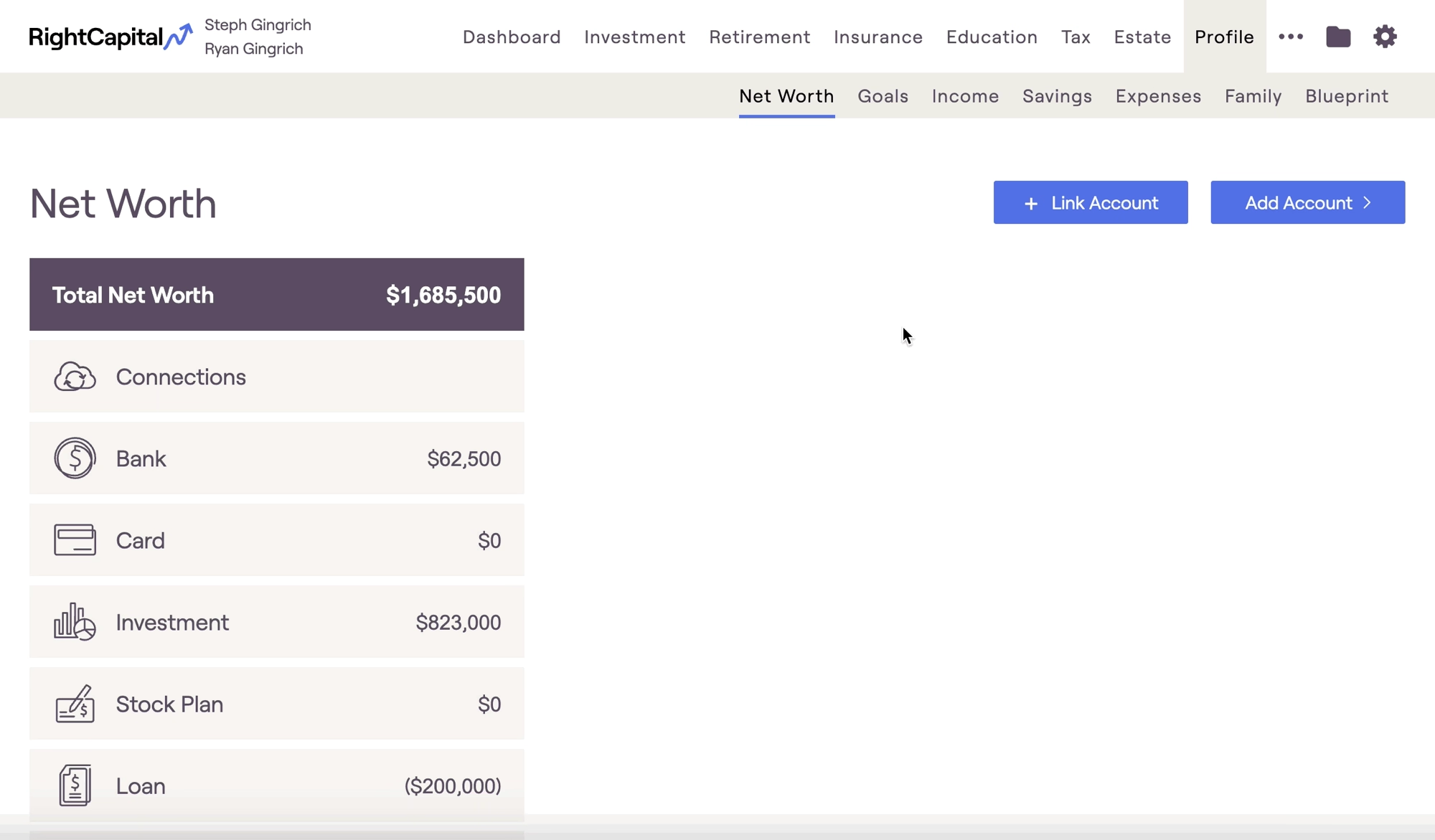
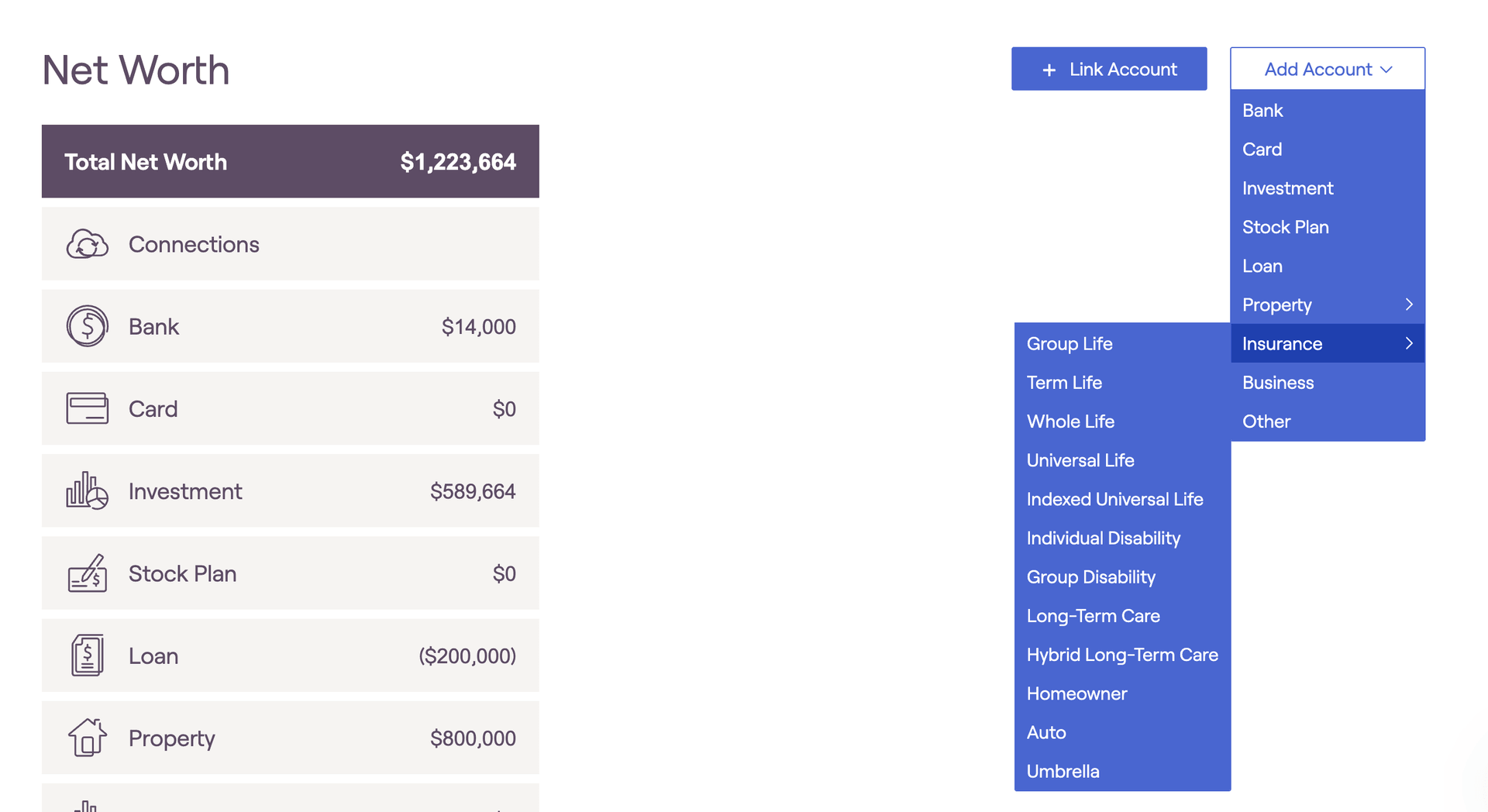
Policy information will feed into the client's Retirement Analysis section, as well as the various modules within the Insurance tab. If the conditions are met within the plan, death benefits will be reflected as Other Income, and will be automatically saved and reinvested into the client's taxable bucket at the end of the year. All insurance premiums will be added to the client's expenses in the Cash Flow projections.
Please be mindful not double-count insurance premiums when entering a client's living expenses. Insurance premiums should be excluded from the values entered into the Pre-Retirement Living Expense and Retirement Living Expense data cards.
Please note: only existing coverage should be entered into the Profile > Net Worth section. Insurance policies that you are proposing to a client can be added directly to a proposed plan within the Retirement Analysis module. This allows for an easy comparison of scenarios with different policy options. For more information on proposing insurance policies in the Retirement Analysis module, click here.
Life Insurance
Group Life
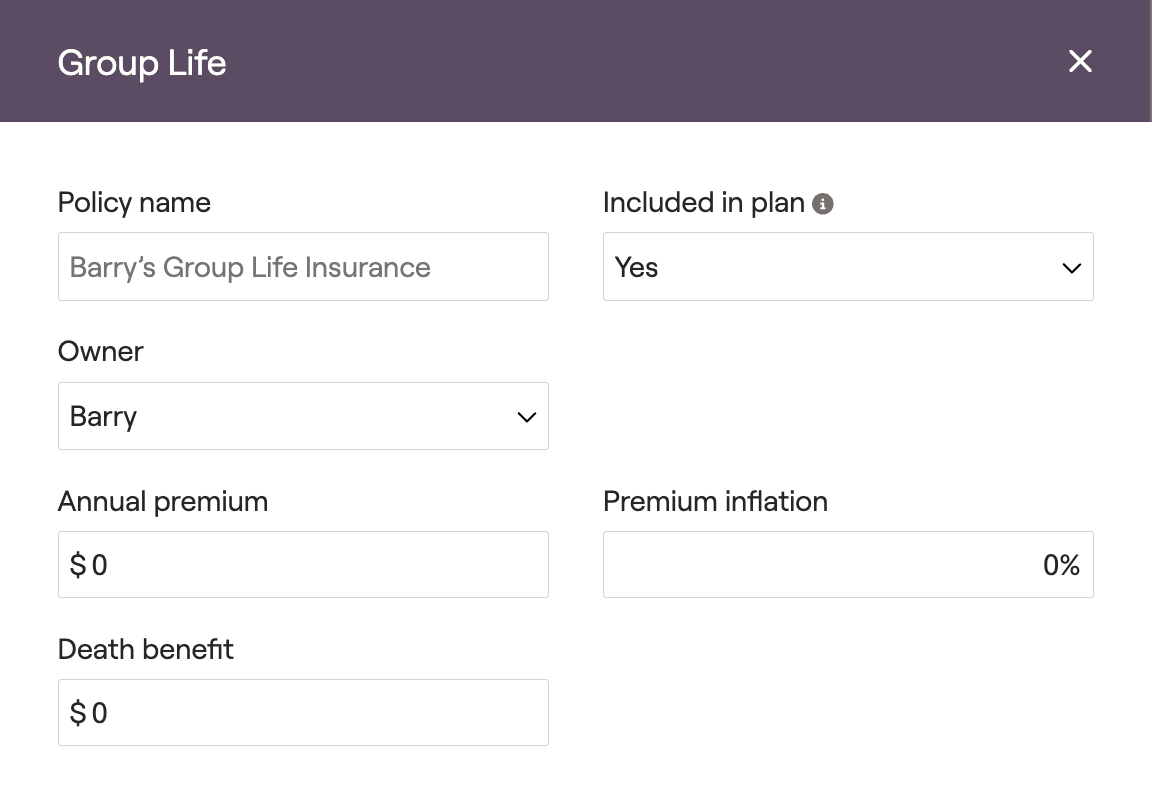
Please click on the dropdown arrows below for more information on...
Term Life
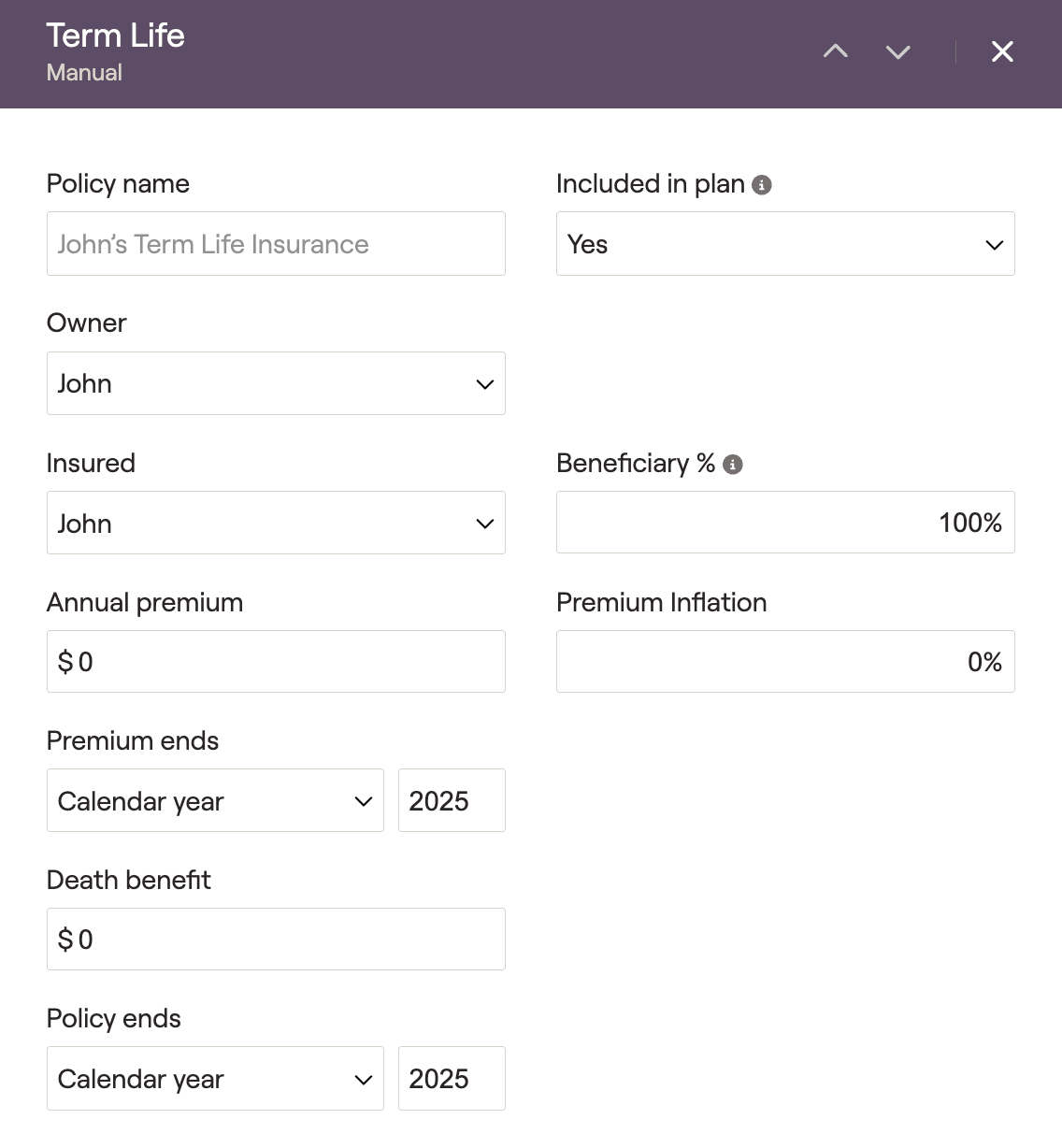
Please click on the dropdown arrows below for more information on...
Whole/Universal/Indexed Universal Life
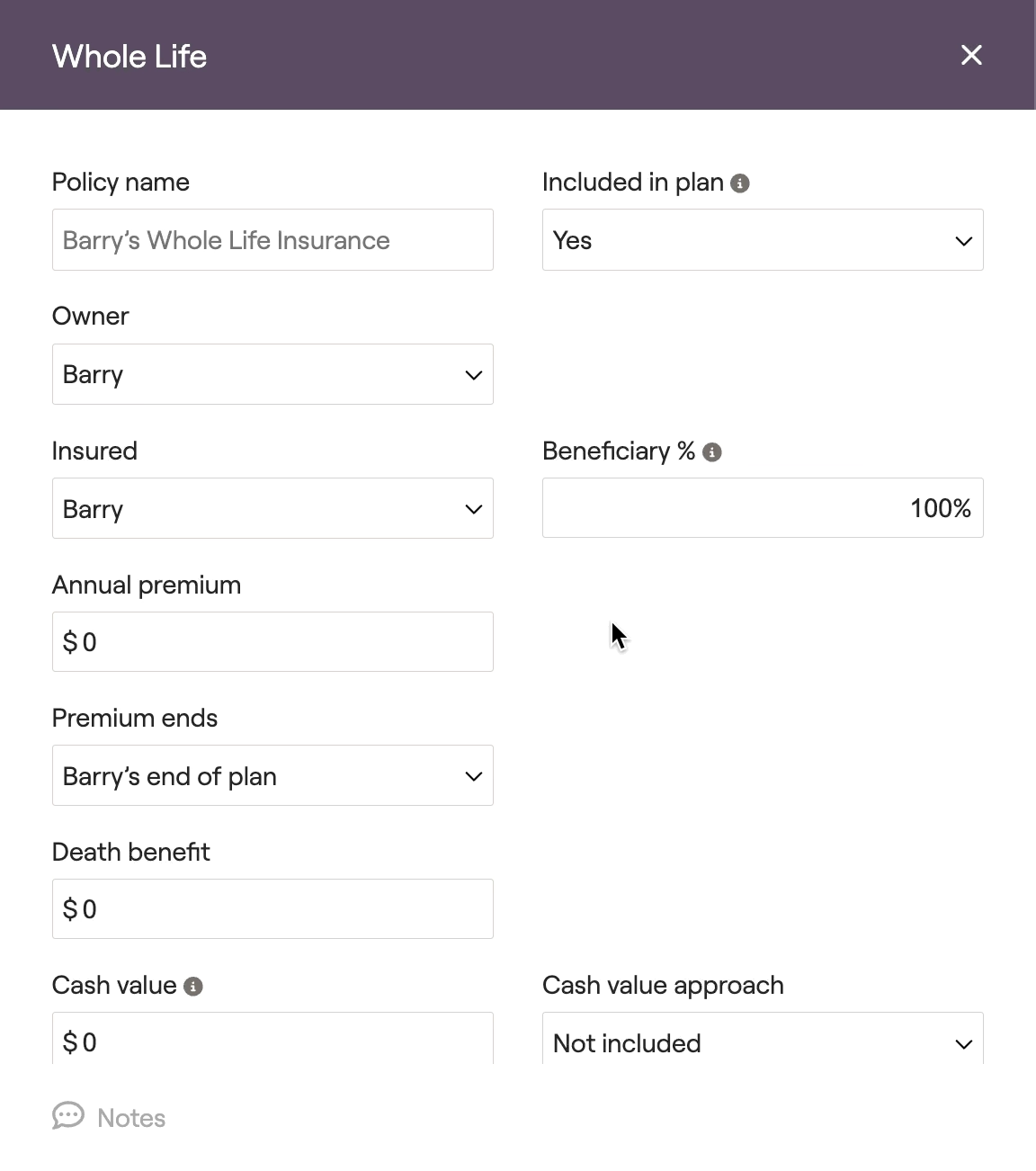
The information below describes the data entry process for whole life, but the data entry for universal and indexed universal life is identical. Please click on the dropdown arrows below for more information on...
Individual/Group Disability
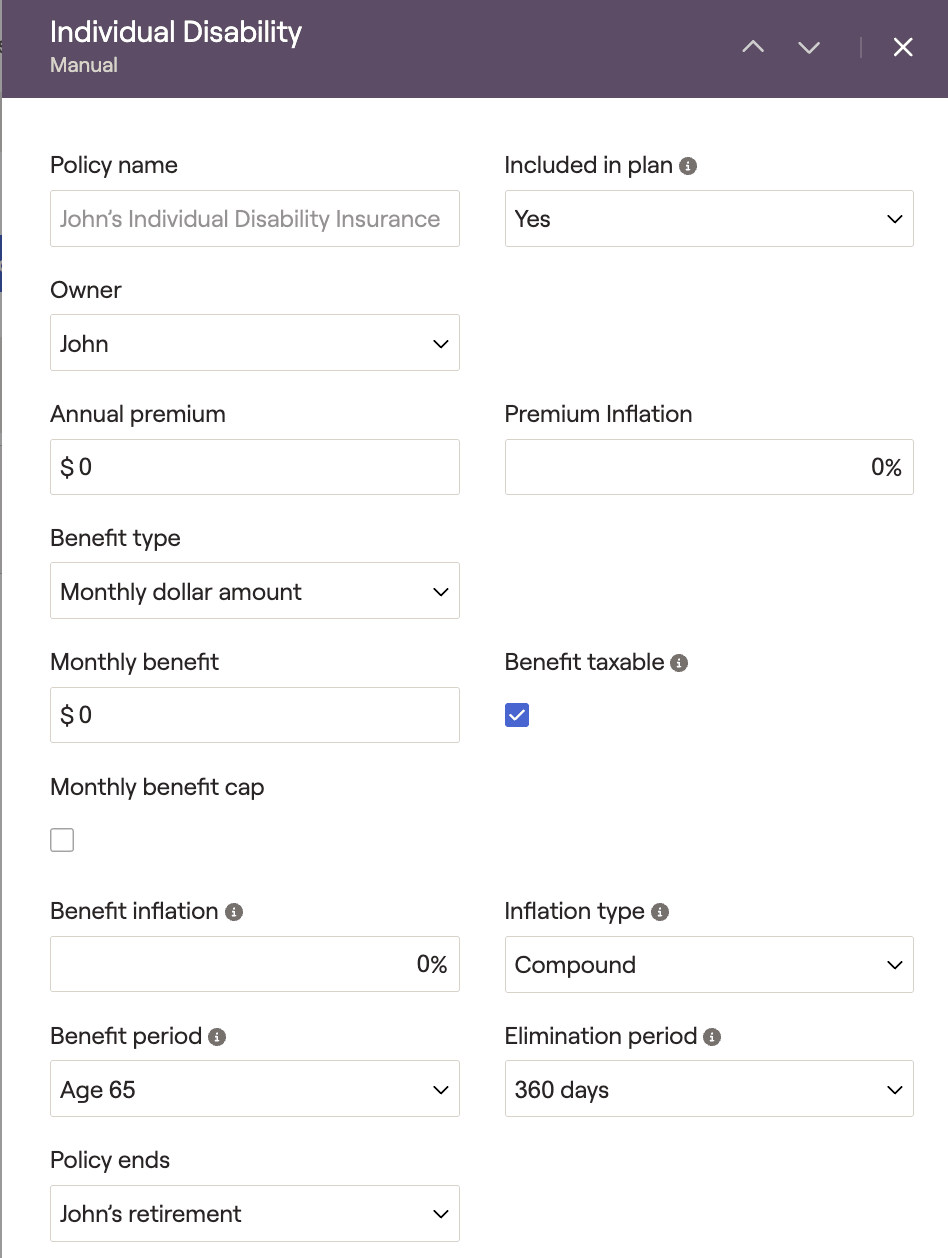
Please click on the dropdown arrows below for more information on...
Long-Term Care
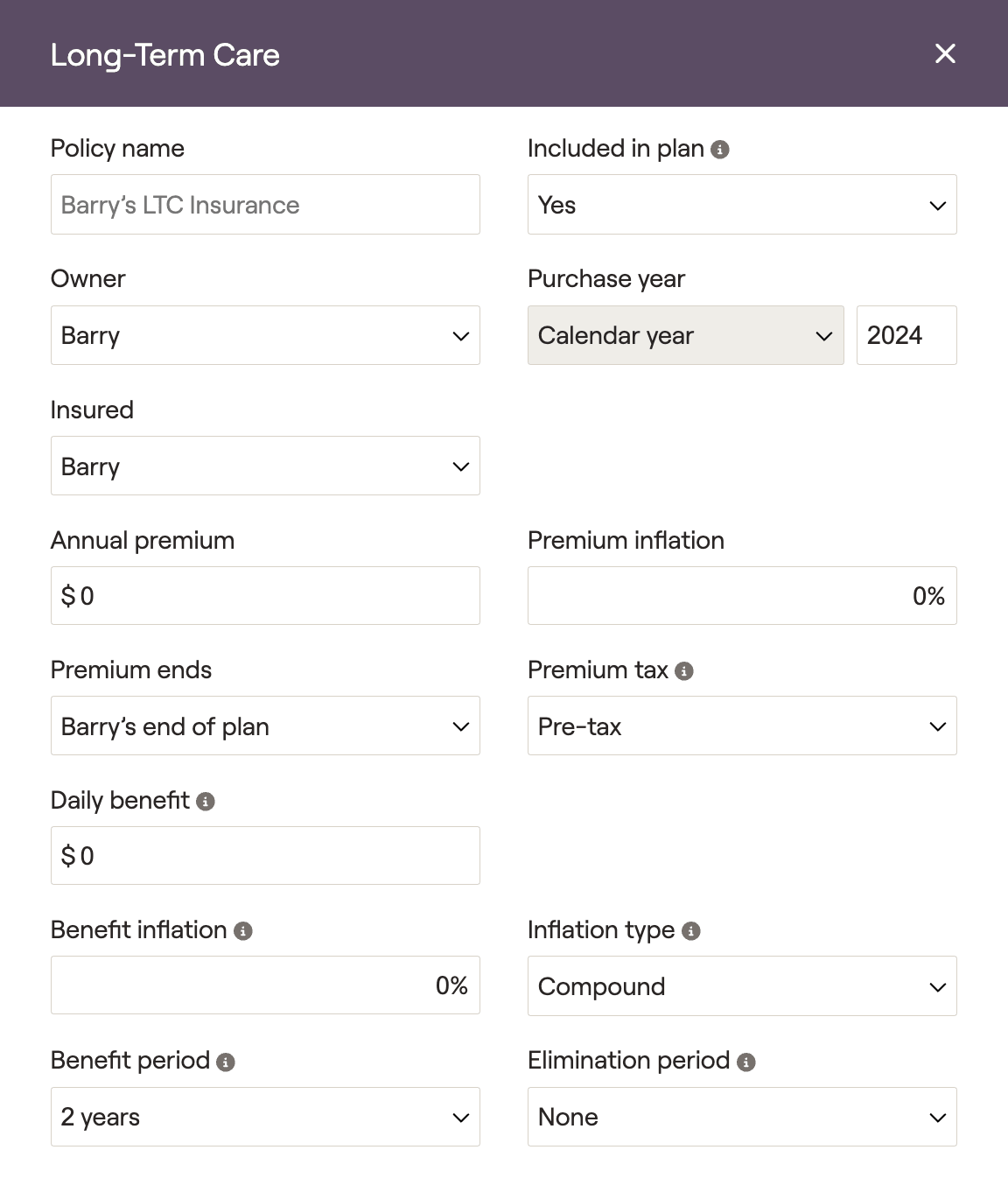
Please click on the dropdown arrows below for more information on...
Hybrid Long-Term Care
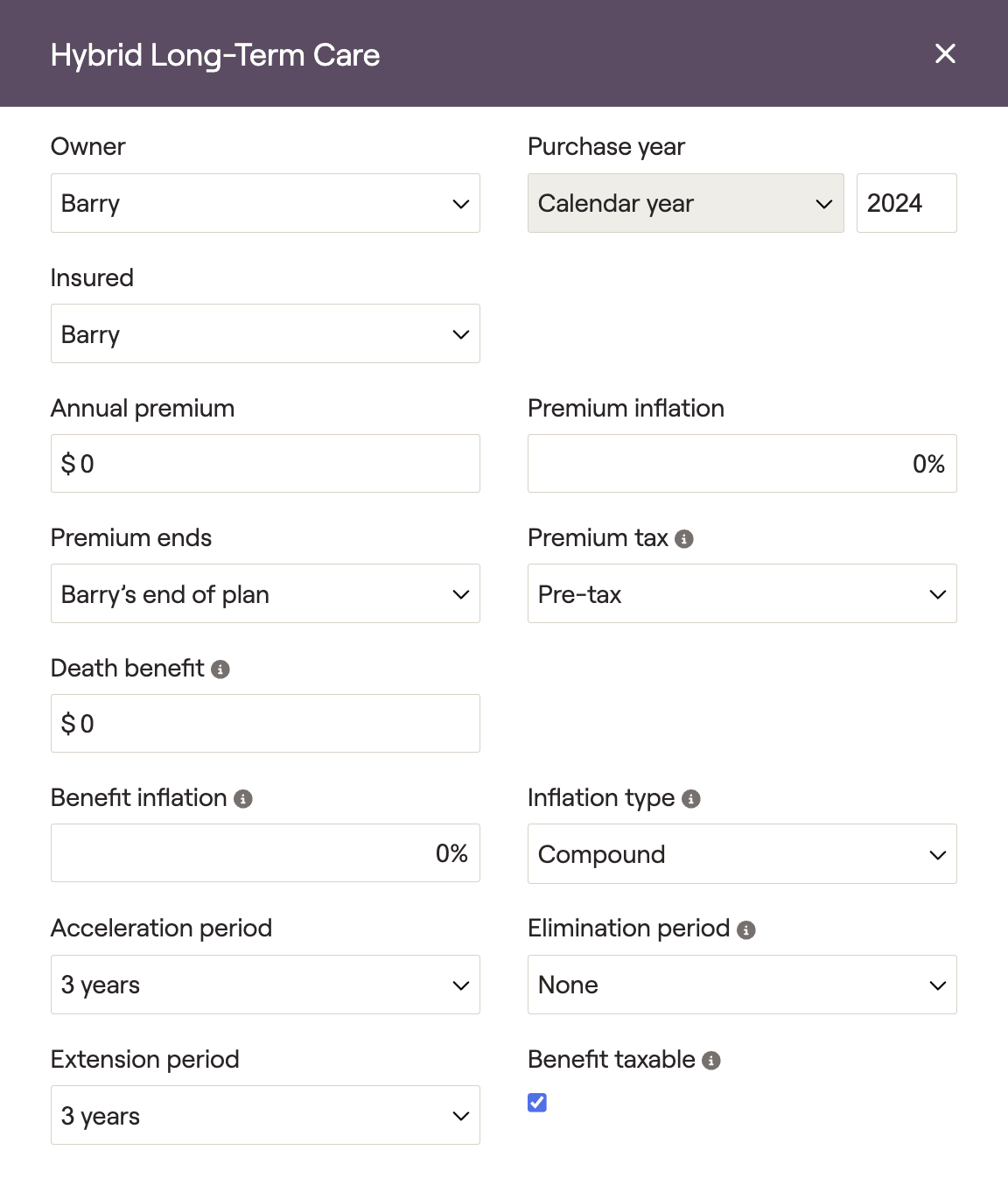
Please click on the dropdown arrows below for more information on...
Homeowner
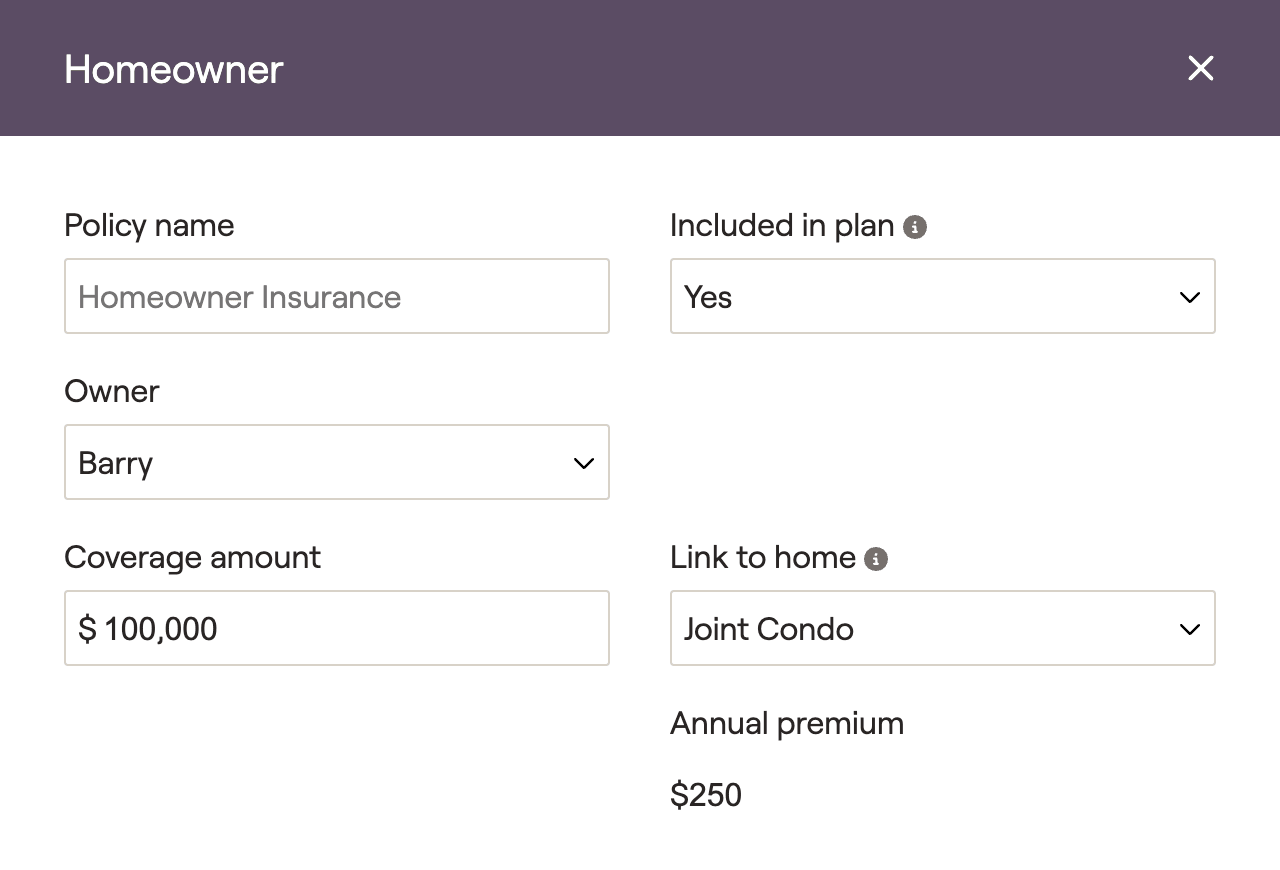
Please click on the dropdown arrows below for more information on...
Auto
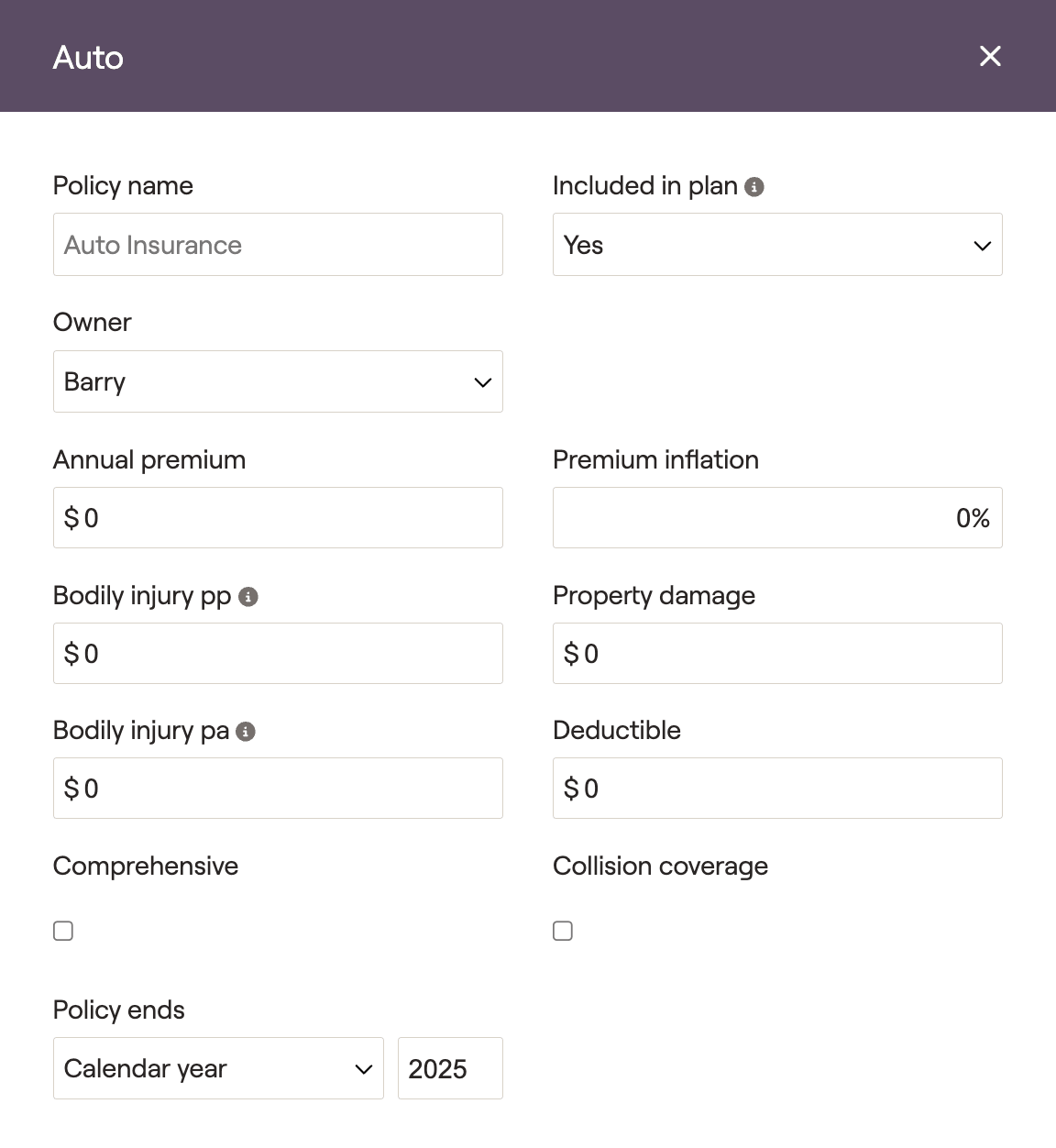
Please click on the dropdown arrows below for more information on...
Umbrella

Please click on the dropdown arrows below for more information on...


