You can customize the maximum allowed period of inactivity before being automatically signed out from the Advisor Portal > Gear Icon > Security > Session.
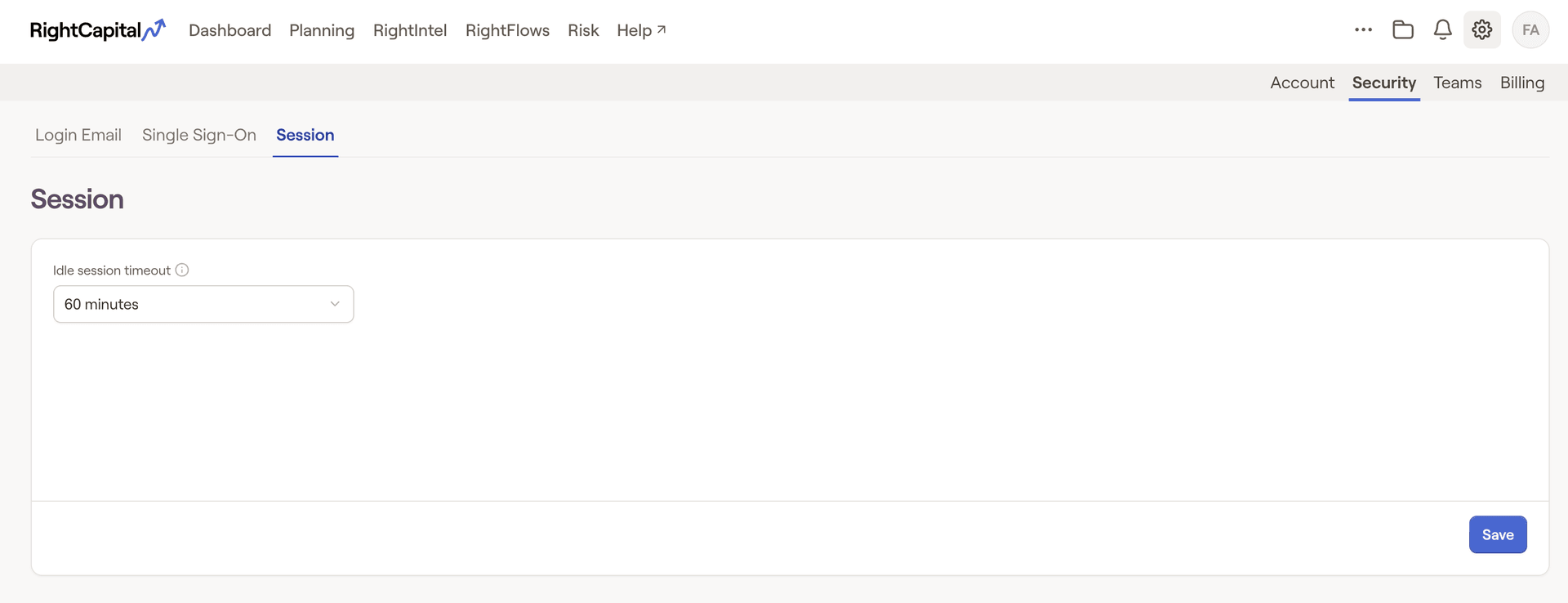
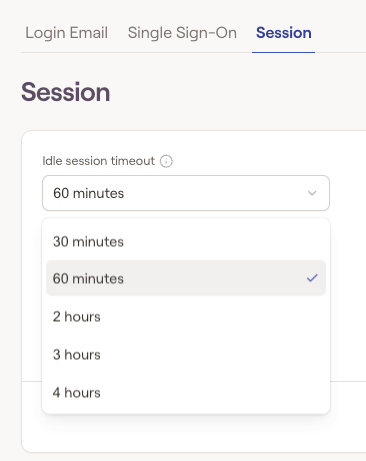
From here, you can choose a specific Idle session timeout length of:
30 minutes
60 minutes
2 hours
3 hours
- 4 hours
 Client Session Timeout
Please note that session timeout settings are specific to the advisor and do not affect the client session timeout default.


