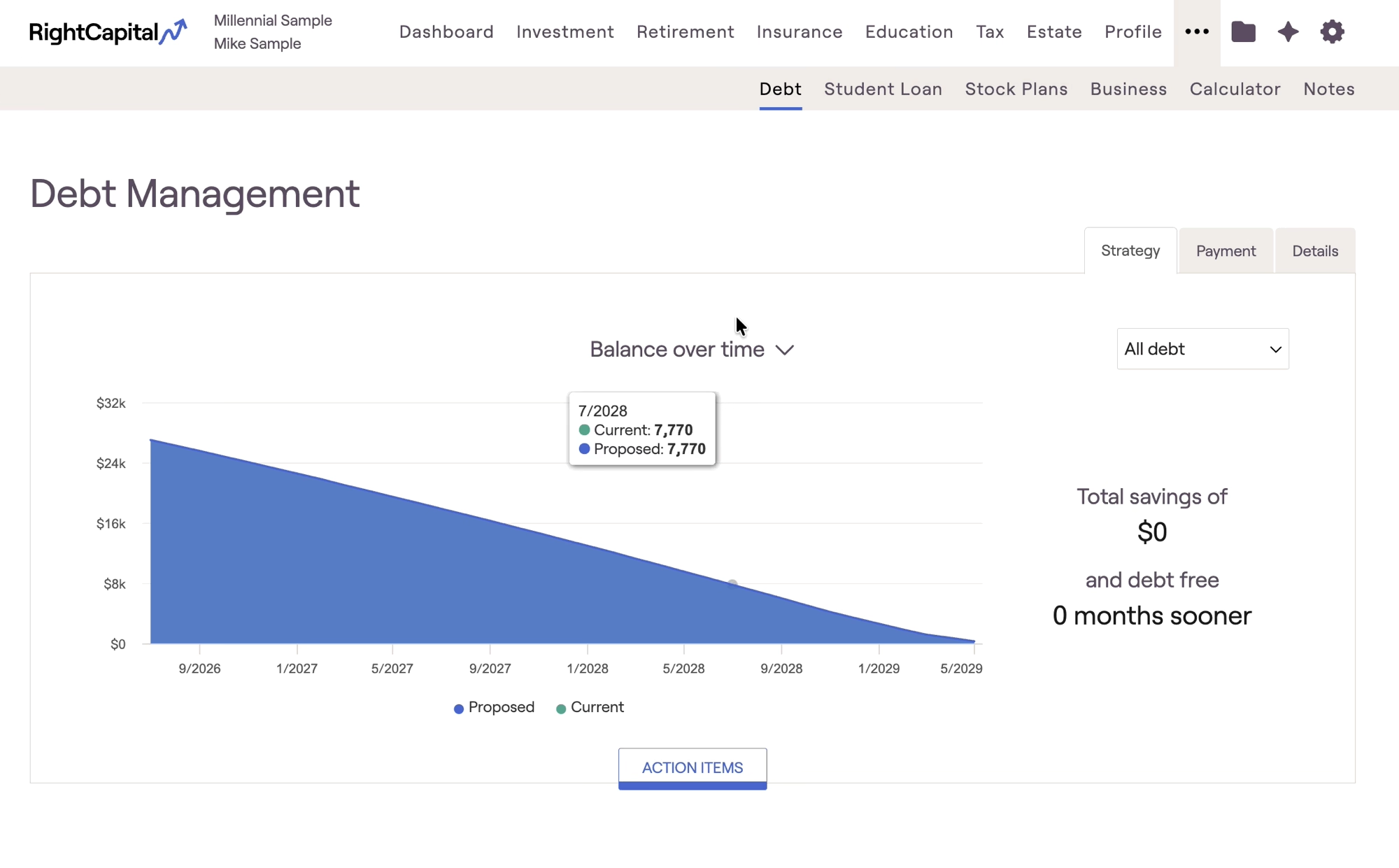
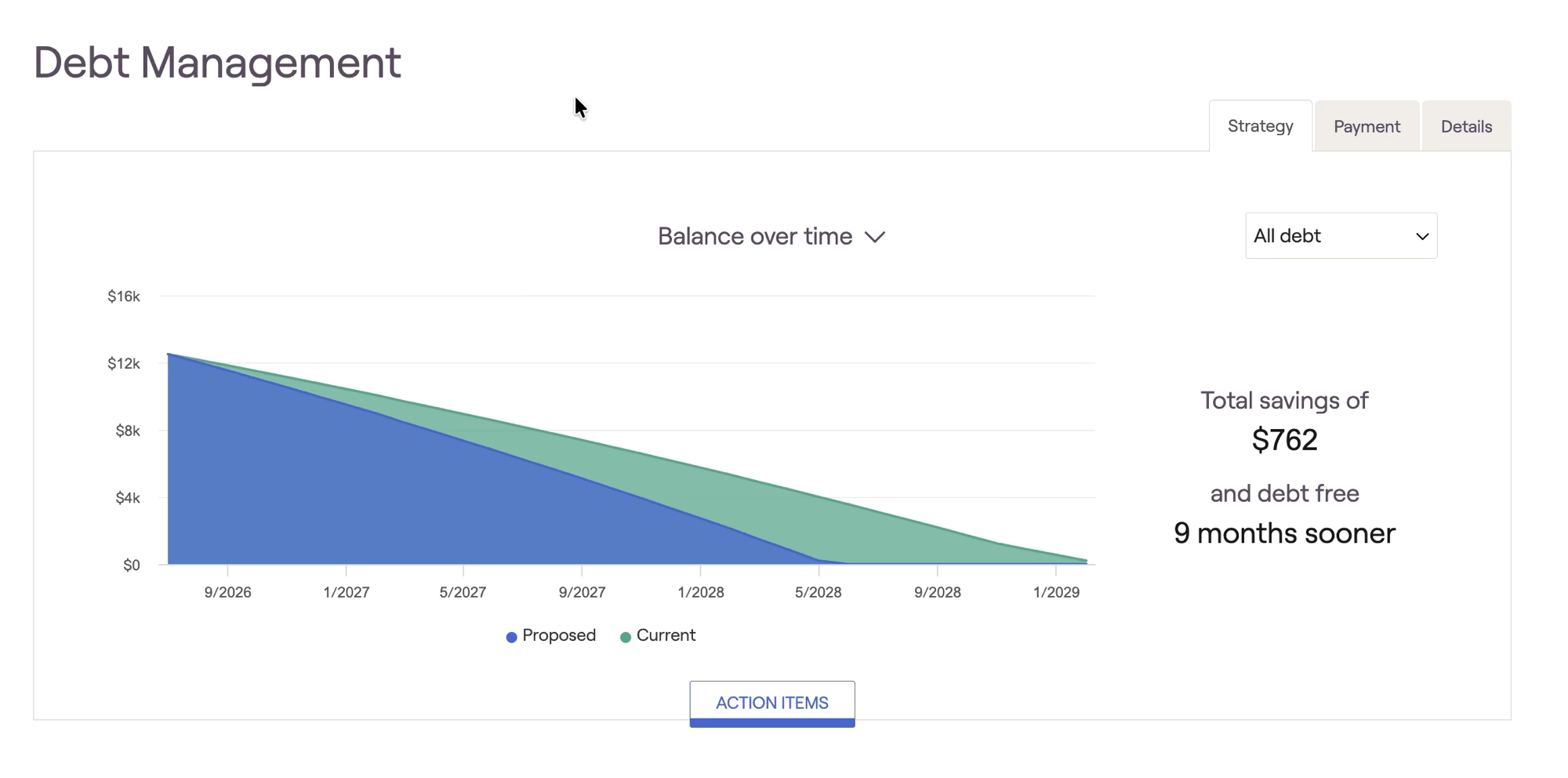
Individual loan strategy
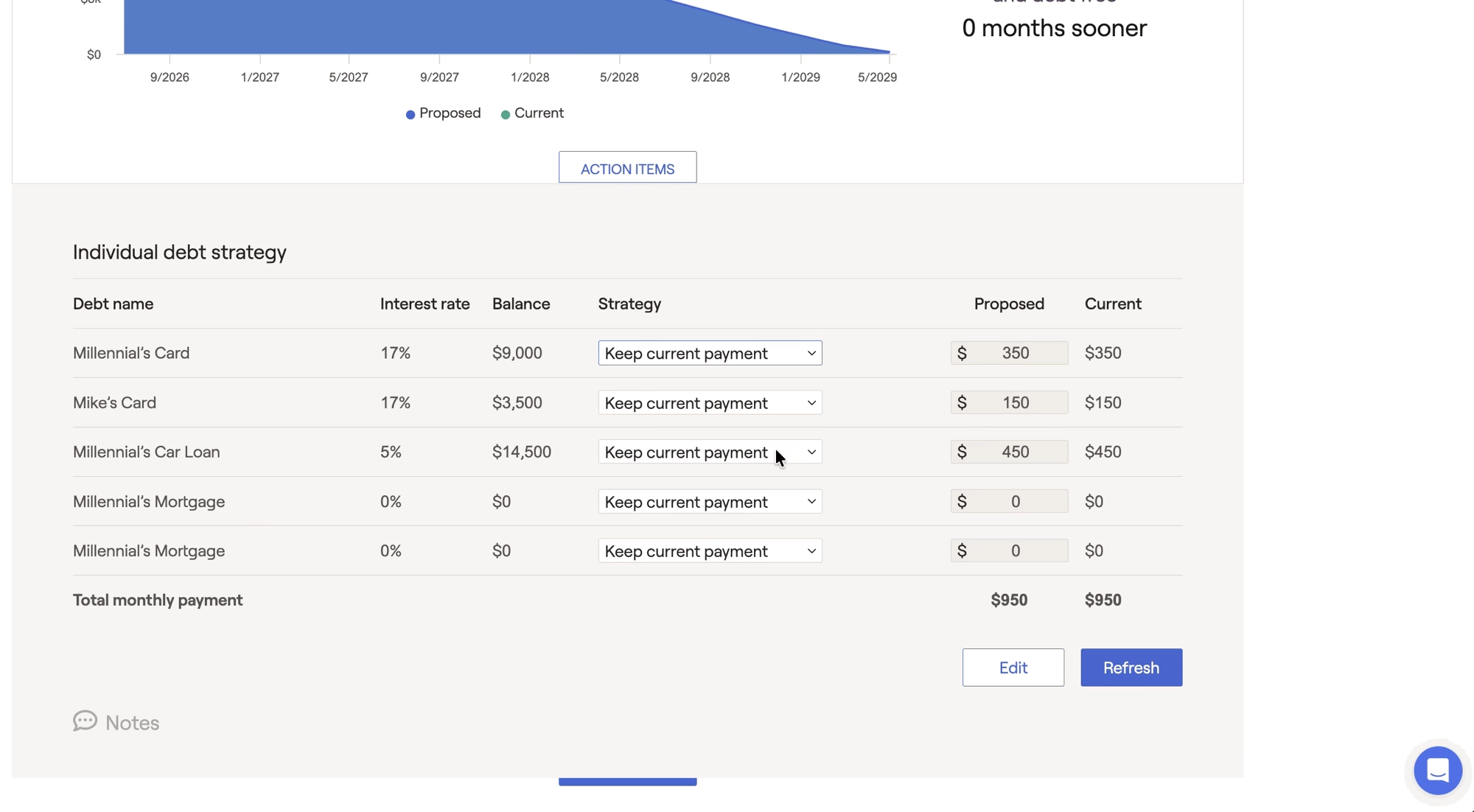
Choose which loans you would like to include in your proposed payment strategy within the Individual Loan Strategy section of the Action Items. To exclude a particular loan from the proposed payment strategy, switch to "Keep Current Payments" within the Strategy column for that loan:
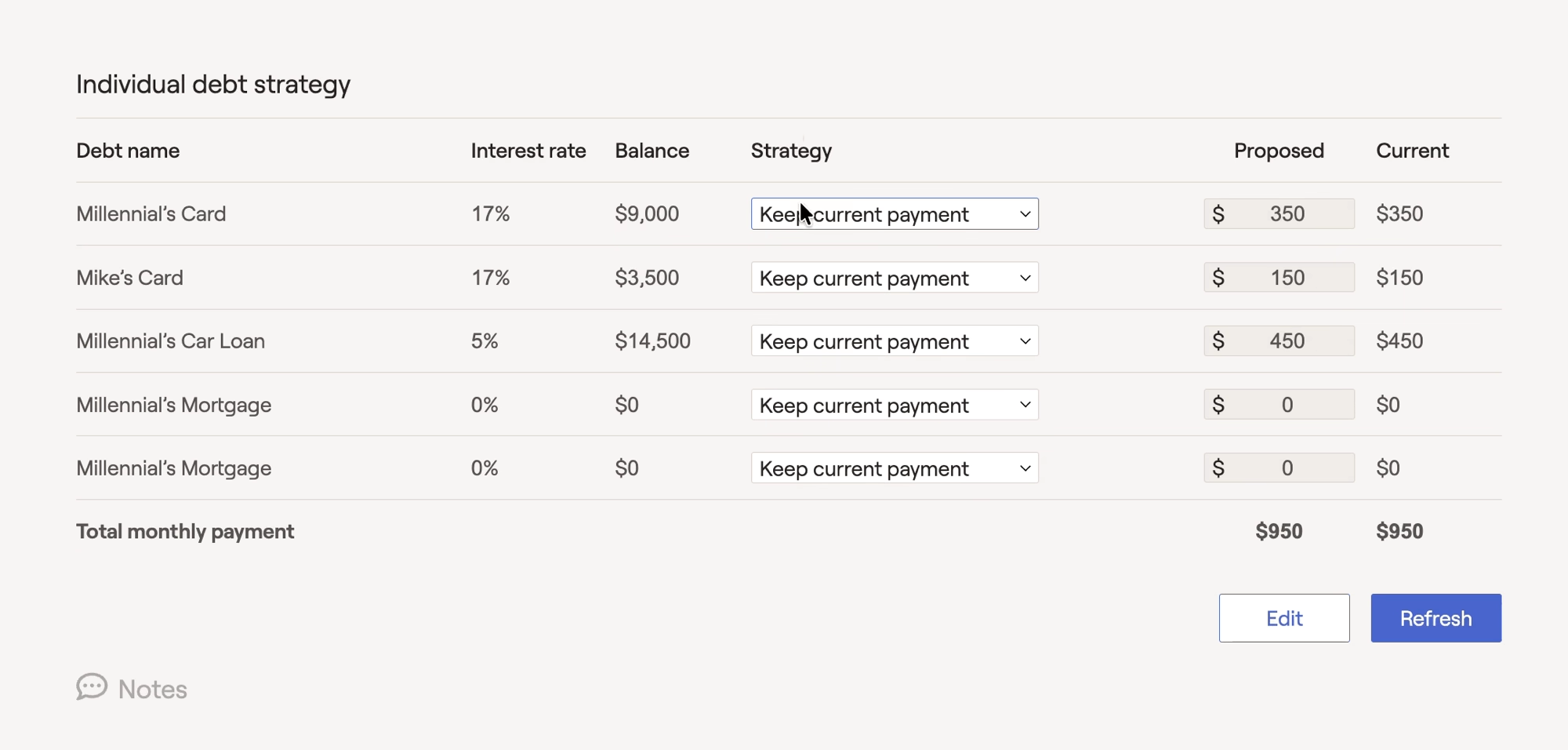
Under the Strategy menu, you will find additional options to model alternative payment strategies.
Customized Payments
This option allows you to propose an alternative payment amount for that loan:

Prioritize
This option allows you to add the debt to a payment priority strategy. This will prioritize payments according to a selected repayment strategy. When selecting the prioritize option, a new selection will appear at the bottom of the action items:

Here, you can select one of two payment priority strategies:
- Prioritize Highest Rate: Prioritizing debt payments from the highest to the lowest interest rate is known as the "debt avalanche" strategy. This saves money on interest payments by quickly paying down the principal balance on high-interest debt. This method reduces the interest accruing on debts which can heavily impact total costs.
- Prioritize Balance: Prioritizing debt payments from lowest to highest balance is known as the "debt snowball strategy". This strategy allows clients to gain momentum by paying off multiple debts in a short period of time. Although this strategy saves less on interest when compared to the "debt avalanche" method, it can offer encouragement for clients who are overwhelmed with multiple debt payments.
In each strategy, the minimum payments are met but the total monthly debt payments do not decrease as the debt is paid off. Instead, as each liability is eliminated, the previous payment gets rolled into the next prioritized debt. Additionally, you have the option to shift available cash flow towards the prioritized debt as additional payments.
Refinance
Model a refinance for a particular loan. This option will allow you to enter the cost of the refinance, the new term, and new interest rate:
You can edit the refinancing by selecting the "edit" option that appears next to the strategy dropdown.
Borrowers can seek to refinance their debt in order to make favorable changes in their credit agreements. In this scenario, the original contract is replaced with new terms that offer updated payment schedules, lower interest rates, and reduced monthly payments. Typically borrowers will refinance mortgages, car loans, or student loans as interest rates fall in response to changing economic conditions.
Extra Debt Payments
Within the debt module, you are able to model extra debt payments towards specific loans on a singular or reoccurring basis, as opposed to increasing the existing monthly payment.
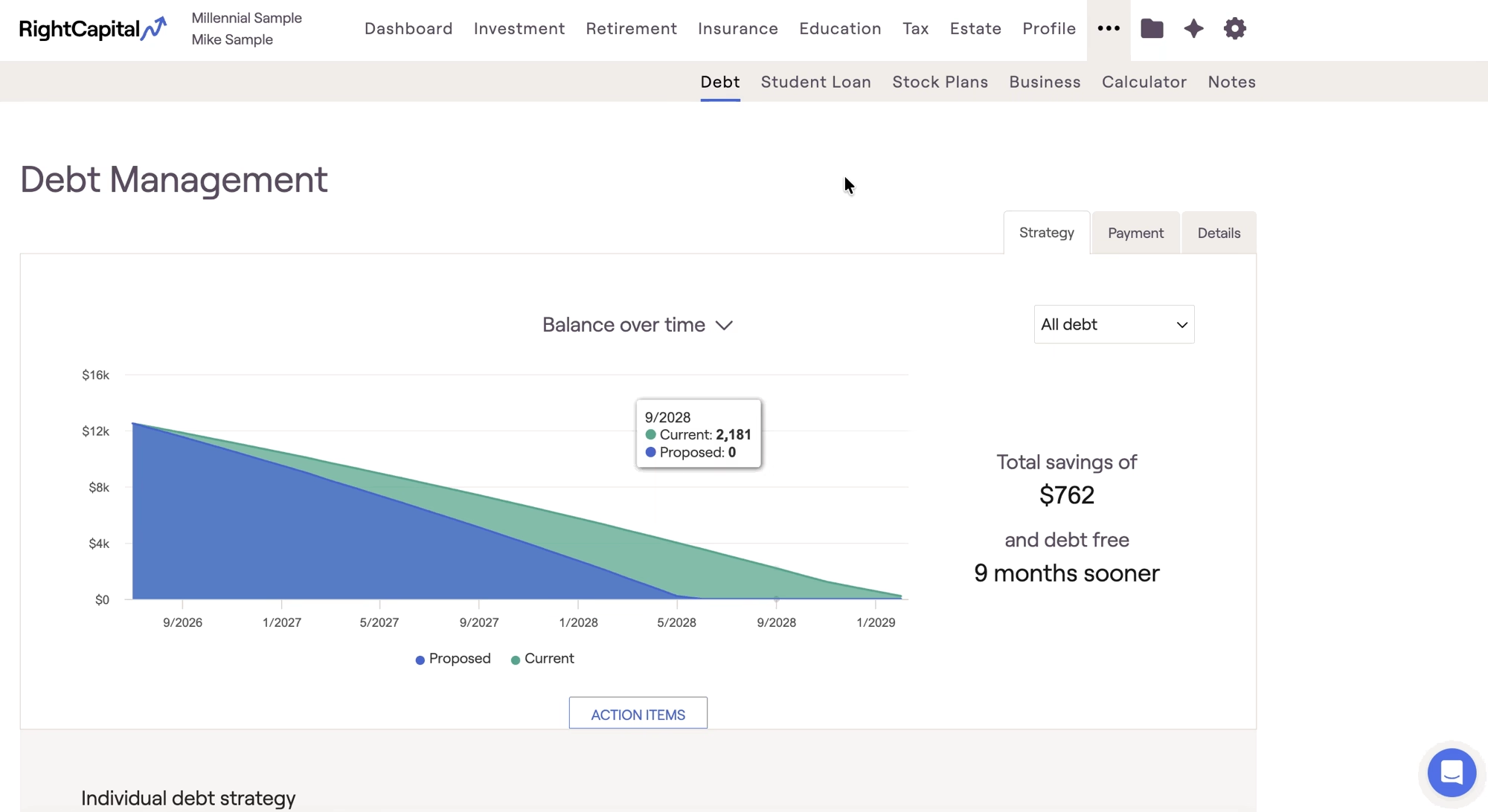
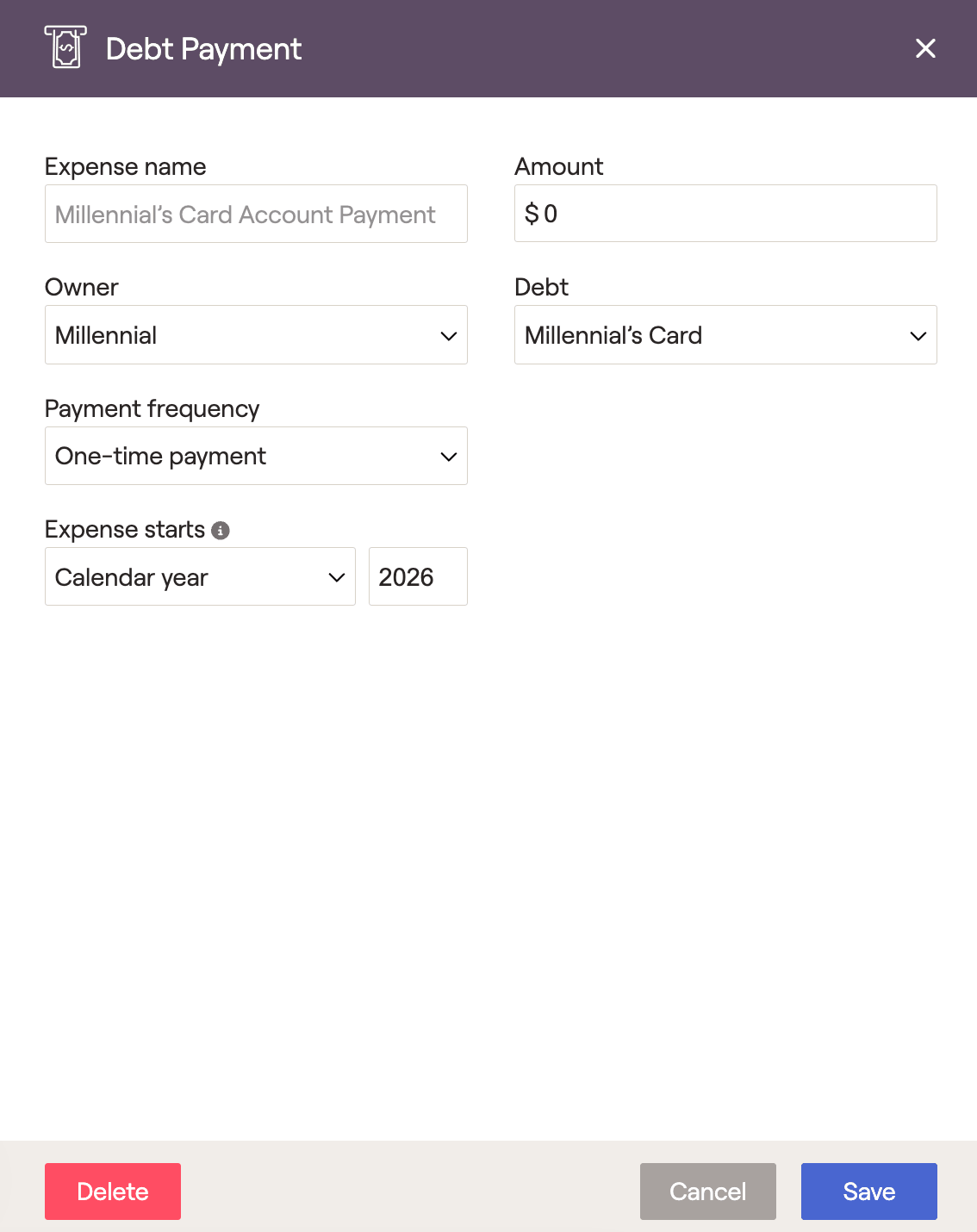
This option will allow you to specify the extra debt payment amount, loan, frequency, and date. Press "save" to add the debt payment to the plan.
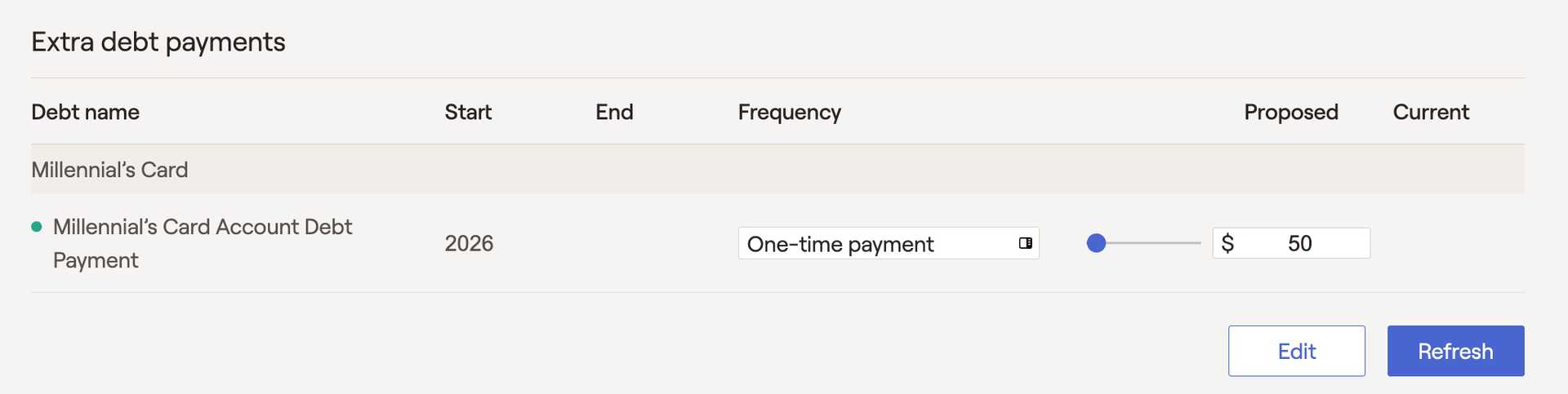
Once saved, the extra debt payment will then be displayed in the action items. The extra debt payment details can be adjusted by selecting the frequency option, or by adjusting the payment slider.
To remove an extra debt payment from the debt strategy, simply open the edit menu, and deselect the extra debt payment.
Adjusted rate mortgages, Interest only mortgages, Home equity lines of credit, and Reverse mortgages are not included in the proposed payment strategies due to the complex calculations involved.


