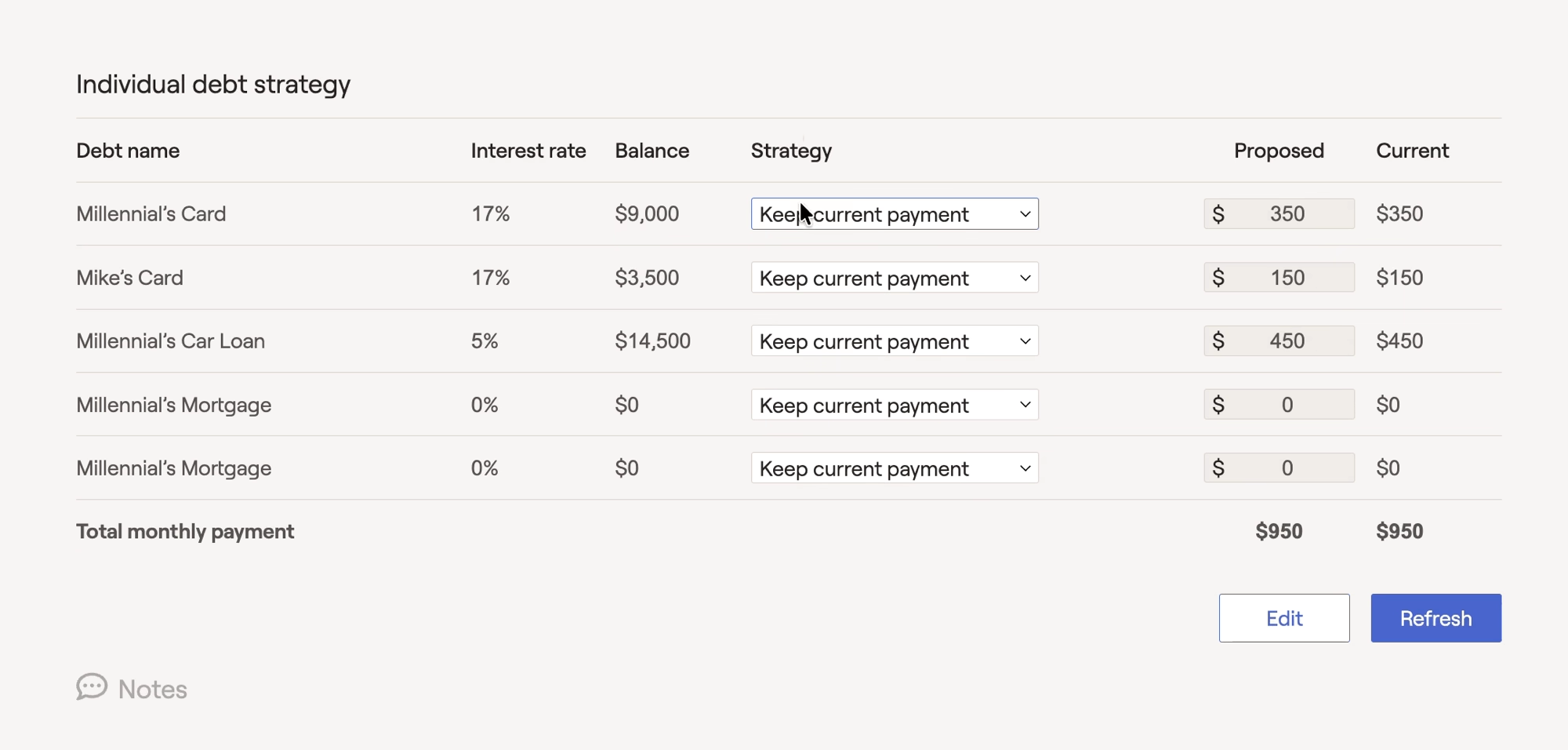
Within the "..." More Menu > Debt > Strategy tab of each client plan, the Individual Loan Strategy section of the Action Items allows you to choose which loans you would like to include in your proposed payment strategy. To exclude a particular loan from the proposed payment strategy, switch to "Keep Current Payments" within the Strategy column for that loan:
You can also model a refinance for a particular loan within the Strategy menu for that loan. This will allow you to enter the cost of the refinance, the new term, and the new interest rate:
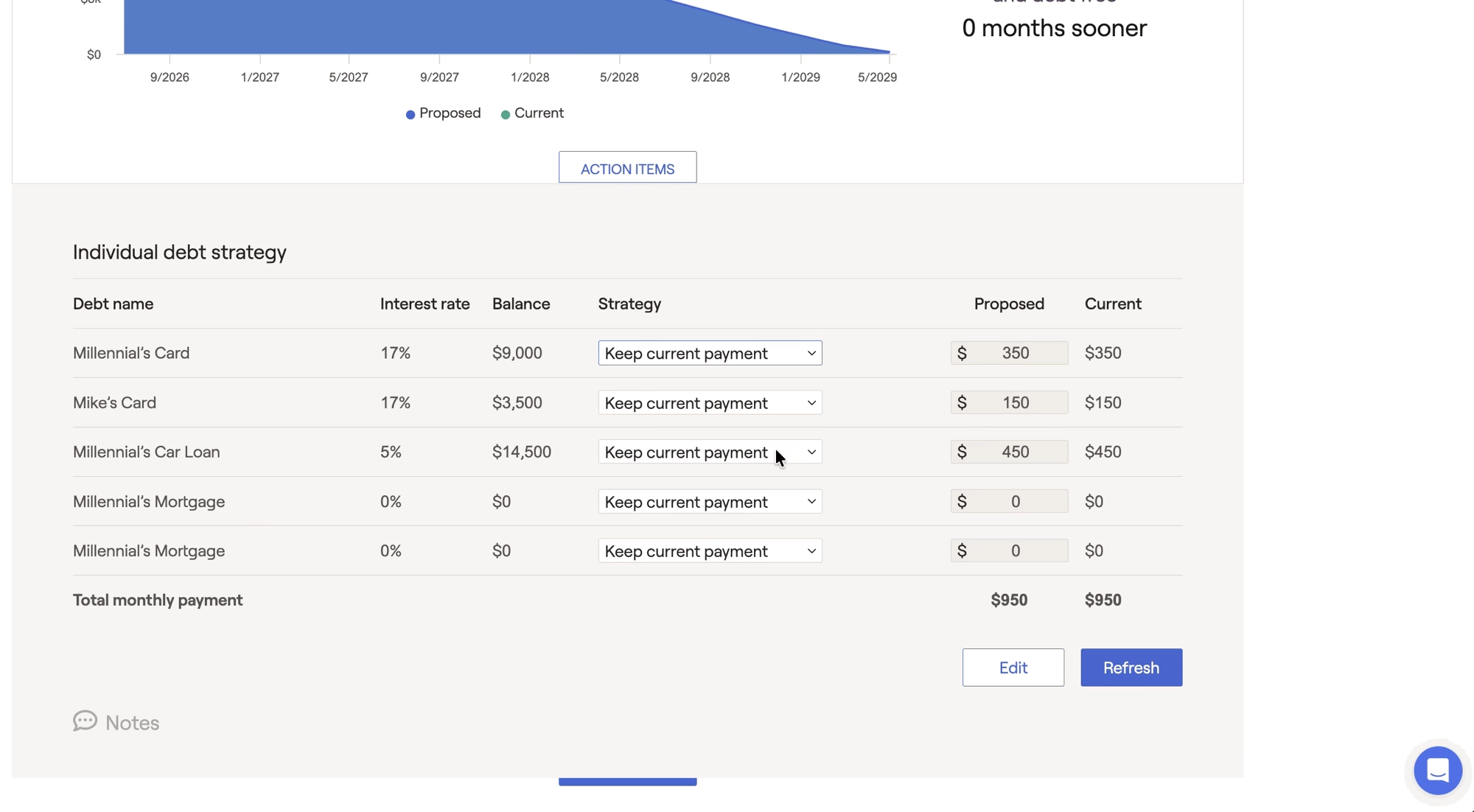
The refinancing can be edited by selecting "edit" next to the strategy dropdown.
For more information on using the Debt module to dial in a Proposed Payment Strategy for a client, click here.


