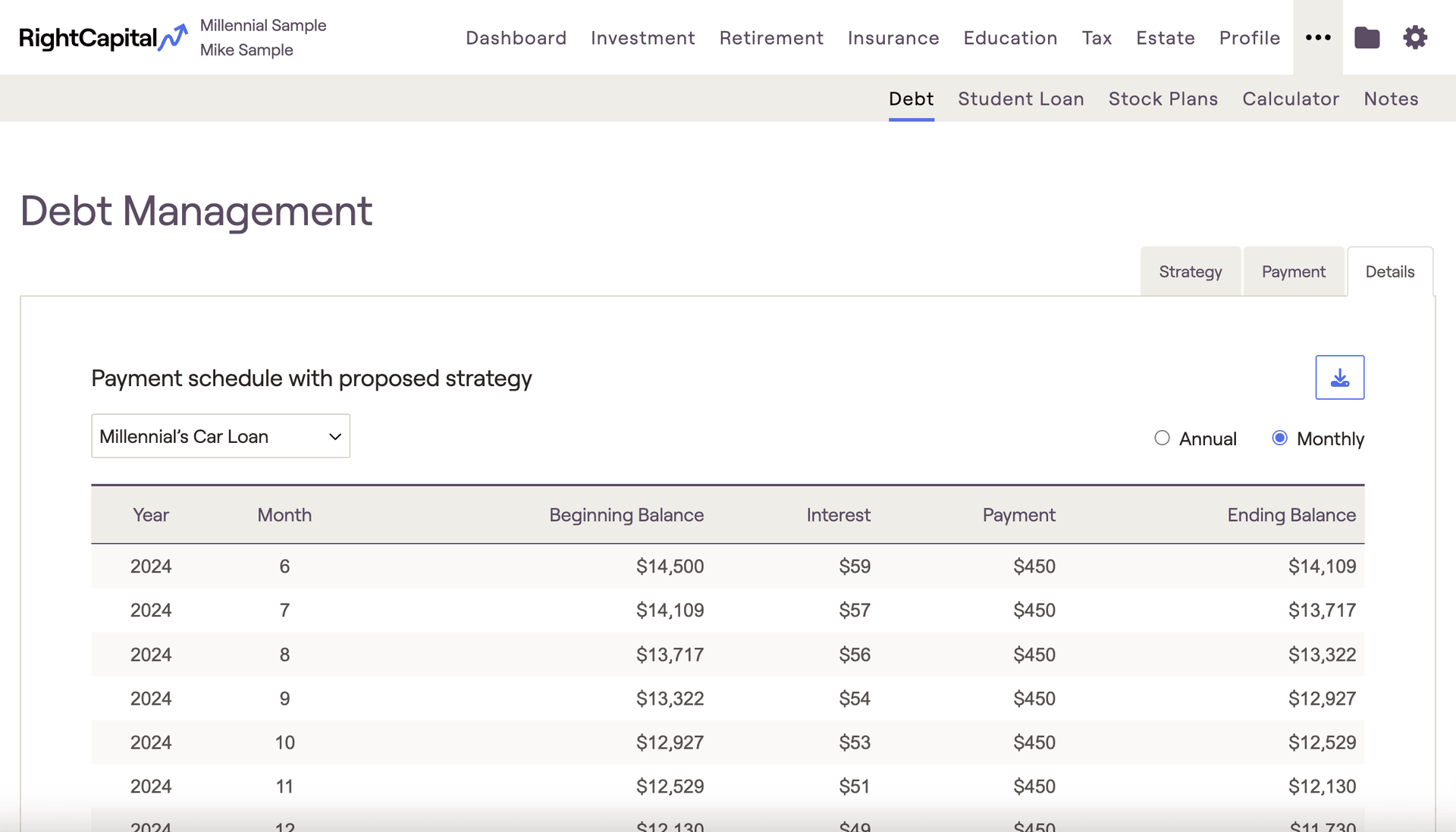
The Debt > Details tab, located within the "..." More Menu of each client plan, displays detailed amortization schedules for each loan, based on your proposed payment strategy. Use the dropdown menu in the upper left to select which loan schedule you'd like to view. With a particular loan selected, use the radio buttons to switch between an annual payment schedule, and a monthly payment schedule:
Contact Us
For additional assistance within RightCapital please contact our Support team.
Educational Webinars
RightCapital is committed to enabling your success. Each week, we cover essential planning modules and product updates.
RightCapital in Action
Check out our YouTube channel where we highlight Advisor Success Stories and share more Tips & Tricks!