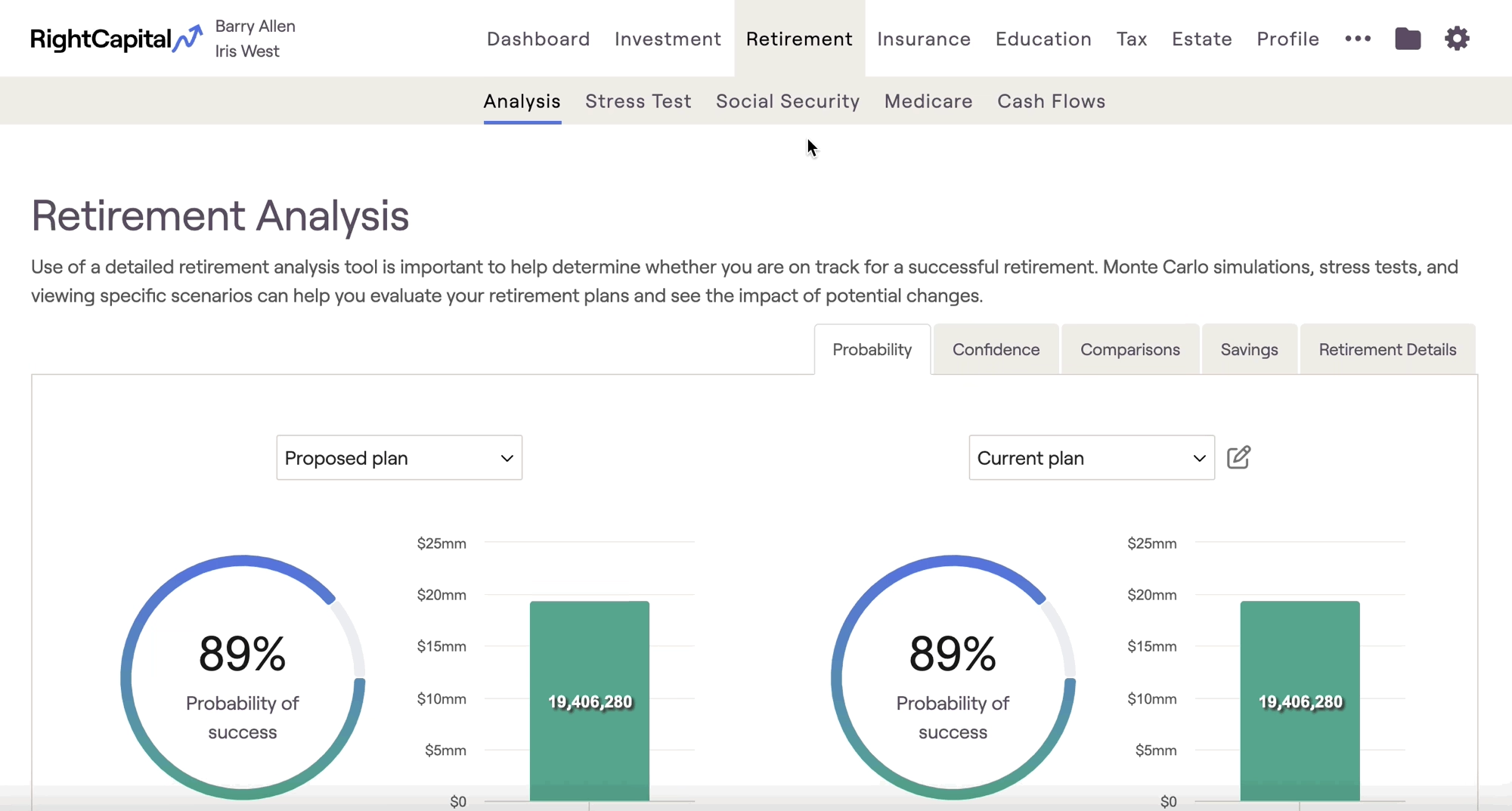
RightCapital understands not every client will draw on their assets in the same way. This is why we offer the ability to utilize dynamic spending strategies, to adjust how clients draw down their assets during retirement. Advisors can create their own custom spending strategies in the Planning > Models > Retirement Spending tab.
To create a new spending strategy, click "+ New Spending Strategy" on the left. After being created, the new strategy can be renamed by clicking the "..." icon to the right of the name:
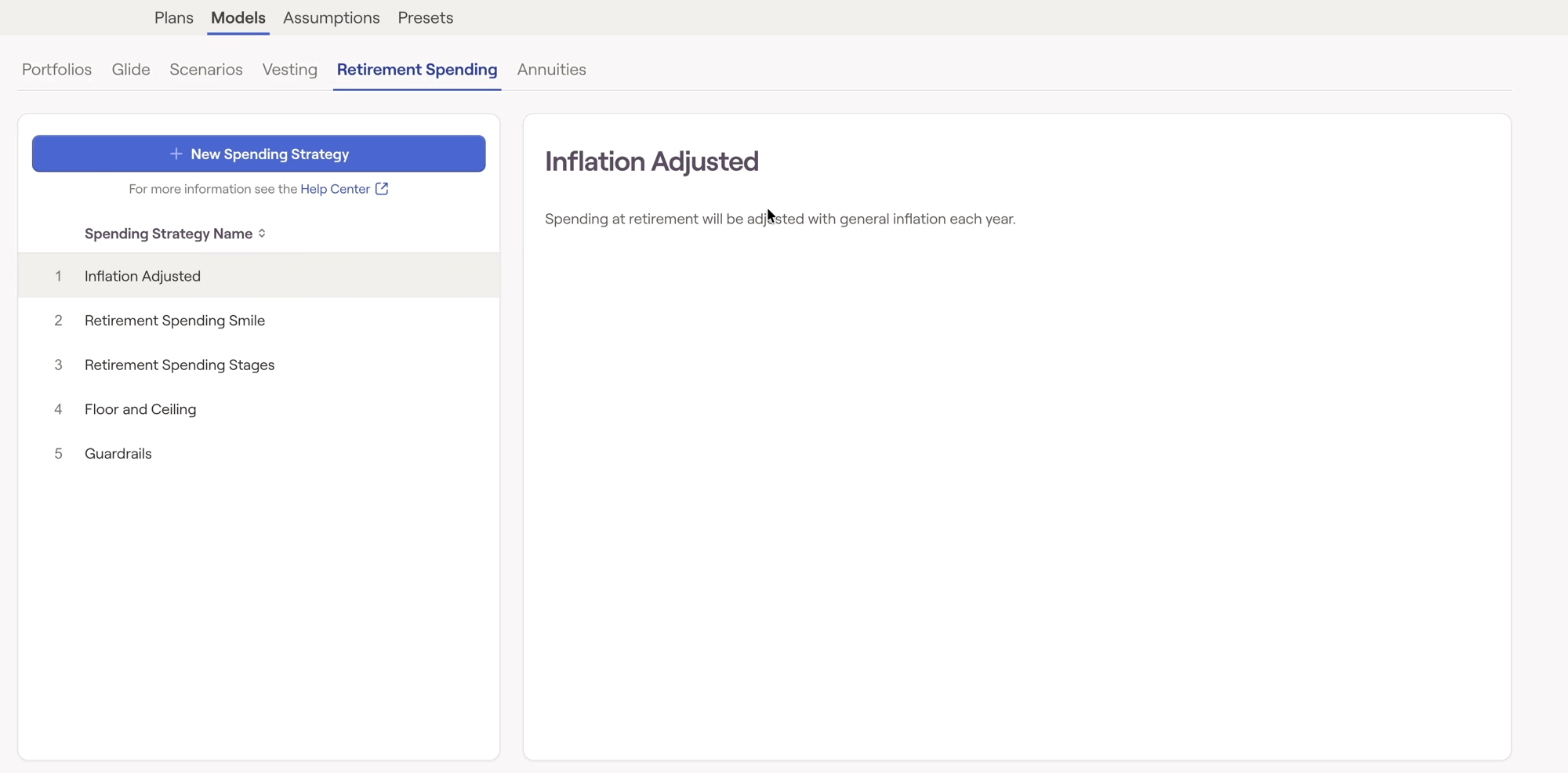
You can also make a copy of an existing model by hovering over a model, and clicking the copy icon to the right of the model name:

After adding a spending strategy, you can use the ''Strategy type' field to determine which of the default strategies you would like to use as the basis for your new strategy. The rules and parameters for your custom strategy will change depending on your chosen option:
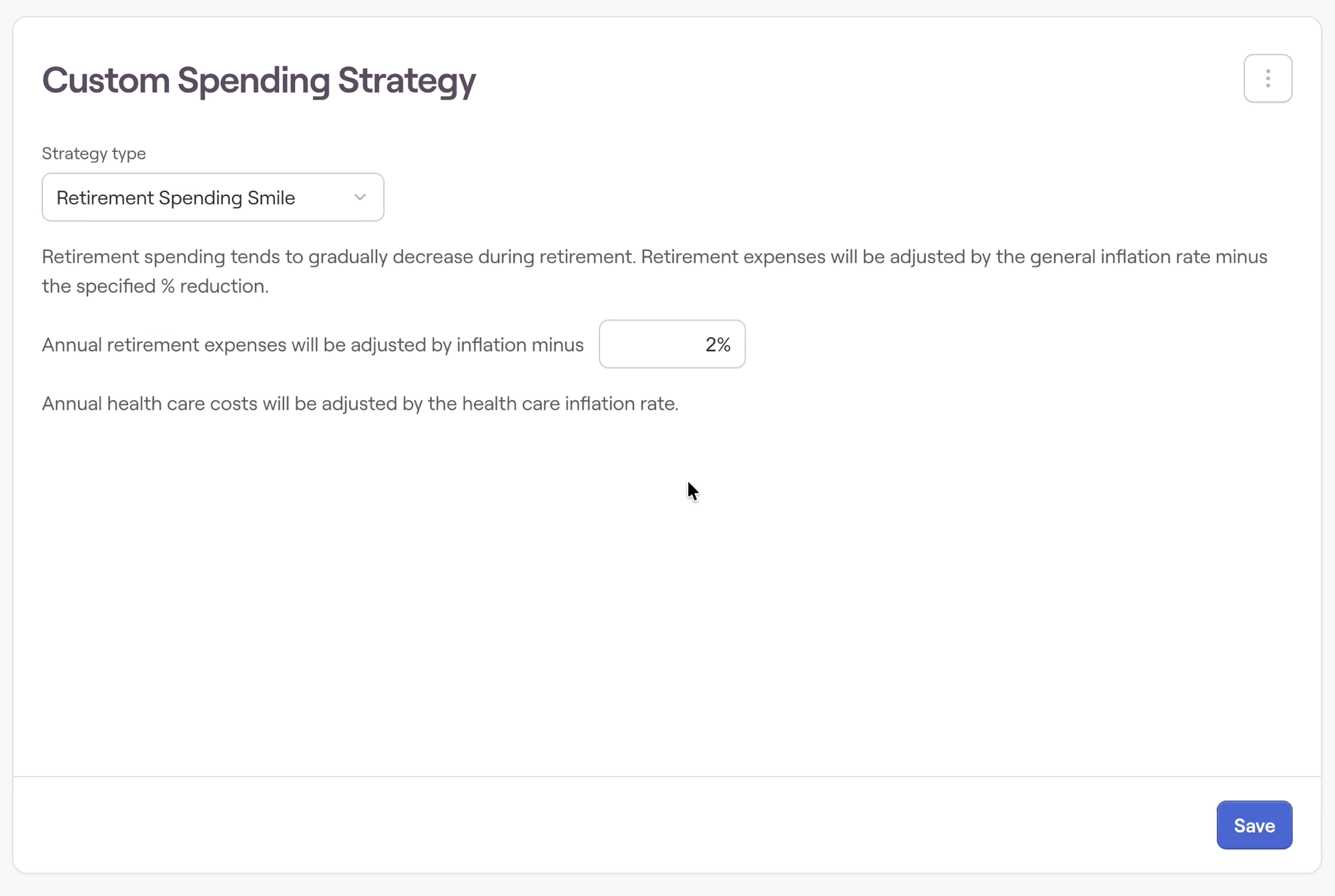
You are free to adjust the parameters for your custom spending strategy as you see fit. After dialing in your parameters, click the blue Save button in the lower right.
To learn more about each of the strategy types, click here.
Custom spending strategies can be leveraged in two different places within each client plan. To implement a spending strategy as part of a client's Current Plan, navigate to the Profile > Goals tab, open the Retirement Expense card, and select your desired spending strategy:
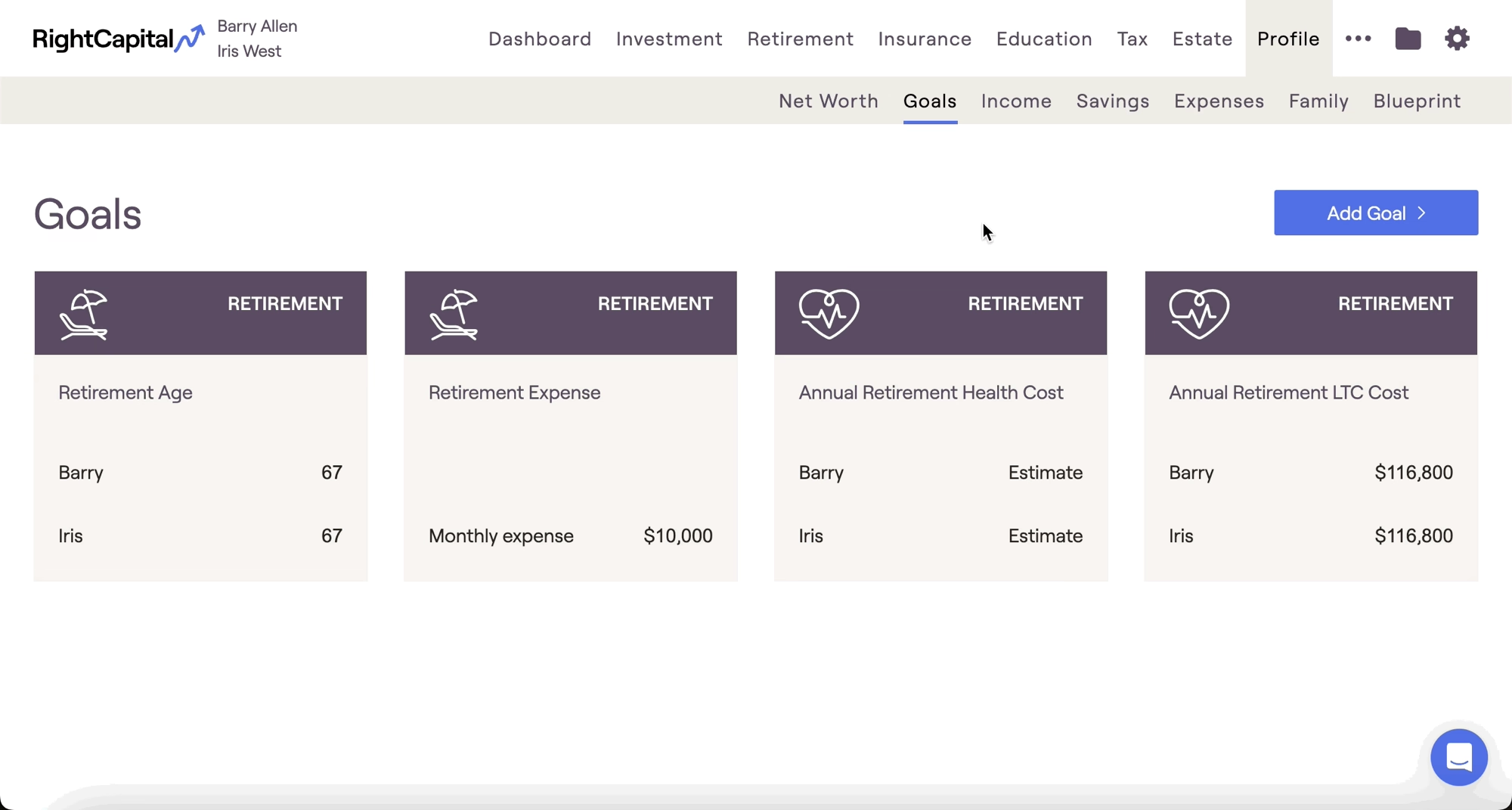
To implement a spending strategy as part of a client's Proposed Plan, navigate to the Retirement > Analysis tab and open the Action Items at the bottom of the page. Locate the 'Retirement Spending' strategy item in the right-hand column, and select your desired spending strategy: