If advisors want to stop collaborators and observers from accessing a specific financial plan in their household list, they can use the privacy setting in the Advisor Portal.
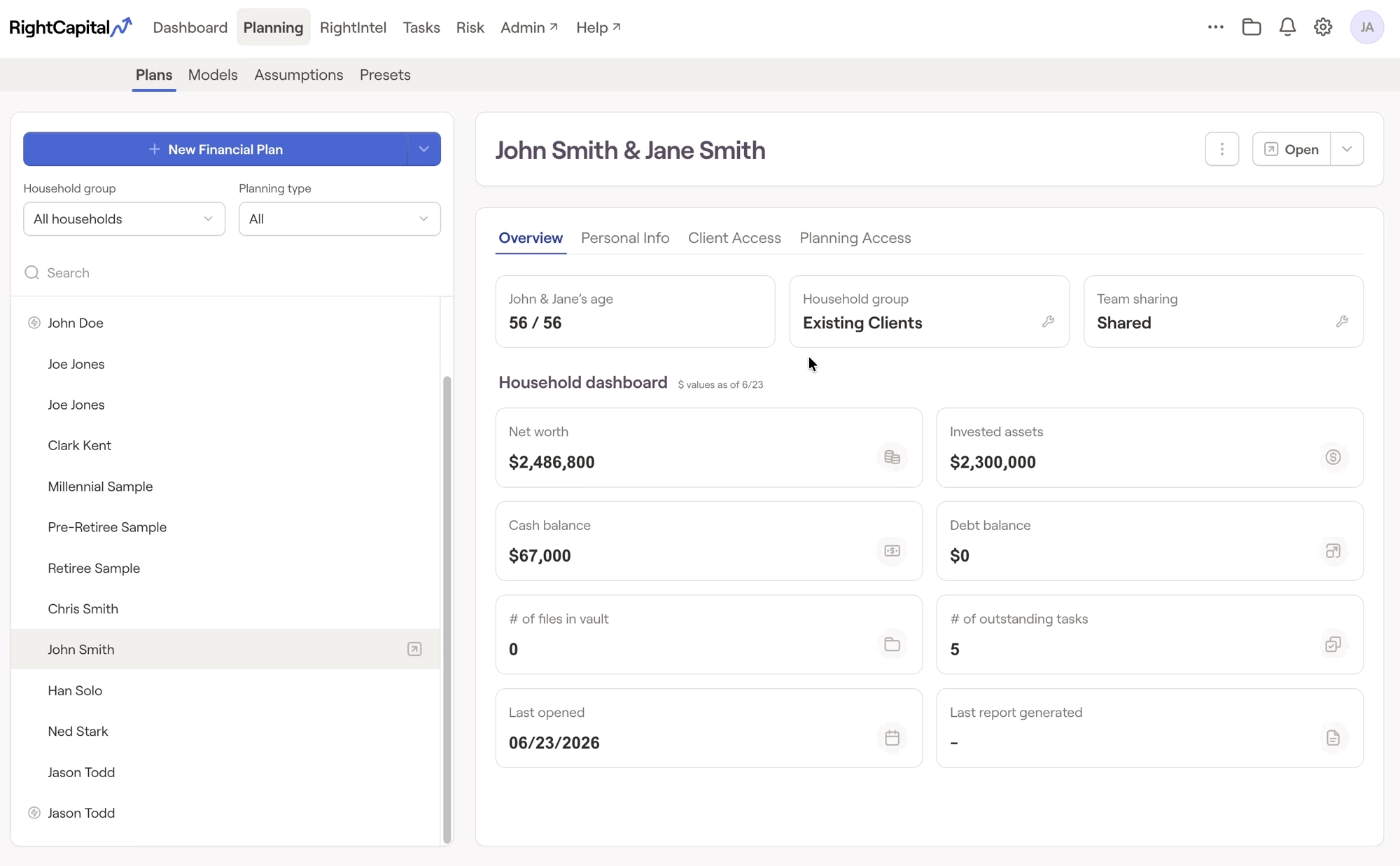
To access the privacy setting, advisors can select a household from their list under Planning > Plans, choose the Overview tab on the right and select the Team Sharing option at the top. This will stop teammates who are in a collaborator or observer role from accessing the plan.
To access the privacy setting, advisors can select a household from their list under Planning > Plans, choose the Overview tab on the right and select the Team Sharing option at the top. This will stop teammates who are in a collaborator or observer role from accessing the plan.
Please note:
Super Administrators can view all private financial plans.


