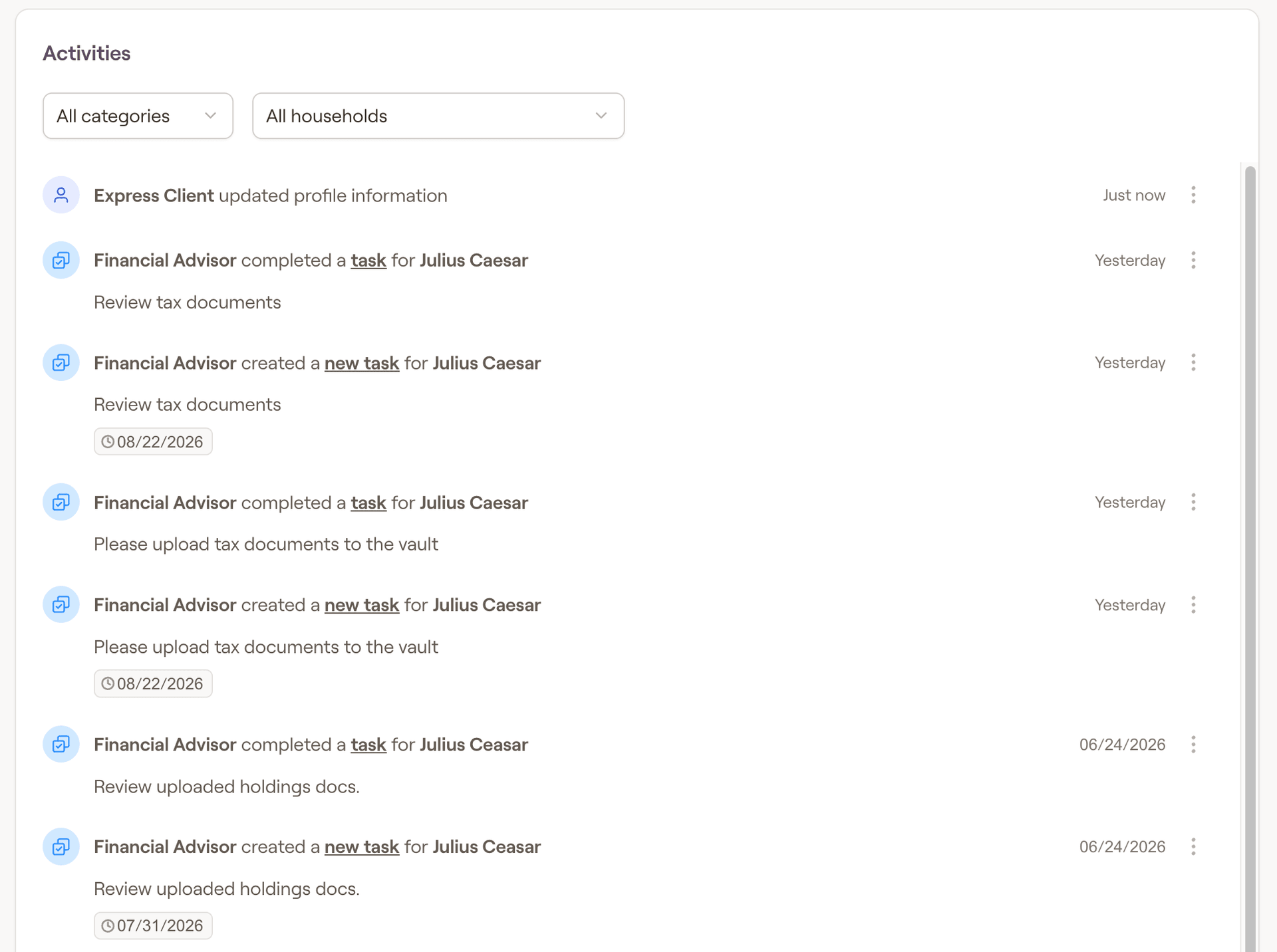
Within the Dashboard tab of the Advisor Portal, the activities tab will display recent activity across your book of business within RightCapital:
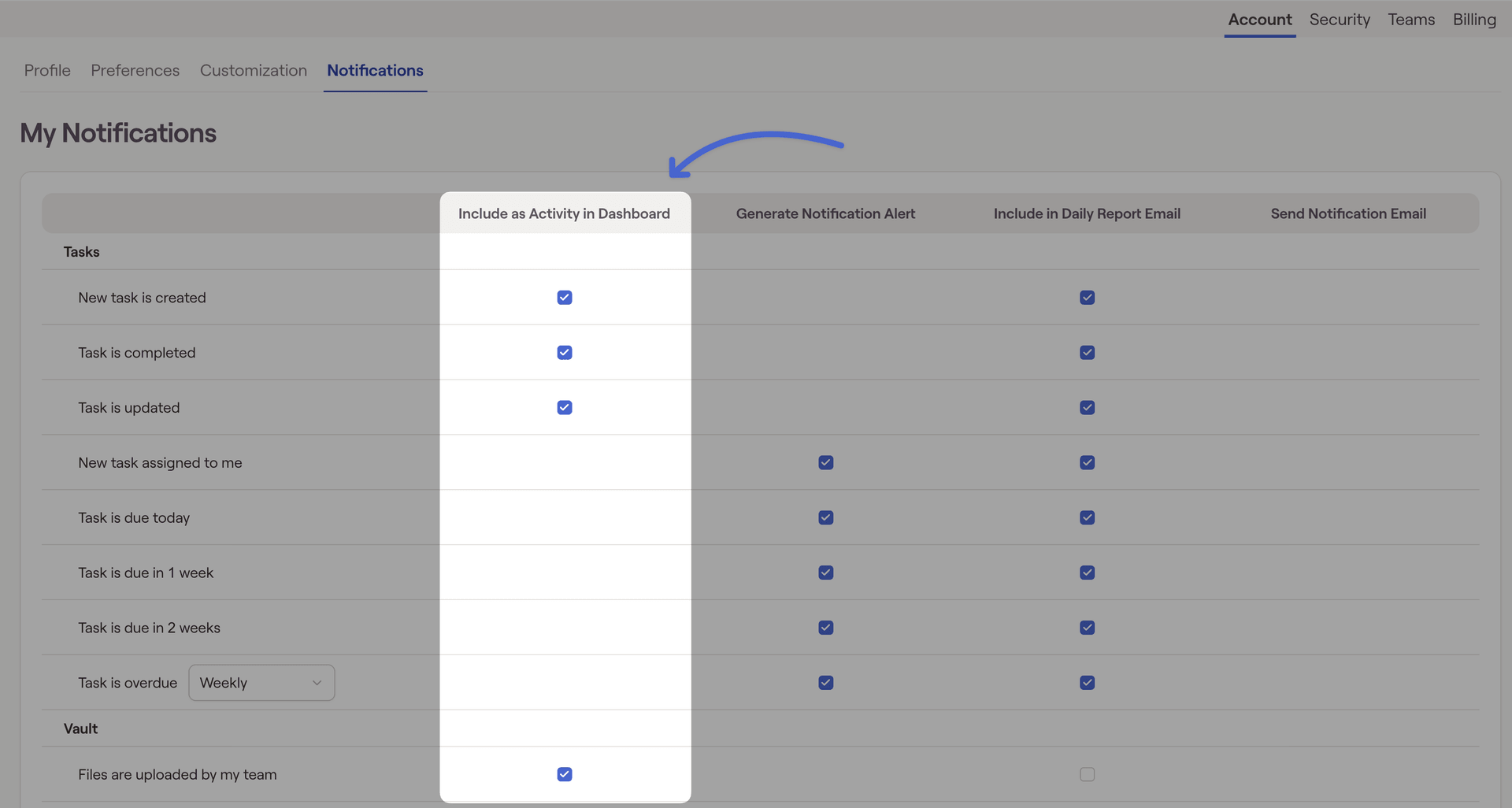
Activity that will appear here can be controlled from the Gear Icon > Account > Notifications tab. Activities that can be enabled for the activity tab include tasks, vault uploads, client activity (can also be viewed under RightIntel > Insights > Client Activities), and workflows: