To create a new default Snapshot, first create a Snapshot Template with your desired items and layout. This is done in the Advisor Portal > Templates > Snapshot tab. Then, navigate to the Client Settings > Household Groups tab, and select this template as the new default for one or both "default" groups:
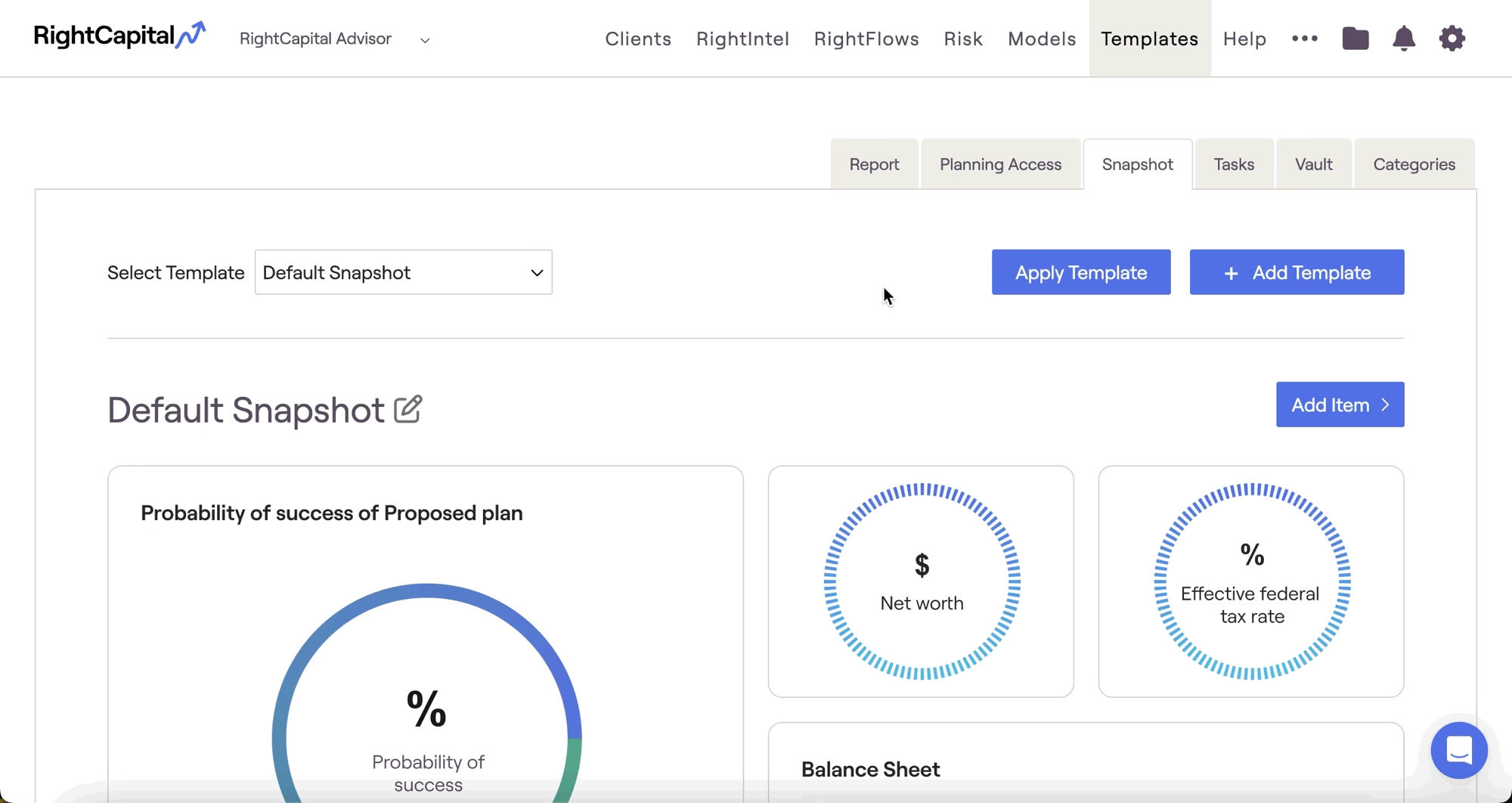
Please note that this will only apply to newly created households going forward in these respective household groups. For existing households, you must manually apply the new default in the Templates > Snapshot tab.


