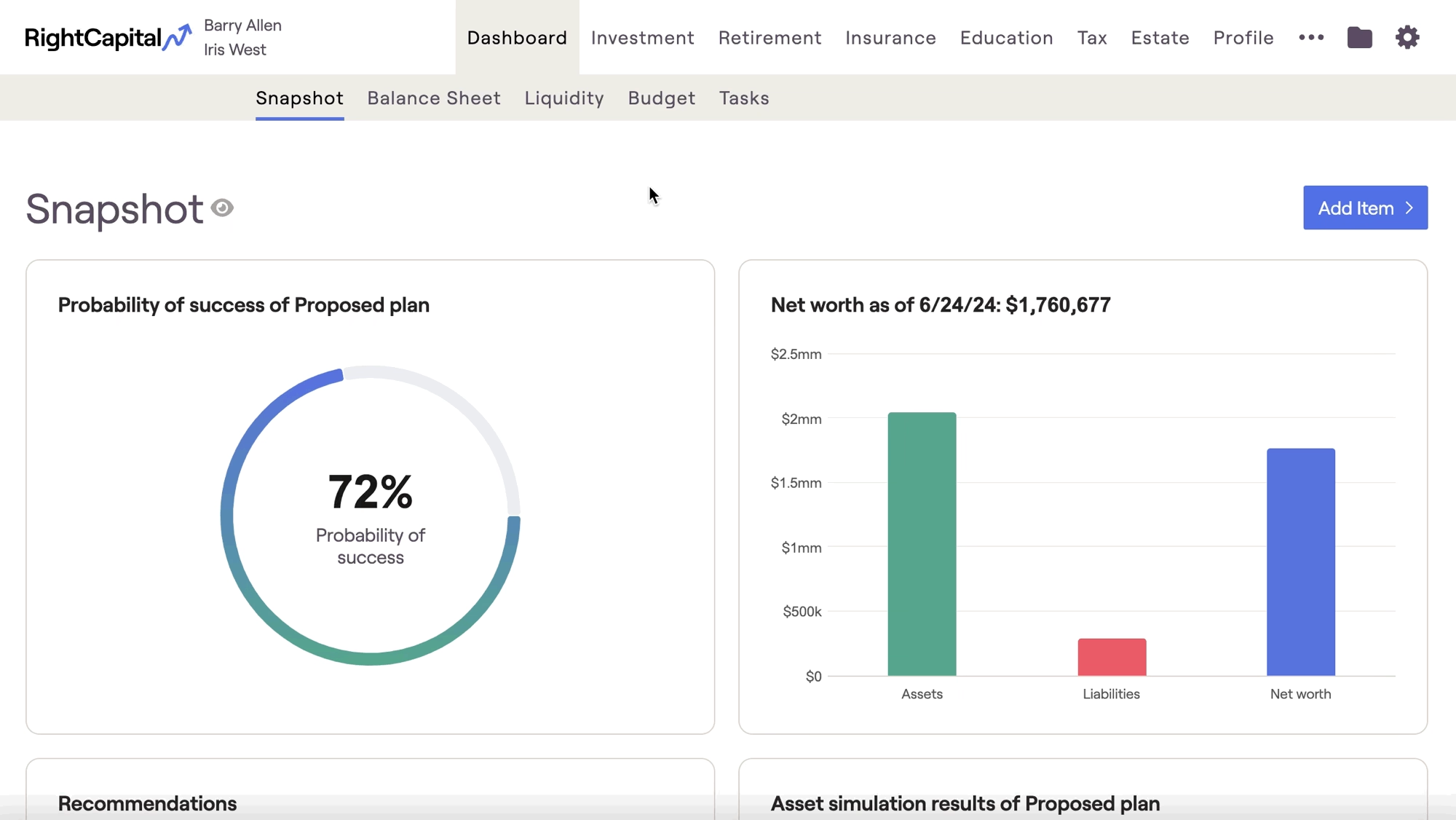
Where can I find more details on each Snapshot item?
Within a specific client plan, you can find more information on a given item by hovering your mouse over a Snapshot tile, and clicking the 'Open Item' button in the upper right. This will launch you into the corresponding area of the RightCapital software: