Overview
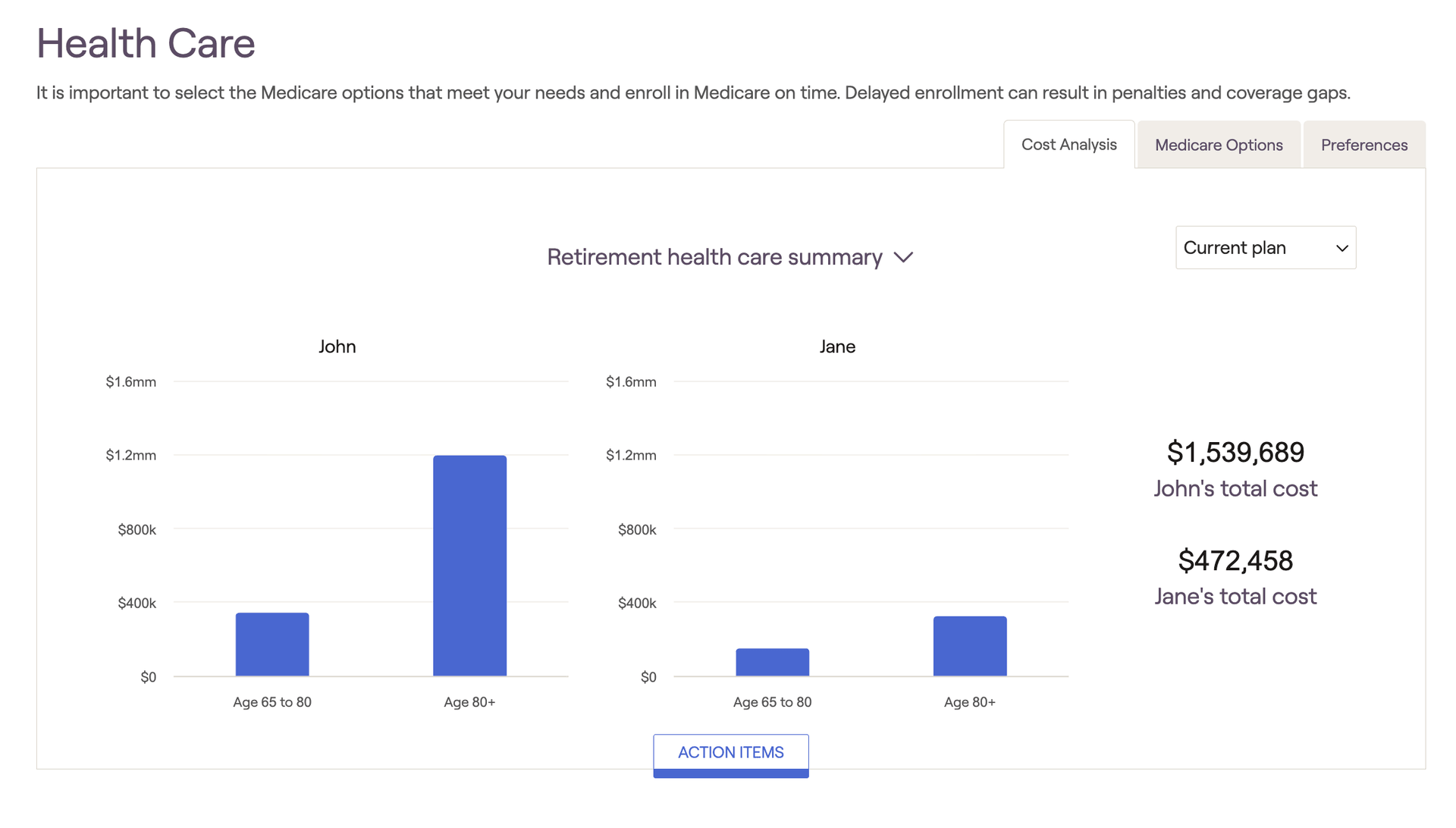
The Retirement > Health Care > Cost Analysis tab will display summaries of healthcare costs across the plan:
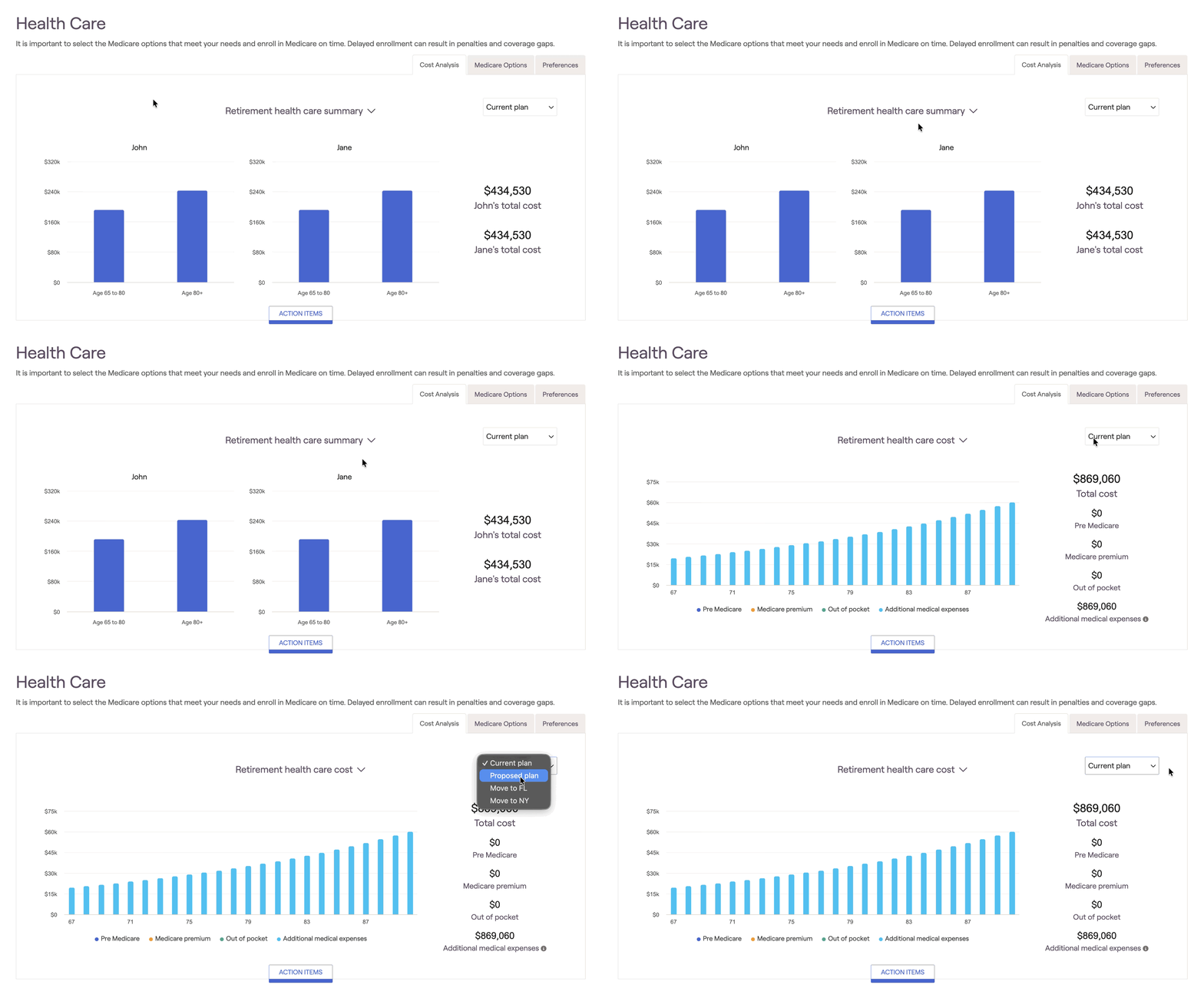
Retirement Health Care Summary
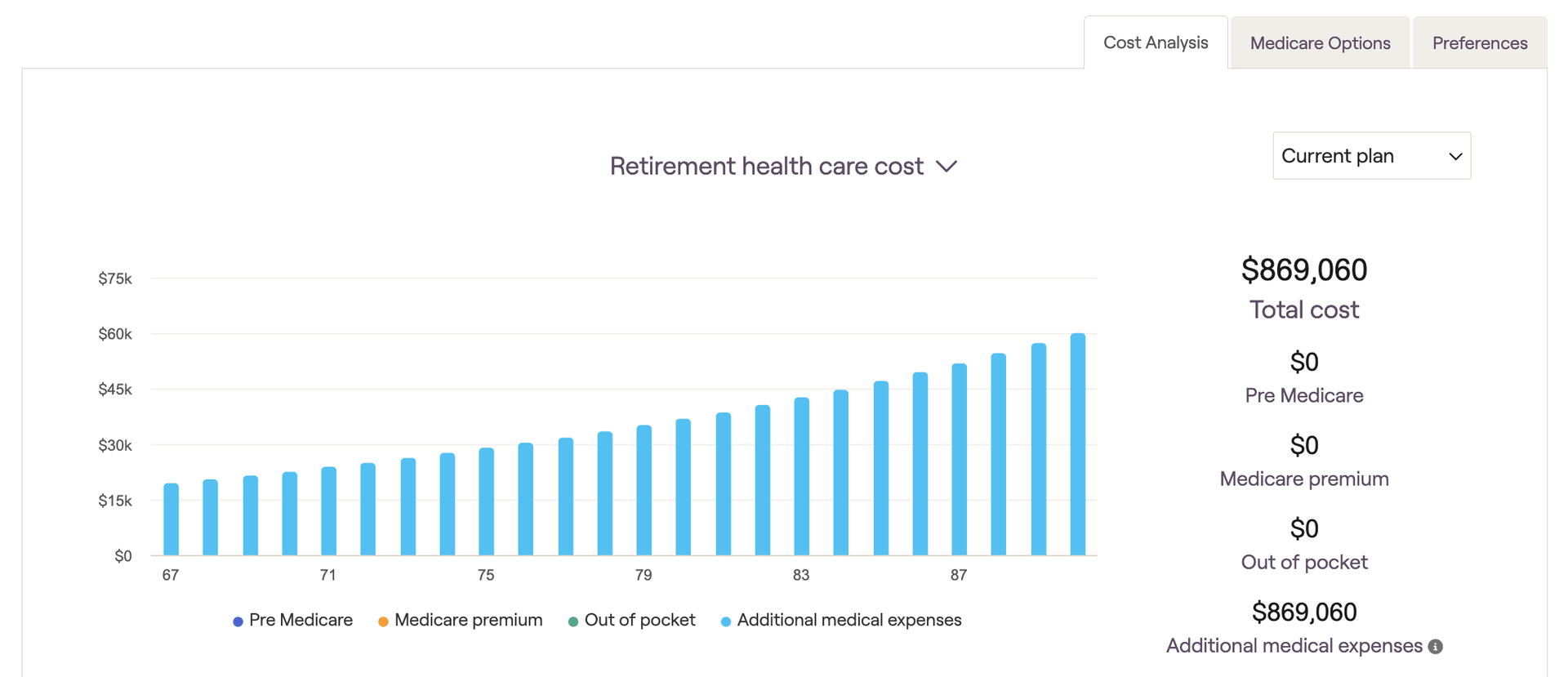
Retirement Health Care Cost
The second section is the Retirement Health Care Cost. This section will display health care expenses broken out by
Pre-Medicare
Medicare Premium
Out of pocket
Additional healthcare expenses
Action Items
At the bottom of the Cost Analysis page is the Action Items. Here, different options can be adjusted to adjust the medicare strategy:
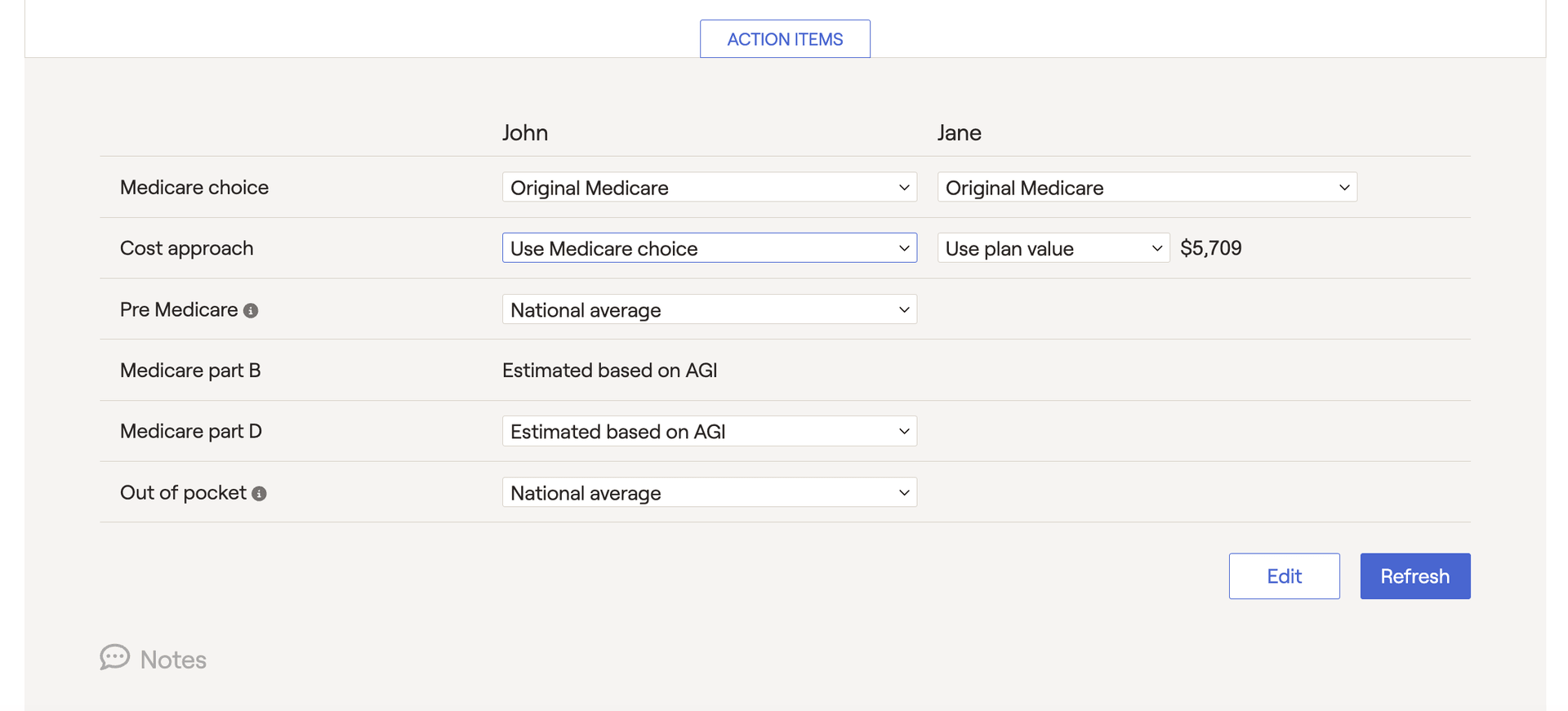
This section has options for medicare choice, including cost estimates for pre-Medicare, Medicare Part B & D, and out-of-pocket costs. If the plan is set to a national average or customized amount option under Profile > Goals > Retirement Healthcare, then an additional option will be available for adjusting the Cost approach.
For more information on medicare options, please consult this article:


