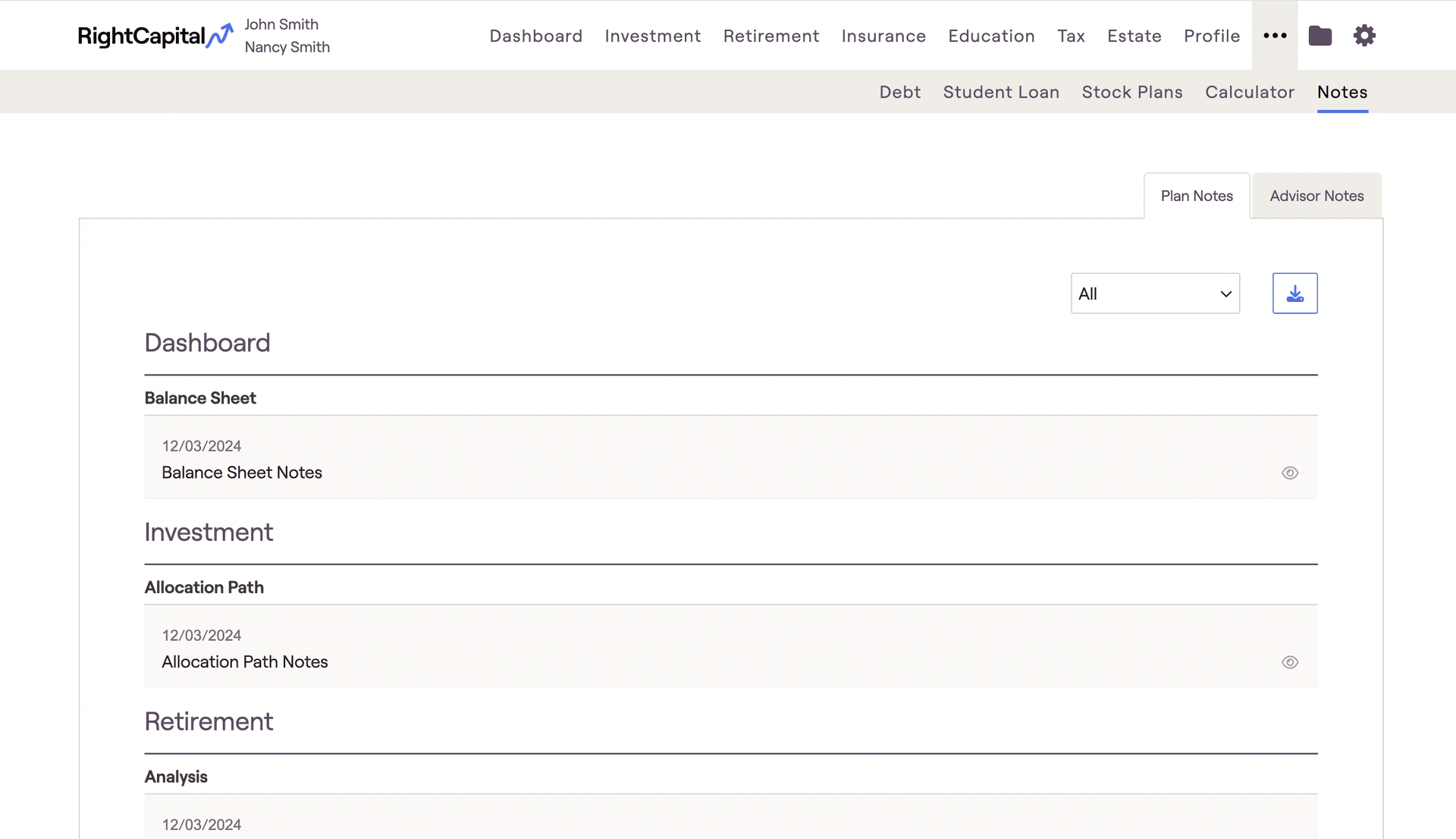
The Plan Notes tab will display all notes you have entered within each planning module. This tab provides a detailed overview of each note section and the date the note was created. Click on the "All" drop-down to isolate a specific module in the Note tab.
Sharing Plan Notes with Clients:
If you do not wish to share the note with the client, select the "👁" icon to switch the view from "Shared with client" to "Not shared."


