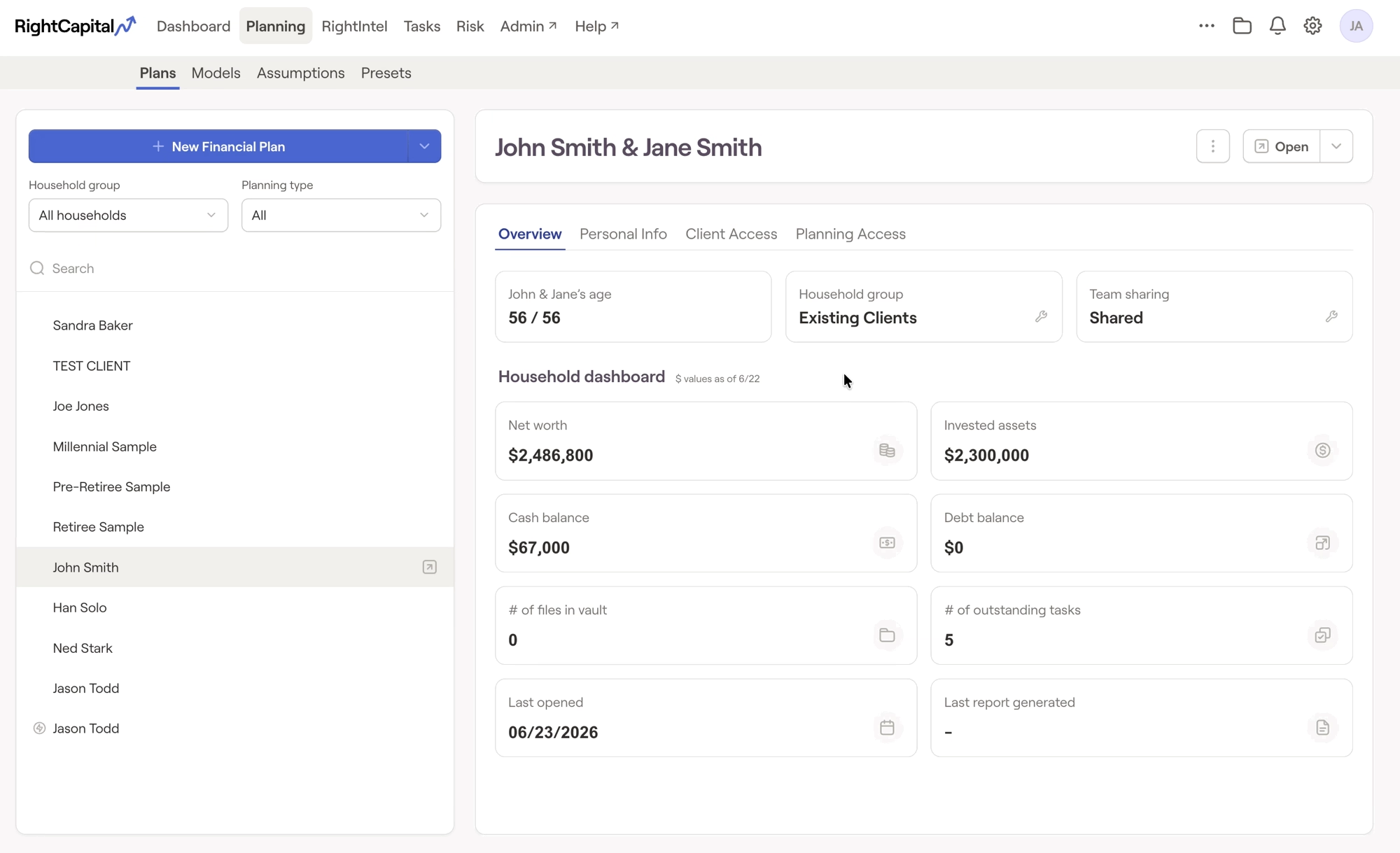
The client list in the Advisor Portal > Planning > Plans tab allows listing all client information, or using a discrete, searchable list that will not immediately preview client details. To hide the client list by default, visit the Gear Icon > Account > Preferences tab and check off "Do not automatically list my households on the Plans page". This will create a searchable list that can pull up households without exposing additional client details from your book of business: