View Invoices
To access the Invoices tab, navigate to the Gear Icon > Billing > Invoices. The Invoices tab will provide a detailed overview of all yearly or monthly invoices.
Download Invoices
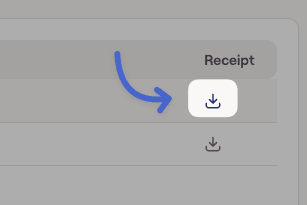
To download your invoice, click the blue down arrow icon. This will download a PDF copy of the invoice.
Invoice Status
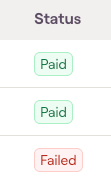
In the Invoices page you can also see the status of the specific invoices for your account by charge. If the last attempted payment has failed on an open invoice, we’ll display the option to ‘Retry’.