If you plan on including additional documents (from outside of RightCapital) within your report, you can turn off the page numbers using the toggle at the bottom of the checklist. This allows for more seamless integration of additional pages and outside documents:
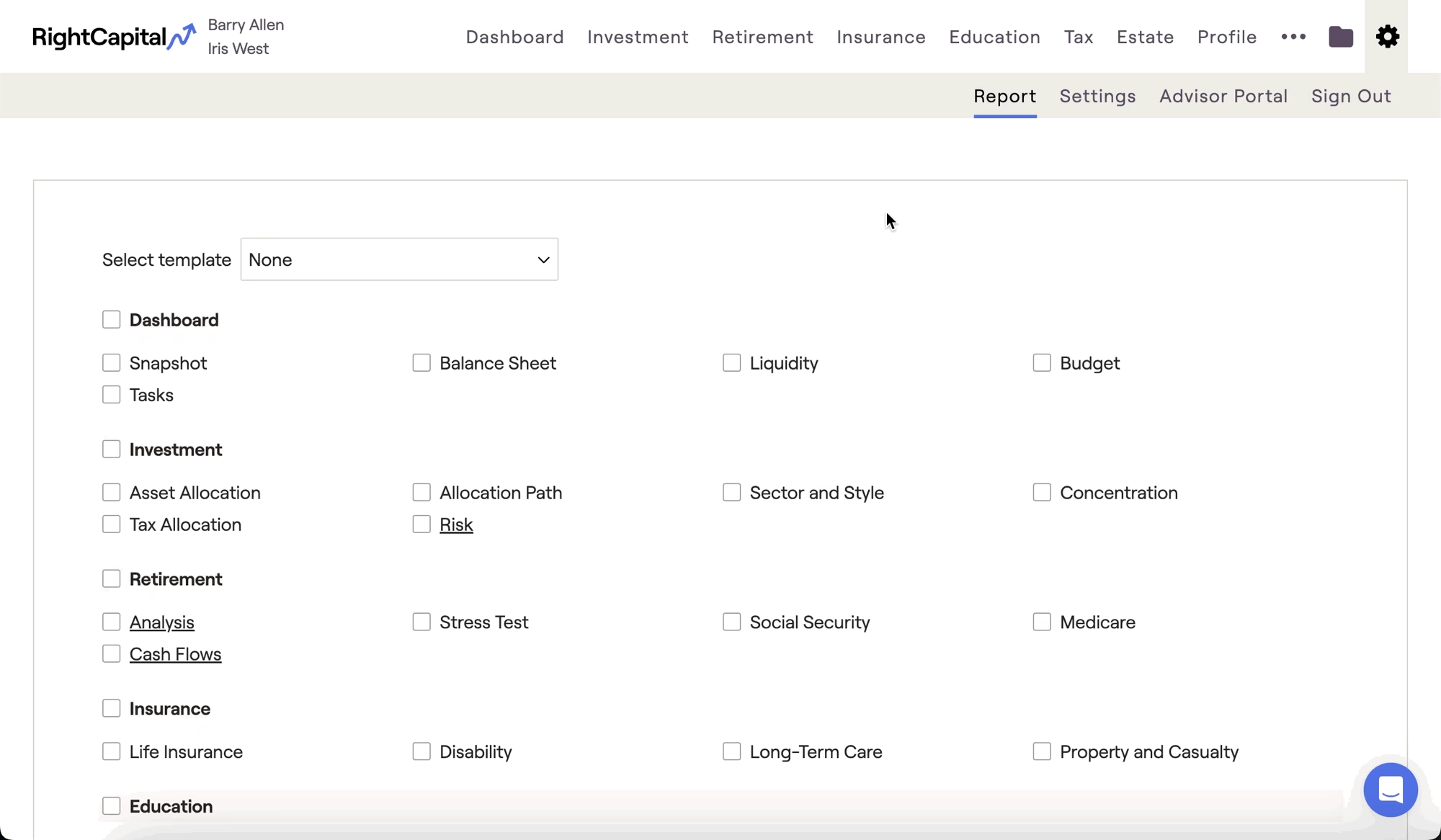
If you'd like to add additional pages within RightCapital, you can click the + New Page button near the bottom of the checklist. This will allow you to customize the title and subtext to suit your needs. This feature supports rich text like bold and italic font, as well as headers and bullet lists. Highlight a word or phrase to see rich text options:
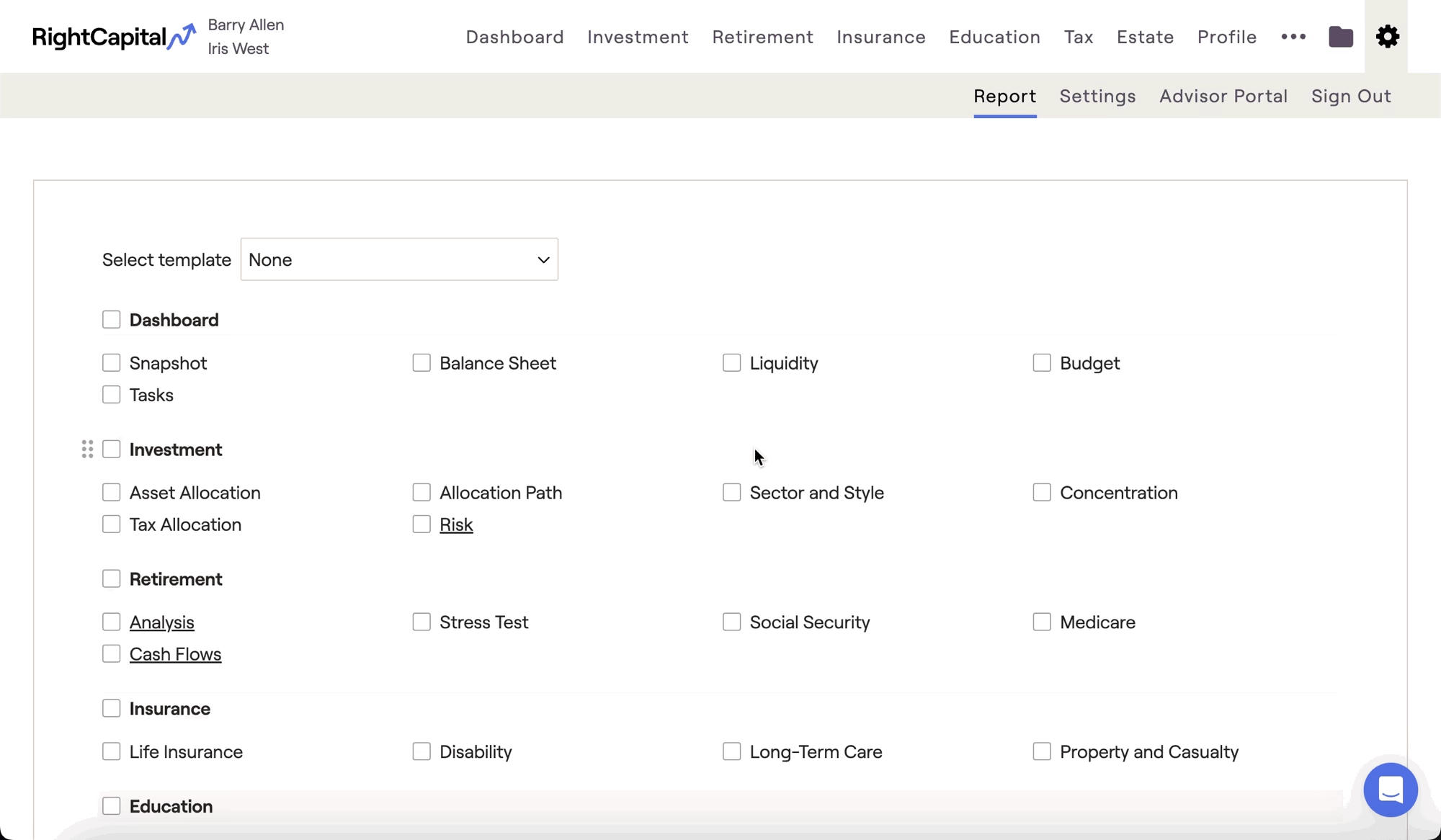
After adding your new page, you can drag and drop it to choose where you want it to appear in the report. To make future edits to a custom page, click the chat bubble icon next to that page in the report checklist. There is no limit to the number of new pages that you can add.


