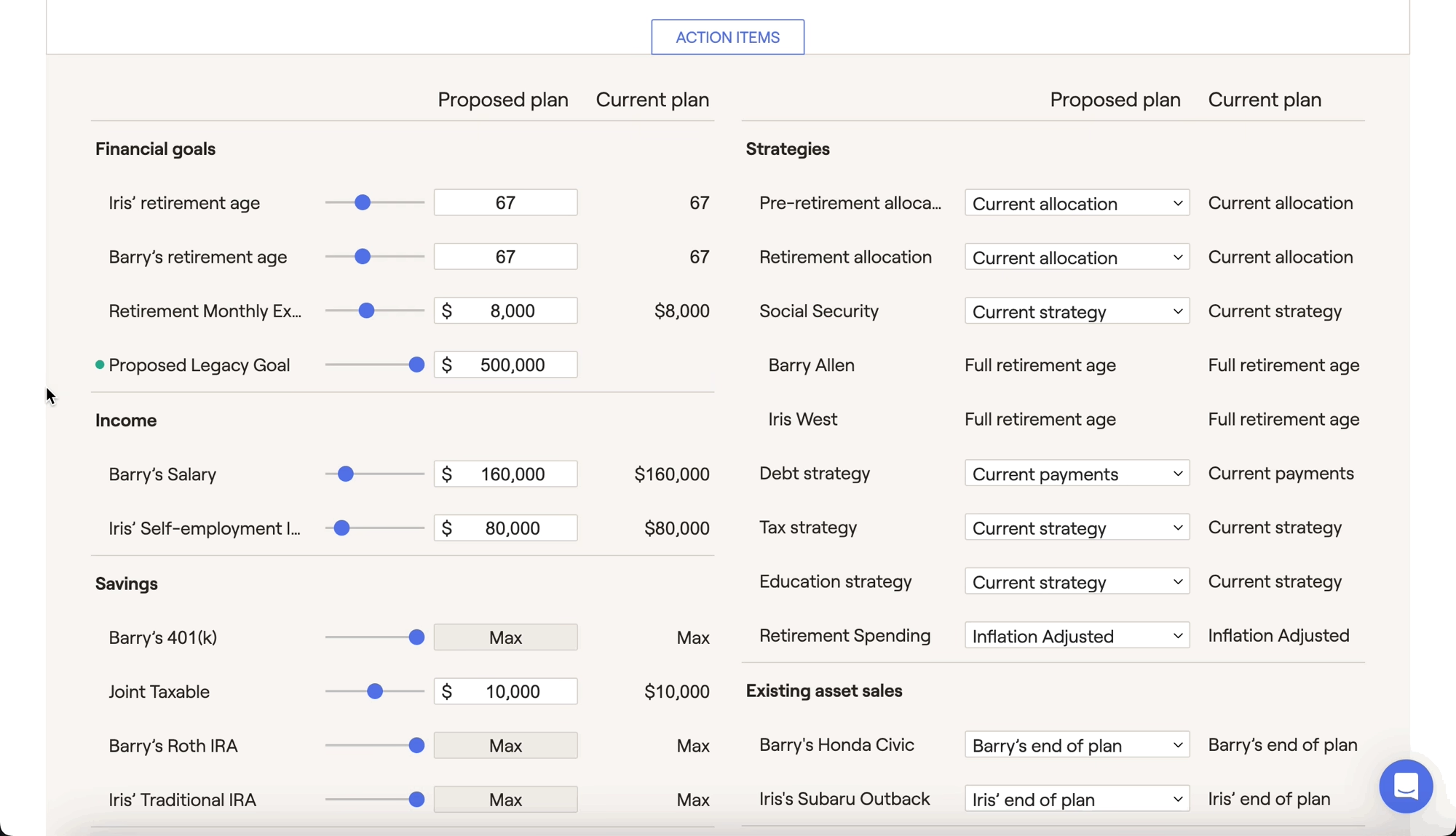
When I add a new action item, will that impact all of my proposals?
If the household has multiple plans, the new action item will only be added to the proposal that you are currently making adjustments to (selected on the left-hand side). It will be turned off for all other plans by default. To turn that new item on within a different plan:
Switch to that plan on the left side of the Probability tab.
Click the Edit button in the lower right of the Action Items, and check the box for the newly added item.
Click Save in the lower right.
Contact Us
For additional assistance within RightCapital please contact our Support team.
Educational Webinars
RightCapital is committed to enabling your success. Each week, we cover essential planning modules and product updates.
RightCapital in Action
Check out our YouTube channel where we highlight Advisor Success Stories and share more Tips & Tricks!