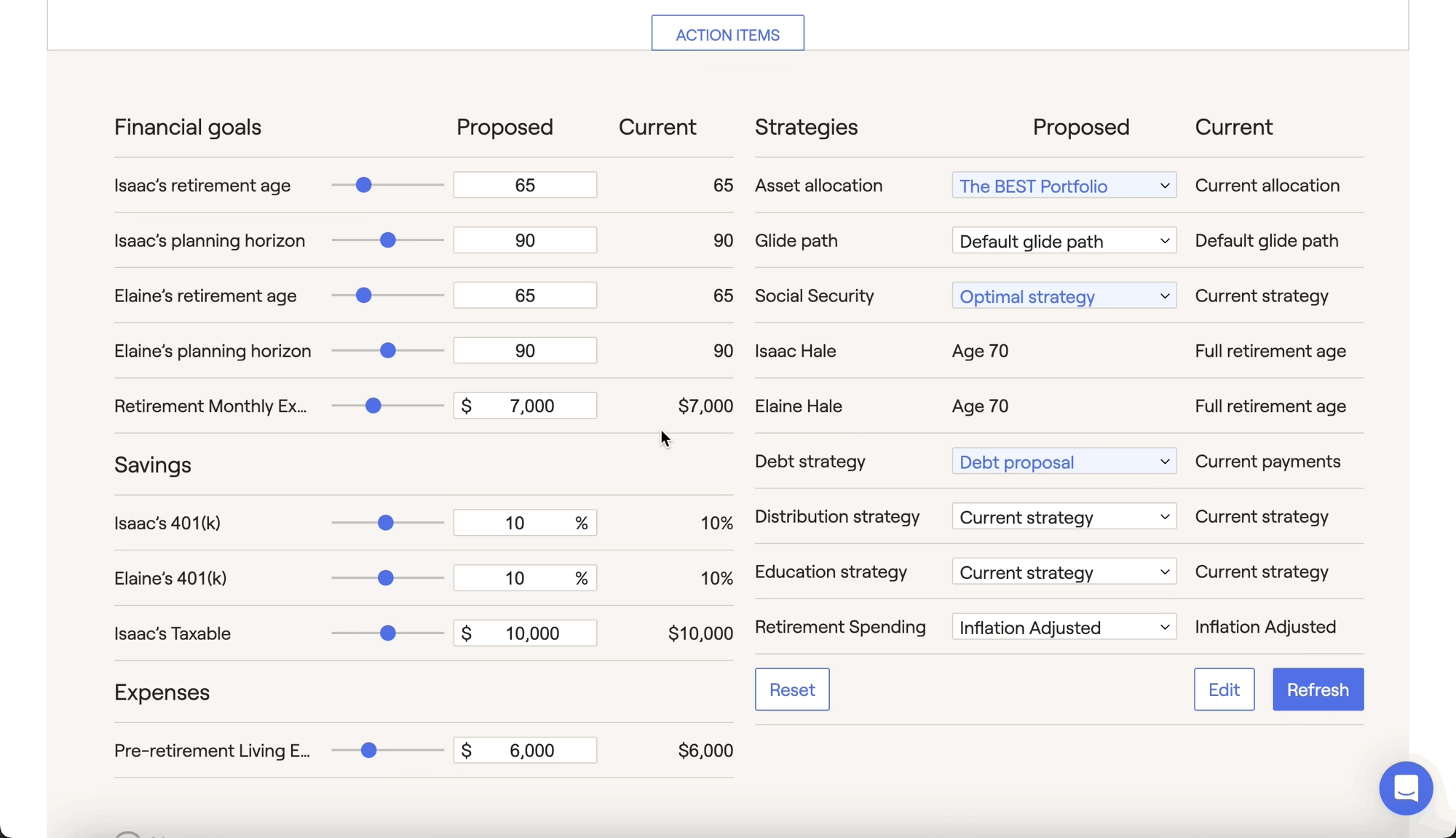
Can I add new items that are not part of the client’s current plan?
Yes! To add new items to a client's proposal that do not exist within the Profile, you can click the Edit button in the lower right of the Action Items, and then click the Add New Items button. This allows you to add additional goals, income, expenses and more to just the Proposed Plan. After being added, these items will be easily identifiable by their darker gray color in the Action Items:
Contact Us
For additional assistance within RightCapital please contact our Support team.
Educational Webinars
RightCapital is committed to enabling your success. Each week, we cover essential planning modules and product updates.
RightCapital in Action
Check out our YouTube channel where we highlight Advisor Success Stories and share more Tips & Tricks!