As a privacy measure for clients, the Transactions tab is not visible on the advisor side by default. However, invited clients can choose to share their transactions with you by logging into their client portal, navigating to the Gear Icon > Security > Permissions tab, and unchecking the 'Hide my bank and credit card transactions from my advisor' setting:
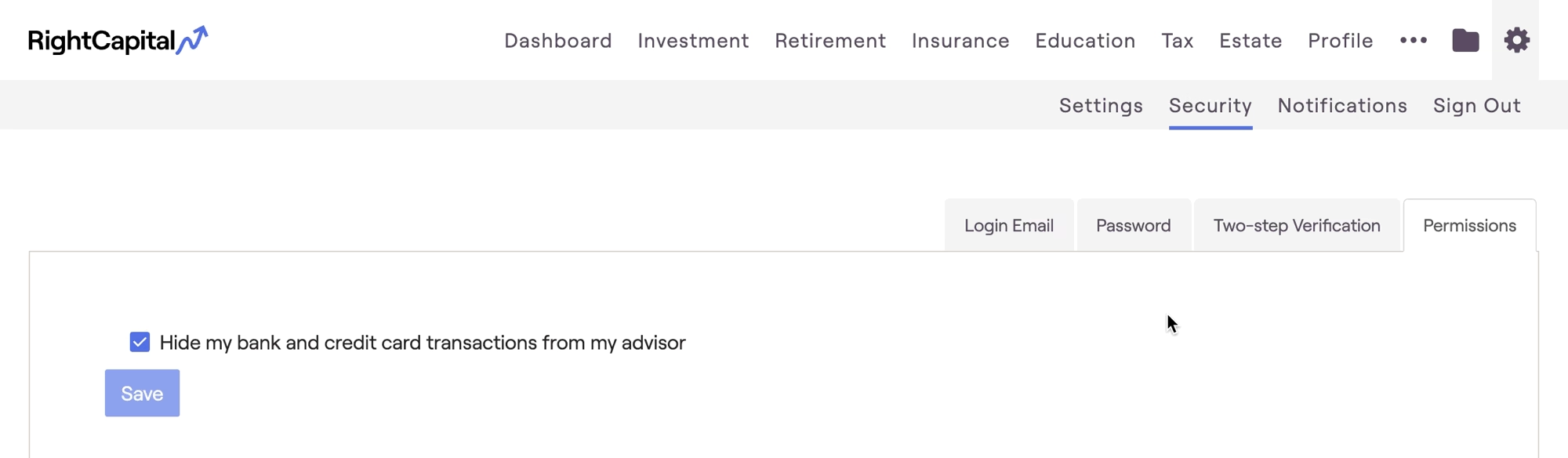
With this setting deselected on the client side, you'll be able to view and assist clients in managing their transactions going forward.


