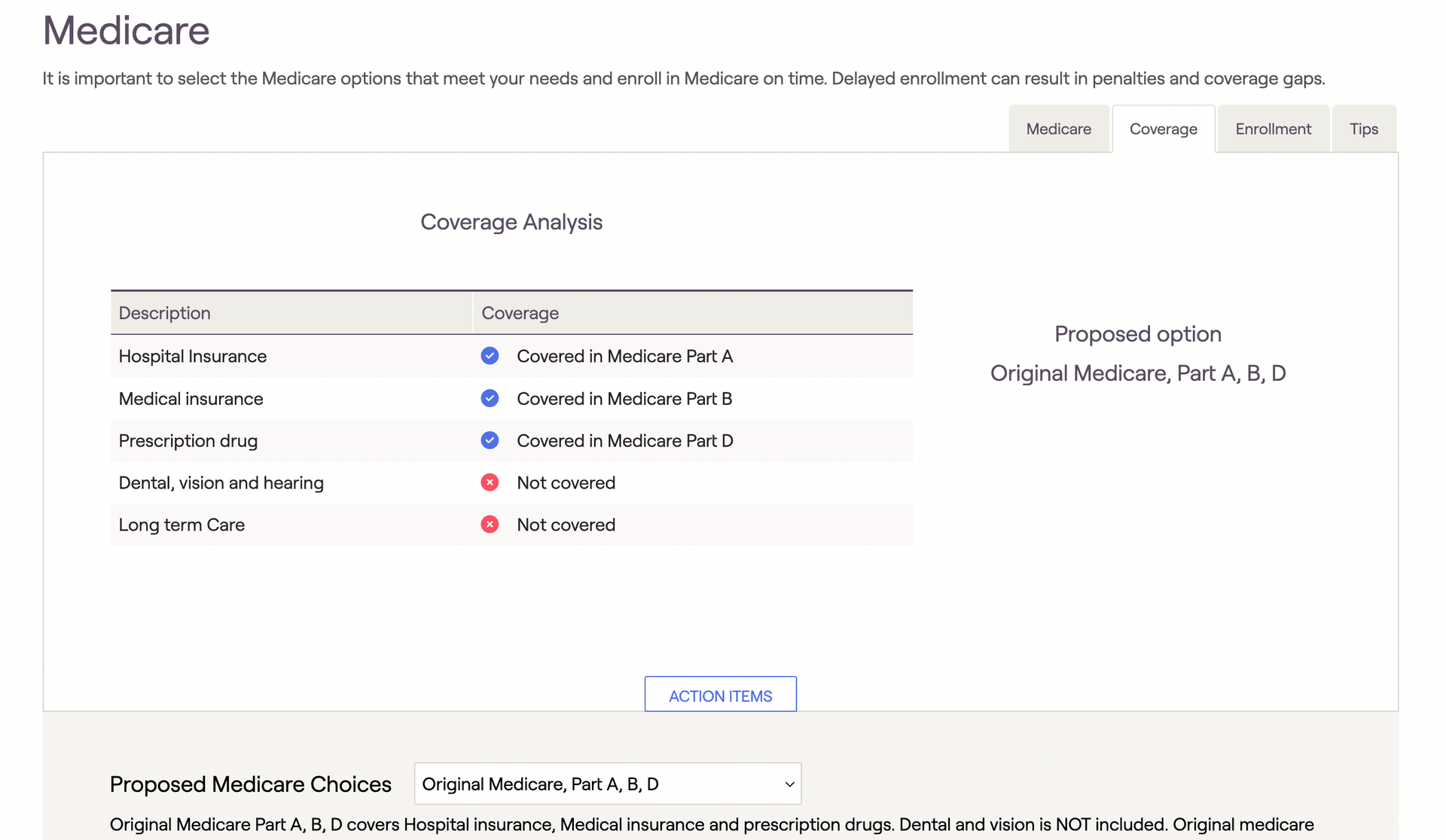
Once a proposed Medicare option has been selected in the Proposed Medicare Choices section, the Coverage tab will show a summary of what will be covered by the proposed option.
A blue checkmark indicates the item is covered; a Red 'X' indicates the item is not covered. Toggle the proposed Medicare choices by opening Action Items.
A blue checkmark indicates the item is covered; a Red 'X' indicates the item is not covered. Toggle the proposed Medicare choices by opening Action Items.


