
This article covers the Action Items when using the Life Insurance Analysis for a joint household. For more information on the Life Insurance Analysis for single clients, click here.
If you are familiar with the Action Items in the Retirement Analysis module, the functionality in the Life Insurance Analysis is very similar. The inputs and values entered into the Profile will be used as the baseline information for each insurance analysis.
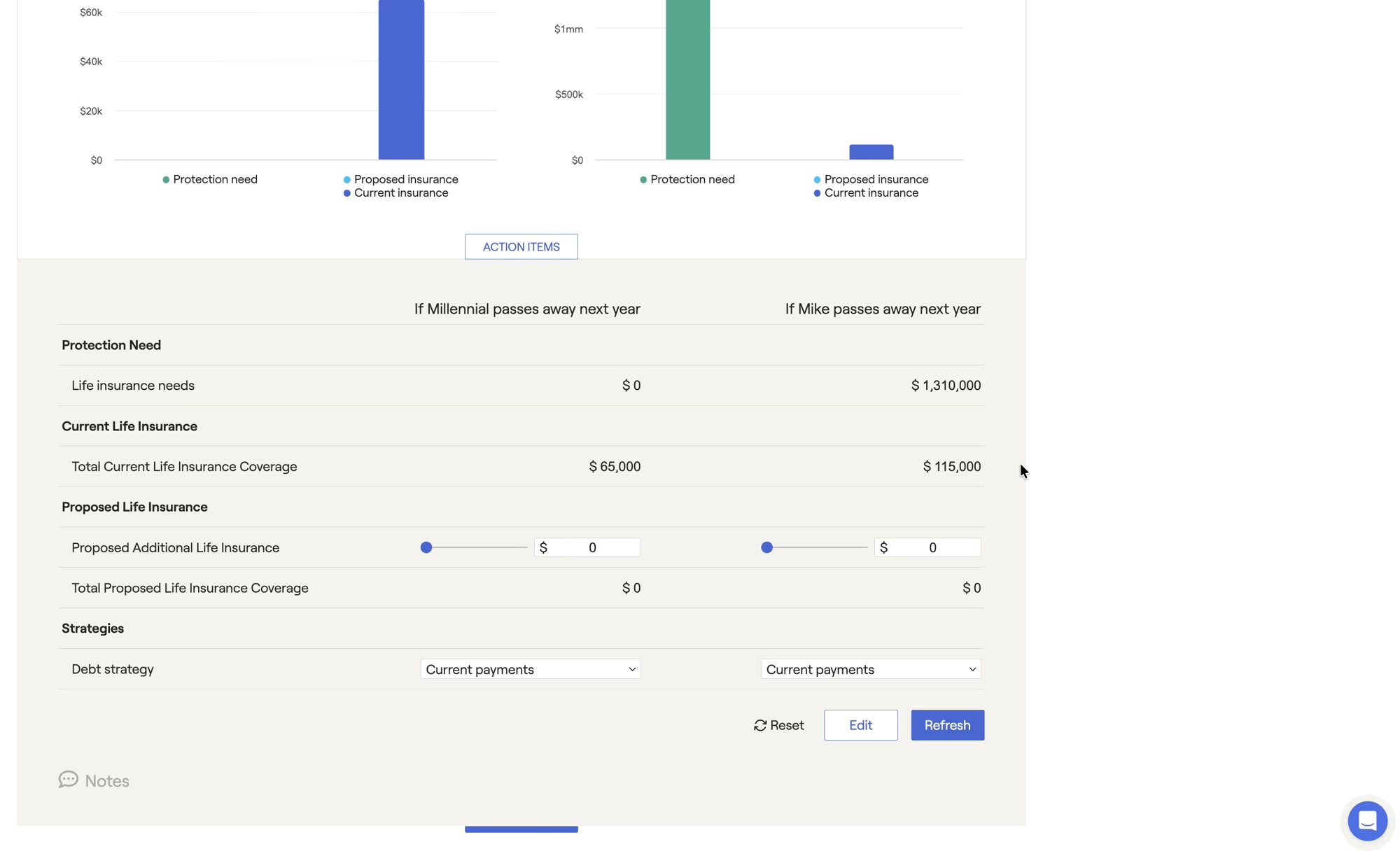
Much of the time, income, expenses, savings, and goals are entered into the Profile with the expectation that both clients will make it to the end of the plan projections. However, in the event of a premature death, many of these variables would likely change for the surviving client. For this reason, it is essential to review the action items to make sure that the protection need being calculated is based on sound, realistic data.
For example, if someone's spouse were to pass away prematurely, perhaps the surviving client would no longer pay for a child's college education. You can account for this by adding the college goal to the Action Items, and adjusting the cost in either scenario to see the impact:
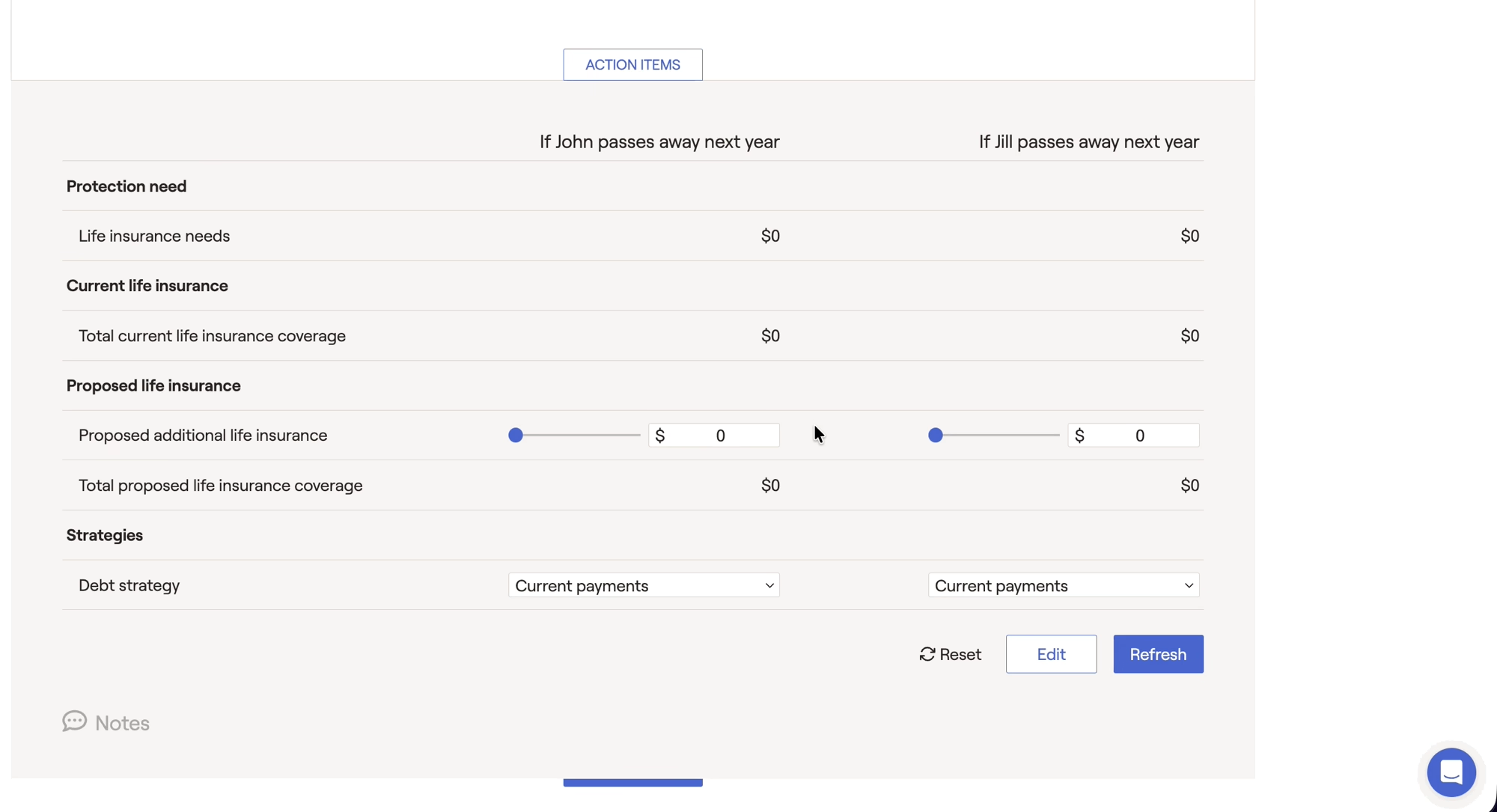
Some unique action items are available within the Life Insurance Module:
- Event timing will allow you to control the timing of when the client will pass away.
- Current life insurance will allow you to add options to add or exclude existing life insurance policies that have already been added to the plan. This option will display a 3rd bar on the graphs shown above, displaying excluded insurance policy values.
To remove an unwanted item from the life insurance analysis, it would have to be checked under Action Items > Edit, and then manually set to 0 or removed. Additionally, you can clear any edits made in the action items by selecting "reset" at the bottom of the page.
As a note, adding action items under the edit option is not adding that point to the Life Insurance scenario, it is just making it available to be modified. Any unselected action items will still apply to the analysis and the protection need. For example, leaving the long term care options unchecked is not removing LTC from the life insurance analysis scenario.


