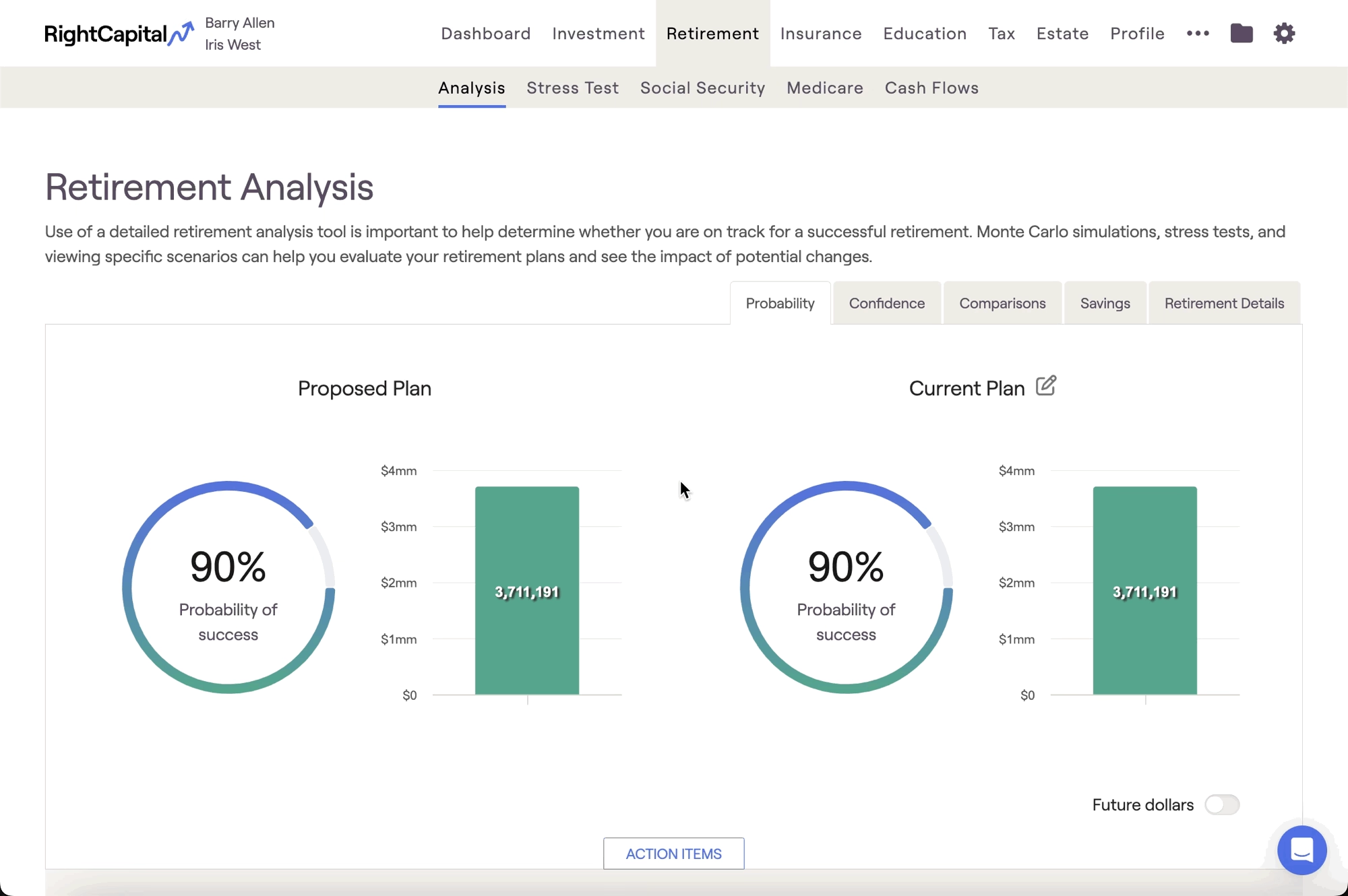
While there isn't an option to import proposed additional coverage directly into the Retirement Analysis, you can use the Retirement > Analysis > Action Items to propose a Long Term Care policy that is identical to the one you've modeled within the Insurance > Long-Term Care module.
To propose an LTC policy, scroll down to the Action Items at the bottom of the page, click the Edit button in the lower right, and then click Add New Items > Insurance > Long-Term Care. You can then enter the same policy details, and click Save in the lower right to add it to your proposed plan.