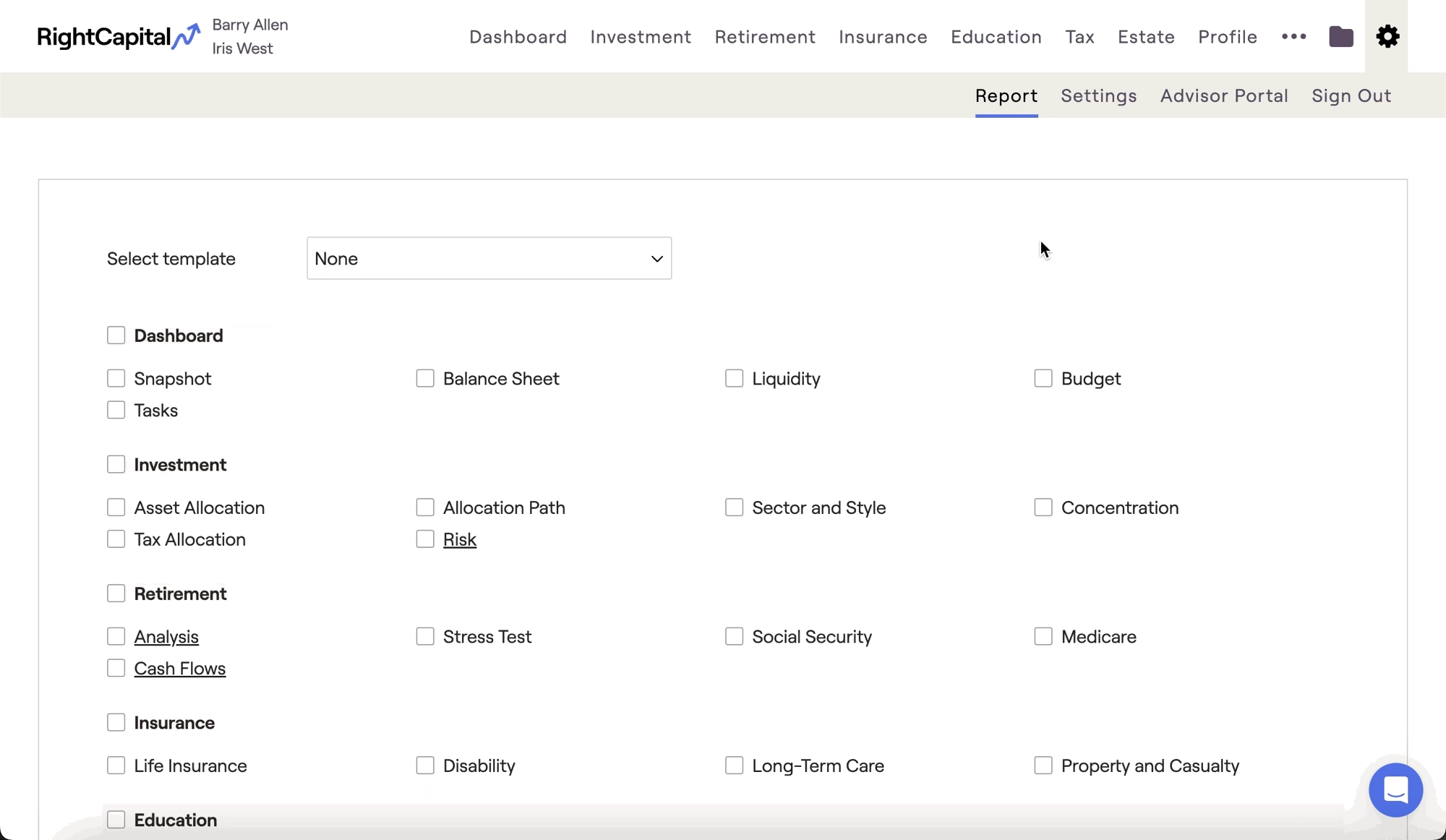
You can generate a liquidity report in the Gear Icon > Report tab. Check the box next to "Liquidity" in the Dashboard section, and then click the "Download Selected Pages" button in the lower left of the page:
Contact Us
For additional assistance within RightCapital please contact our Support team.
Educational Webinars
RightCapital is committed to enabling your success. Each week, we cover essential planning modules and product updates.
RightCapital in Action
Check out our YouTube channel where we highlight Advisor Success Stories and share more Tips & Tricks!