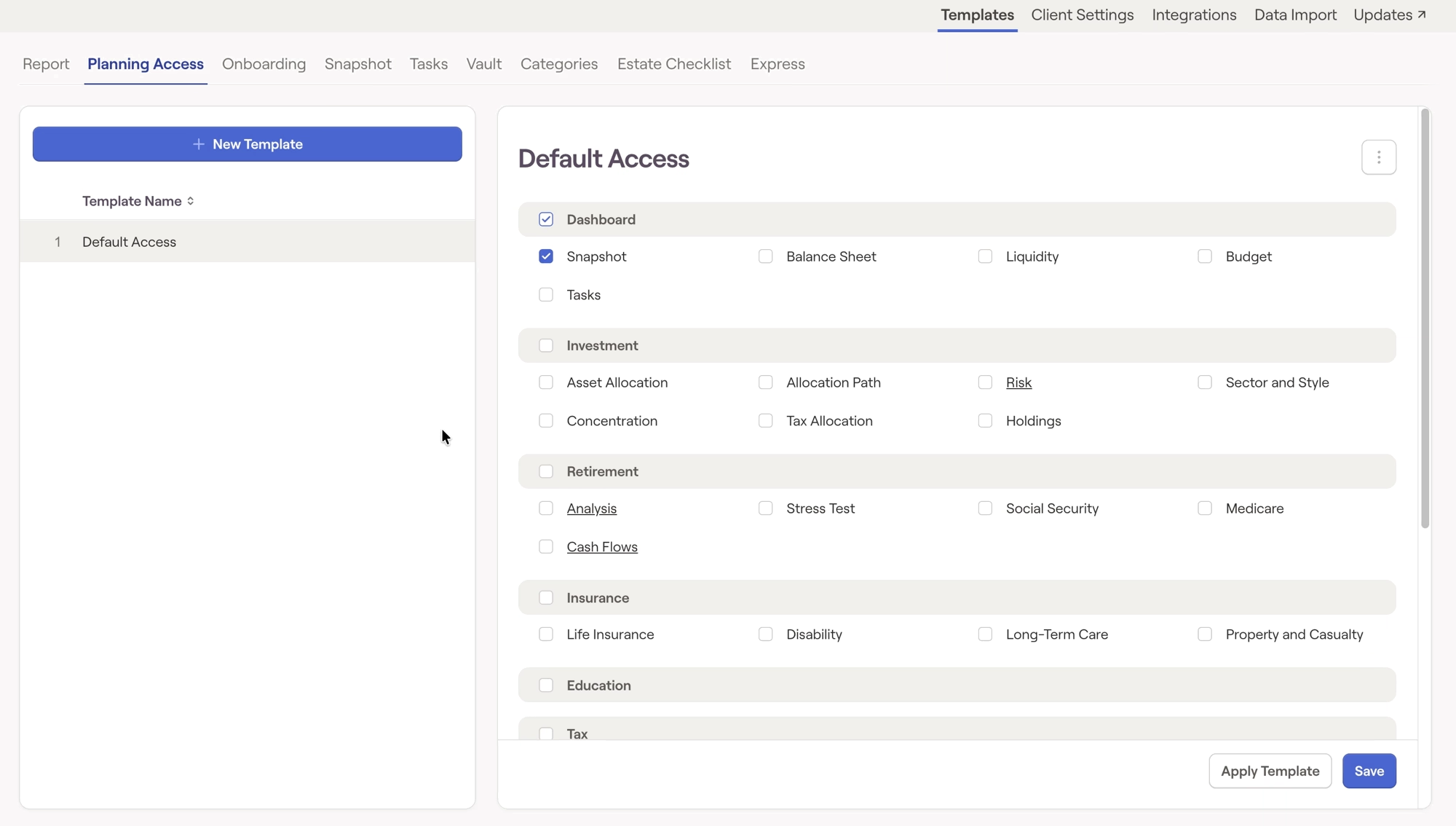
In the Templates tab of your Advisor Portal, you can choose a template you've already created and make any edits that you need. After making your changes, click Save in the lower right corner:
In the Templates tab of your Advisor Portal, you can choose a template you've already created and make any edits that you need. After making your changes, click Save in the lower right corner:

RightCapital is committed to enabling your success. Each week, we cover essential planning modules and product updates.

